
All-in-one marketing platform for email, SMS, WhatsApp and CRM automation
6.2M visits/mo+10%#17 Business & Marketing
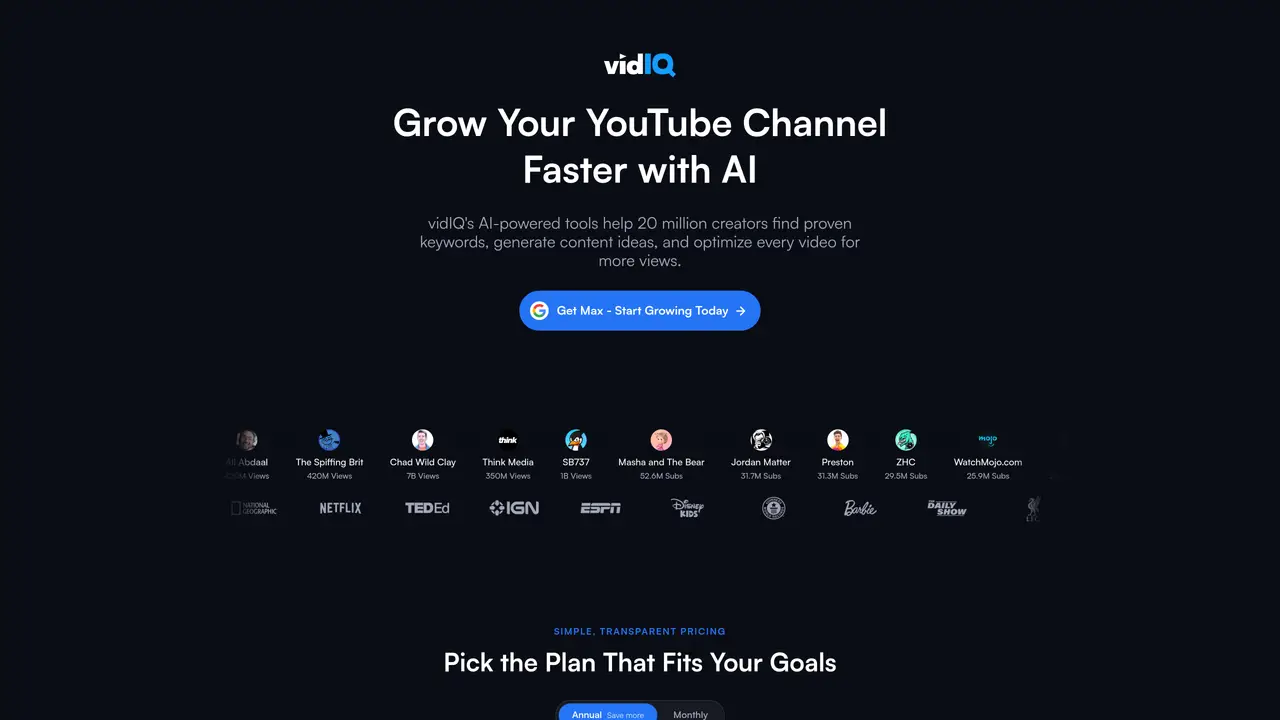
vidIQ provides a suite of tools for YouTube and Instagram creators to research, optimize, and grow their channels. It includes AI-driven features for generating video ideas, writing titles and descriptions, creating thumbnails, and analyzing competitors. The platform offers keyword research with real search volume and competition scores, real-time analytics, and personalized growth coaching. Users can clip long-form videos into Shorts or Reels, track channel performance, and receive daily content ideas tailored to their niche. The toolkit also includes a browser extension for instant video insights and an MCP integration for use with AI assistants like ChatGPT or Claude. vidIQ supports both individual creators and enterprise teams managing YouTube at scale.
vidIQ is a suite of tools designed to help YouTube and Instagram creators research, optimize, and grow their channels. It offers AI-driven features for generating video ideas, writing titles and descriptions, creating thumbnails, and analyzing competitors.
vidIQ is best suited for individual creators, small teams, and enterprise brands managing YouTube channels at scale. It also supports Instagram Reels creators looking to repurpose content and optimize posts.
Yes, vidIQ offers a free plan that includes access to core features such as keyword research, video ideas, and basic analytics. Additional advanced features are available on paid plans.
Yes, vidIQ provides an MCP integration that allows users to bring YouTube insights into their favorite AI assistants, such as ChatGPT or Claude, for streamlined content planning and research.
vidIQ supports both YouTube and Instagram, offering platform-specific tools for video and Reel optimization, keyword research, and performance tracking.
To get started, users can sign up for a free account on the vidIQ website using their Google account. The platform provides guided onboarding to help users set up their channel and begin using the tools.
vidiq.com · third-party estimates from Similarweb
Last 3 months · grows by one month every month
Share of visits · estimated visits
Other countries: 47.9%
How people reach this site from other AI tools
198K a month · 2.9% of all visits
Business & Marketing · Sep 2026
Traffic figures are third-party estimates, good for scale and trends; they can differ from a company's own numbers. Updated monthly.
I run a small channel that publishes AI tool guides plus Shorts. Making the videos is the fun part. The hard part was everything after: titles, descriptions, tags, keyword checks and replying to comments. vidIQ handles most of that for me now.
What I use most:
Updating metadata on a live video. I set the title, the full description with chapters, and all 20 tags without opening YouTube Studio. On a 40-minute video with 56 chapters, that saves a lot of copy-pasting.
Transcripts and comments to check what a video actually said and to answer viewers faster.
Connecting it to my AI assistant. This was the biggest win. I say “uploaded”, and the title, tags and description get applied to the right video. It made publishing part of my workflow instead of a separate chore.
If you’re a solo creator doing everything yourself, vidIQ is worth it for the time it saves on publishing alone.
We use essential cookies to run aitoolnavio™, and optional cookies to analyze traffic and measure our marketing. You choose what we use — optional cookies stay off unless you turn them on. See our Privacy Policy.
One short email a week: fresh tools worth trying, honest takes and the updates that actually matter. No spam, unsubscribe any time.
All-in-one marketing platform for email, SMS, WhatsApp and CRM automation
Automate tailored conversations, analyze customer behavior, and automate lead gen, customer service, and sales.
Monitor brand performance, create content for social media, and gain insights with deep analytics.
AI-powered platform to automate email and SMS marketing campaigns with tailored messaging for higher conversions.
Turn simple prompts into flyers, social posts, emails, event pages, and tickets using AI-powered design and marketing tools.
Monitor, schedule, and analyze customer conversations, user activity, and content performance for optimized strategies.
Automates data enrichment and personalized outreach for efficient lead generation.
Automate personalized messages, create stunning emails, and segment contacts for highly targeted campaigns.
AI-powered platform for targeted online ad management, performance analysis, and strategy optimization with human oversight.
AI ad creative and launch platform that generates UGC-style video and image ads, clones competitor concepts, and automates Meta campaign setup with performance tracking.
Create personalized videos, track engagement, optimize campaigns.
Create content, manage social media accounts, track analytics for optimizing campaigns and reaching goals.
Matched on what this tool does — grouped by the job you would be replacing.
Paid placement · similar tools from listings that support aitoolnavio™
Instant lead response for home-service pros: your phone rings on every new lead, plus 14 days of follow-up
matches AI Title Generator · Video Script Generator
matches Thumbnail Maker with A/B testing · Keyword Research with competition scores · Channel Audit and optimization tools
matches Real-time analytics and competitor analysis · Personalized growth coaching
AI platform that finds viral videos in any niche and turns them into ready-to-use video scripts for short-form creators.
Reel research and scripting tool that analyzes viral content then generates scripts in the user's voice
AI-powered content creation tools for social media creators
AI-powered tool to generate complete YouTube and TikTok video packages including scripts and thumbnails
Boost YouTube reach with AI-driven metadata optimization and analytics.
AI-powered YouTube analytics platform that analyzes channel and competitor data to generate video ideas, titles, outlines, and growth recommendations.
Chrome extension that generates and applies YouTube Studio titles, descriptions and tags using AI
Pre-publish tool that scores and fixes YouTube video metadata before upload
AI-powered YouTube analytics platform that helps creators optimize content with data-driven insights and viral video ideas.
YouTube channel management platform with analytics, scheduling and AI tools
AI-powered YouTube analytics for creators and marketers to track performance, analyze trends, and optimize content strategy.
AI-powered YouTube channel analytics and optimization tool