Create and interact with AI companions and virtual characters using GPT-4o on Chub AI's platform.

GPTHotline
$9.99/mStarting price
376Monthly visits
0Popularity
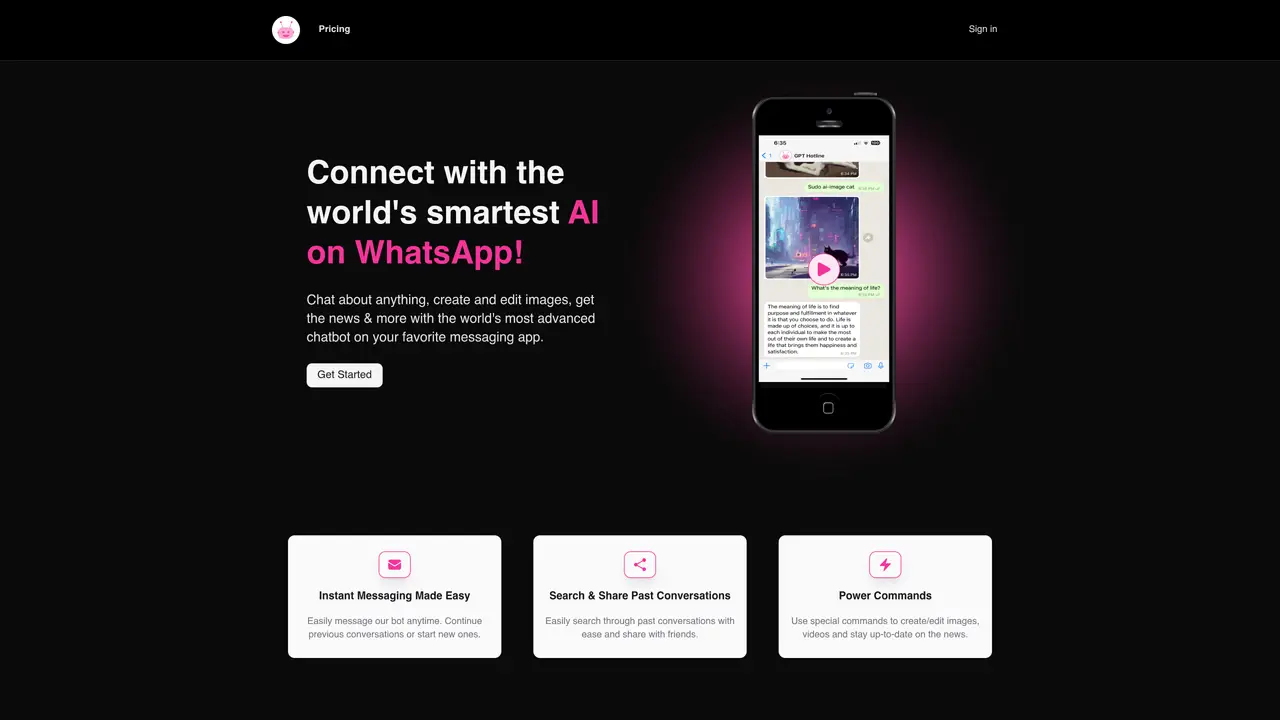
About GPTHotline
GPTHotline is an AI-powered chatbot that integrates directly into WhatsApp, enabling users to interact with a sophisticated AI assistant without switching applications. The tool leverages advanced natural language processing to facilitate seamless information retrieval, sharing, and real-time conversations, making it suitable for both individuals and teams looking to optimize workflows and boost productivity. Users can effortlessly resume prior discussions, reset conversations, or initiate new ones, all while benefiting from the AI’s ability to generate and edit images, create videos, and deliver news updates through specialized commands. By merging the convenience of WhatsApp with cutting-edge AI capabilities, GPTHotline provides a streamlined and efficient way to access advanced features within a platform already embedded in daily communication habits. It eliminates the need for additional applications or bookmarks, offering a cohesive and organized experience for managing tasks and collaborating. The tool is designed for users who prioritize simplicity and integration, allowing them to perform complex AI-driven actions—such as content creation and media manipulation—directly within their preferred messaging environment.
Key features
- AI-powered natural language processing for WhatsApp
- Real-time information search and sharing
- No additional app downloads required
- Intuitive and efficient communication interface
- Organization and time-saving features
- Decision-support capabilities
- Seamless integration with WhatsApp
- Instant advice and product information retrieval
- 24/7 AI-driven support
- Multi-user interaction support
Use cases
- Accessing and sharing online content via WhatsApp
- Staying organized through AI-assisted communication
- Receiving instant advice or product information
Pros
- Access to advanced AI capabilities directly within WhatsApp, a widely used messaging platform
- Preserves conversation history for easy reference and sharing
- Supports power commands for image creation, video editing, and news updates
- Enables seamless integration of AI assistance into existing workflows
- Facilitates real-time interactions and collaboration without switching apps
Cons
- Requires a WhatsApp account to use the service
- Limited to the features and constraints of the WhatsApp platform
- Monthly message and token limits may restrict usage for heavy users
Frequently asked questions about GPTHotline
What is GPTHotline?
GPTHotline is an AI-powered chatbot accessible via WhatsApp that allows users to interact with advanced AI capabilities, including text-based conversations, image creation, video editing, and news updates, all within the WhatsApp interface.
Who is GPTHotline designed for?
The tool is designed for individuals and teams who want to leverage AI assistance without switching between different applications, making it ideal for users who rely on WhatsApp for communication and collaboration.
How does GPTHotline work?
Users sign up for a plan, register their phone number, and then interact with the AI assistant directly through WhatsApp. Conversations are preserved, and power commands enable additional functionalities like resetting chats or checking usage.
Can I share past conversations with others?
Yes, GPTHotline allows users to easily search through past conversations and share them with friends or colleagues directly within WhatsApp.
What are power commands in GPTHotline?
Power commands are special features that enable users to perform advanced tasks such as creating or editing images, generating videos, and staying updated with news, all through simple text commands in WhatsApp.
How do I get started with GPTHotline?
To get started, users need to sign up for a plan, register their phone number, and begin texting the AI assistant on WhatsApp. The process is designed to be straightforward and integrates seamlessly with existing WhatsApp usage.
GPTHotline Website Engagement
Last Update: 9 days ago
Total Monthly Visits
0
Bounce Rate
0%
Visit Duration (avg)
—
Pages Per Visit
0
Country Rank
—
Unknown
Global Rank
—