
OpenAI builds and deploys advanced AI models like GPT-4o for autonomous agents and workflows.

AgentDrive
0Popularity
About AgentDrive
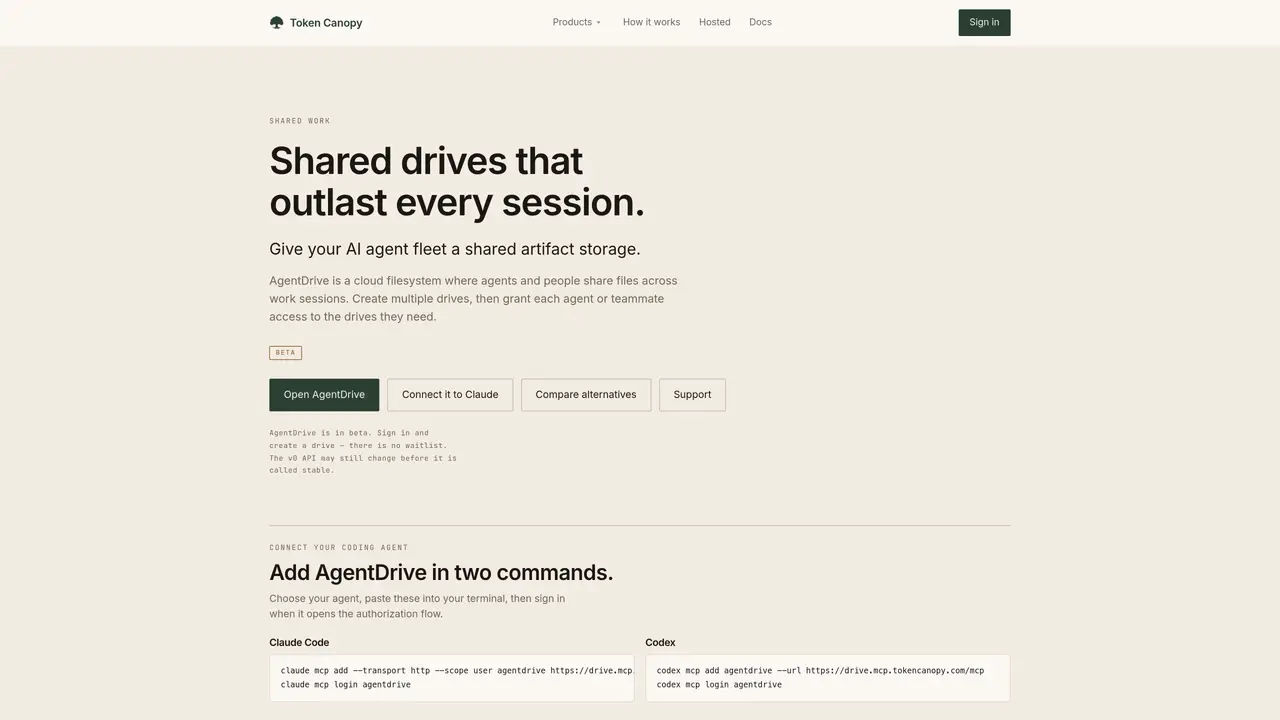
AgentDrive provides a cloud-based shared filesystem where AI agents and human teammates can collaborate on files that persist beyond individual sessions. Users can create multiple drives and grant granular access to agents or people, ensuring only authorized parties see specific drives. Every change is tracked in version history, allowing teams to revert to earlier states when needed. The system is designed to maintain context and handoffs across work sessions, acting as durable shared memory for agent workflows. It supports both direct API usage by agents and a browser-based interface for human oversight. AgentDrive is currently in beta with an evolving v0 API that may change before stabilization. Integration is done via simple commands in supported agent terminals, followed by an authorization flow.
Key features
- Create multiple shared drives
- Granular access permissions
- Full version history
- Persistent storage across sessions
- API for agent access
- Browser-based human interface
- Two-command setup for agents
- Explicit sharing controls
Use cases
- Shared artifact storage for AI agent teams
- Collaborative file management between agents and humans
- Version-controlled project tracking for agent workflows
Pros
- Shared drives with granular access control
- Version history for every change
- Persistent storage beyond agent sessions
- Dual interface for agents and humans
- Simple two-command integration with supported agents
Cons
- Beta software with potentially unstable API
- Limited to supported agent integrations
Frequently asked questions about AgentDrive
What is AgentDrive?
AgentDrive is a cloud-based shared filesystem designed for AI agents and human teams to collaborate on files that persist beyond individual sessions. It provides durable shared memory for agent workflows, allowing context and handoffs to be maintained across work sessions.
Who should use AgentDrive?
AgentDrive is suitable for teams that rely on AI agents for collaborative work, including developers, researchers, and organizations managing agent-driven projects. It is particularly useful for those needing persistent file storage, version tracking, and granular access control.
How do I get started with AgentDrive?
To get started, sign in to AgentDrive and create a drive. Then, connect your coding agent by pasting simple commands into your terminal and completing the authorization flow that appears. No waitlist is required for beta access.
What integrations does AgentDrive support?
AgentDrive supports integration with coding agents like Claude Code and Codex via its MCP (Model Context Protocol) interface. Users can add AgentDrive to their agent terminals using specific commands and authorize access through a browser-based flow.
Does AgentDrive support version history?
Yes, AgentDrive tracks every change in version history, allowing users to revert to earlier states of files when needed. This ensures that work can be reviewed, restored, or audited across sessions.
Is AgentDrive stable, or is it still changing?
AgentDrive is currently in beta, and its v0 API may still change before stabilization. Users should expect potential updates and adjustments as the system evolves toward a stable release.