
OpenAI builds and deploys advanced AI models like GPT-4o for autonomous agents and workflows.

Extra
0Popularity
About Extra
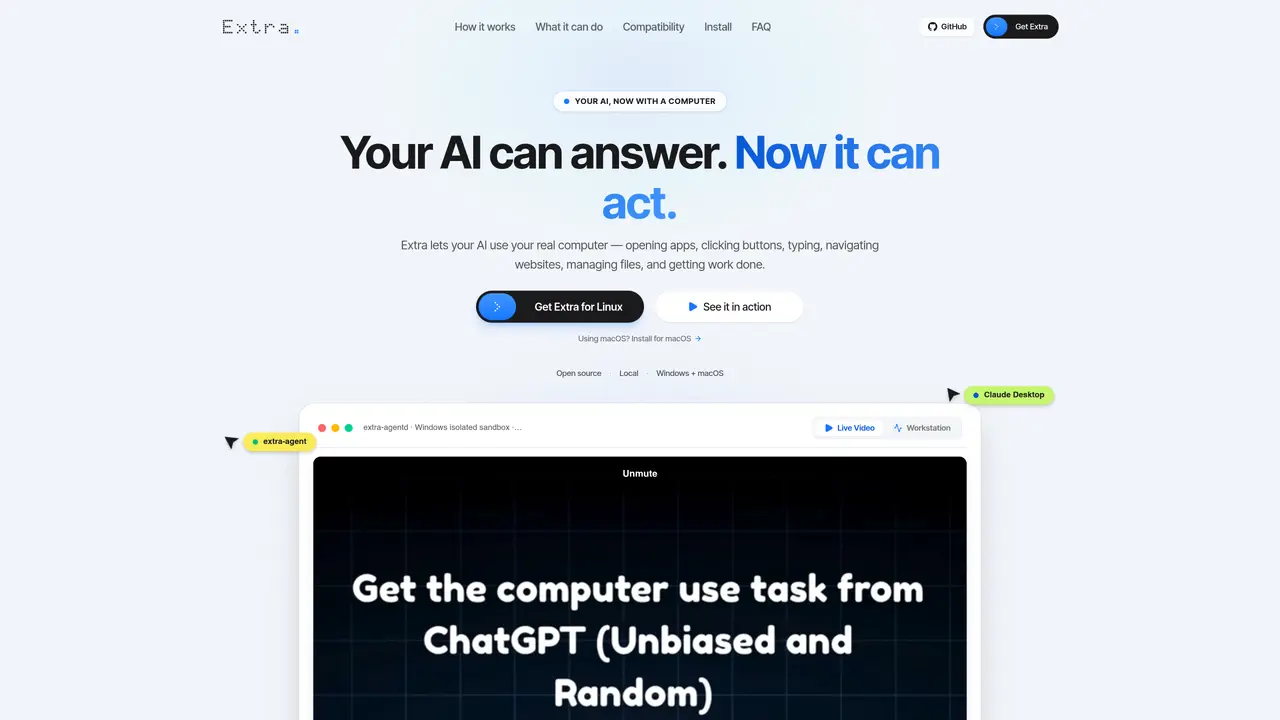
Extra is an open-source protocol and MCP server that enables compatible AI assistants to interact with a local computer. It allows AI to open applications, navigate files, type text, click buttons, manage folders, and perform other desktop automation tasks directly on the user’s machine. The software runs locally on Windows or macOS and integrates with existing AI agents such as Claude Desktop, Google Antigravity, Cursor, and Windsurf. Users provide instructions to their AI, which then executes actions on the desktop in real time. Extra emphasizes native interaction with the operating system, avoiding simulated or cloud-based environments. It supports tasks like organizing files, extracting data from websites, performing spreadsheet calculations, and automating repetitive workflows. The system is designed for speed and privacy, with low-latency screen capture and text input, and all processing occurring on-device without cloud streaming.
Key features
- Local desktop automation with real-time interaction
- File and folder organization including automatic categorization
- Spreadsheet calculations and data processing in Excel
- Web navigation and data extraction from browsers
- Application launching and native UI control
- Repetitive task automation with step elimination
- Low-latency screen capture and text input (<3ms and <5ms respectively)
- Hardware fail-safe abort and panic hotkeys for manual override
Use cases
- Automating file cleanup and organization in the Downloads folder
- Extracting and summarizing data from web pages into structured notes
- Performing spreadsheet calculations and generating reports from raw data
Pros
- Runs locally on Windows or macOS without cloud streaming
- Supports native desktop automation including file management, web navigation, and app control
- Integrates with MCP-compatible AI agents such as Claude Desktop and Cursor
- Open-source MIT-licensed code available for inspection and modification
- Provides built-in controls and fail-safe mechanisms for user oversight
Cons
- Requires installation and specific permissions such as accessibility and screen recording
- Limited to MCP-compatible AI agents; not all AI assistants are supported
- No cloud-based operation; must run on the user’s local machine
Extra videos
Frequently asked questions about Extra
What is Extra?
Extra is open-source software that enables compatible AI assistants to interact with a local computer. It allows AI to perform actions such as opening applications, navigating files, typing text, clicking buttons, and managing folders directly on the user’s machine.
Does Extra replace my AI?
No. Extra does not replace your AI; instead, it provides your AI with access to your computer, allowing it to execute tasks on your local machine.
Does Extra run in the cloud?
Extra itself runs locally on your computer. While the AI assistant you connect to may use a cloud-based model, Extra ensures all desktop interactions occur on-device without cloud screen streaming.
What can Extra do?
Extra can work with applications, files, browsers, settings, and other parts of your desktop. Its capabilities depend on your computer and the AI you are using, but it supports tasks like file organization, web navigation, spreadsheet calculations, and app control.
Which AI apps work with Extra?
Extra currently supports MCP-compatible AI agents such as Claude Desktop, Google Antigravity, Cursor, and Windsurf. It is designed to integrate with existing AI tools without replacing them.
Is Extra open source?
Yes. Extra is released under the MIT License, meaning its code is fully transparent and available for inspection, modification, or offline use on GitHub.