




Generate captions, optimize content, and enhance with custom images for maximum engagement.
46M visits/mo-10%#3 Image & Design

Personal AI agent that sees the screen, takes control and remembers context across sessions
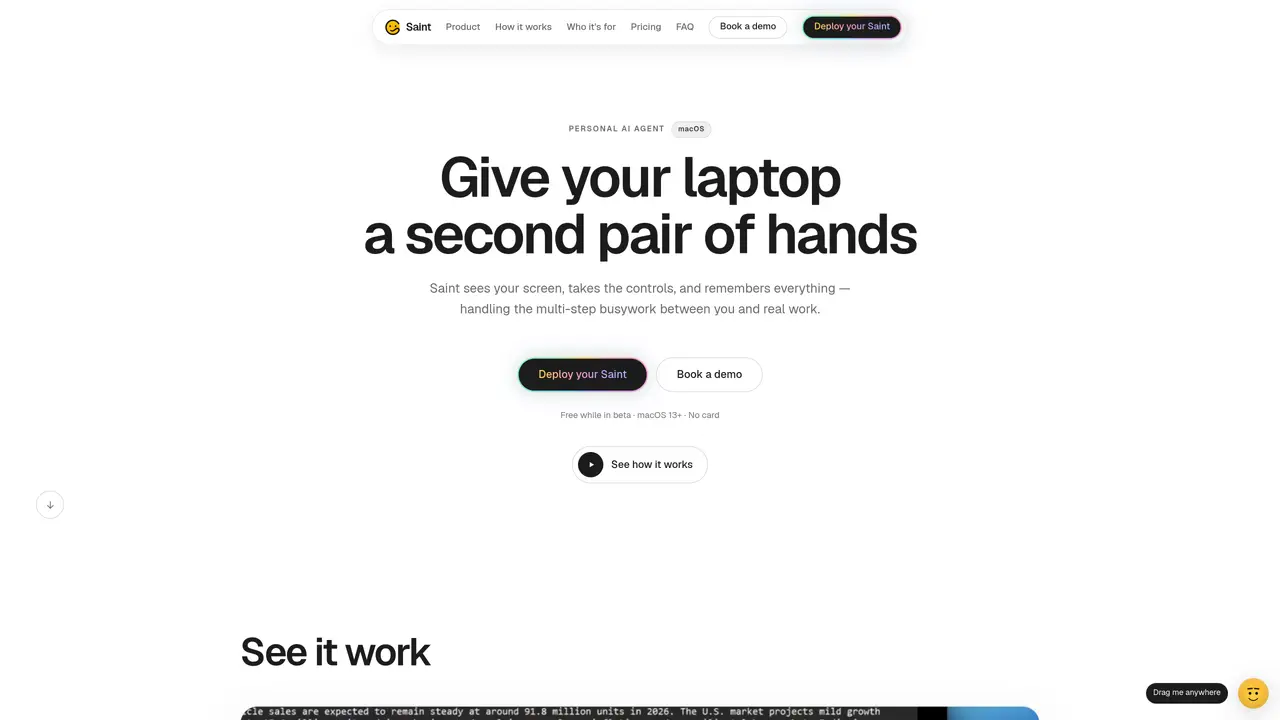
Saint is a personal AI agent designed to automate multi-step tasks on a user’s laptop. It operates by viewing the screen in real time, executing actions such as clicking, typing, scrolling, and navigating, and maintaining persistent memory across sessions. The agent can handle repetitive busywork like form filling, spreadsheet cleanup, application portals, and research tasks. It integrates with common applications including Chrome, VS Code, Slack, Gmail, Notion, Excel, Figma, Terminal, and Google Docs. Saint searches the live web for up-to-date information and provides reasoning for its actions rather than just delivering answers. Users can issue commands via text or voice, and the agent performs the work step by step while showing its progress for review or adjustment. Permissions are user-controlled, allowing scoping to specific apps or windows, pausing, or stopping tasks at any time.
Saint currently runs on macOS 13 (Ventura) or later, supporting both Apple silicon and Intel processors. A Windows version is planned but not yet dated.
No. Users control what Saint can see by scoping it to specific apps or windows. It can be paused or stopped mid-task and never operates in the background without user consent.
The beta includes a 30-minute live session where users test Saint on a real task while the developer observes. Participants receive $10 and early access to the build upon launch.
Saint is free to use during the beta period. Pricing details are not finalized and will be shared first with beta participants before public release.
Users can download the macOS build directly or book a live demo where the developer guides them through setup and usage on their own machine.
Yes. Saint works with common tools like Chrome, VS Code, Slack, Gmail, Notion, Excel, Figma, Terminal, and Google Docs, automating tasks across these platforms.
We use essential cookies to run aitoolnavio™, and optional cookies to analyze traffic and measure our marketing. You choose what we use — optional cookies stay off unless you turn them on. See our Privacy Policy.
One short email a week: fresh tools worth trying, honest takes and the updates that actually matter. No spam, unsubscribe any time.
Generate captions, optimize content, and enhance with custom images for maximum engagement.
Build conversational forms, capture rich responses, and automate follow-ups with AI-powered surveys and workflows.
Automate code, research, and documents using agents.
AI-powered IDE for autonomous coding tasks and agentic development workflows
Source, match, and manage talent with predictive analytics for effortless recruiting.
Automate workflow, optimize operations, and detect potential issues with this efficient AI-driven solution.
Transforms thoughts into actions, enhancing productivity and efficiency.
AI Recruitment engine to hire top global talent
All-in-one team productivity platform combining chat, docs, video meetings, workflows, and AI tools in one place.
Personal assistant that coordinates tasks across apps and devices via text or call
AI automation and agent-building platform with 3,000+ app integrations
AI job search copilot that matches roles to skills, optimizes resumes for ATS, generates cover letters, and autofills applications with real-time insights.
Matched on what this tool does — grouped by the job you would be replacing.
matches Screen reading in real time · Automated clicks, typing, scrolling, and navigation · Step-by-step task execution with progress visibility
AI agent that joins live screen-sharing calls to onboard users 24/7
Voice-first AI assistant for macOS that executes tasks via natural language commands
Lets AI agents control a local computer to perform desktop tasks
AI agent that turns natural-language prompts into automated browser and desktop workflows
matches Persistent memory across sessions
matches Live web search with source attribution
Hire AI employees for roles like marketing, sales or research
iOS AI executive assistant that remembers details, organizes tasks, and manages messages, meetings, and reminders with email and Apple app access.
Persistent AI identity that plans and remembers tasks offline
Efficiently answer research queries, translate natural language to SQL, and utilize OpenAI WebGPT and larger language models.
AI agentic browser that automates complex workflows, deep research, and multi-step digital tasks across public and private platforms.