Generate full songs with vocals, lyrics, and instrumentals from text prompts in minutes.
75M visits/mo+3.8%#1 Audio & Voice
Online AI-powered audio mastering with genre presets and reference matching
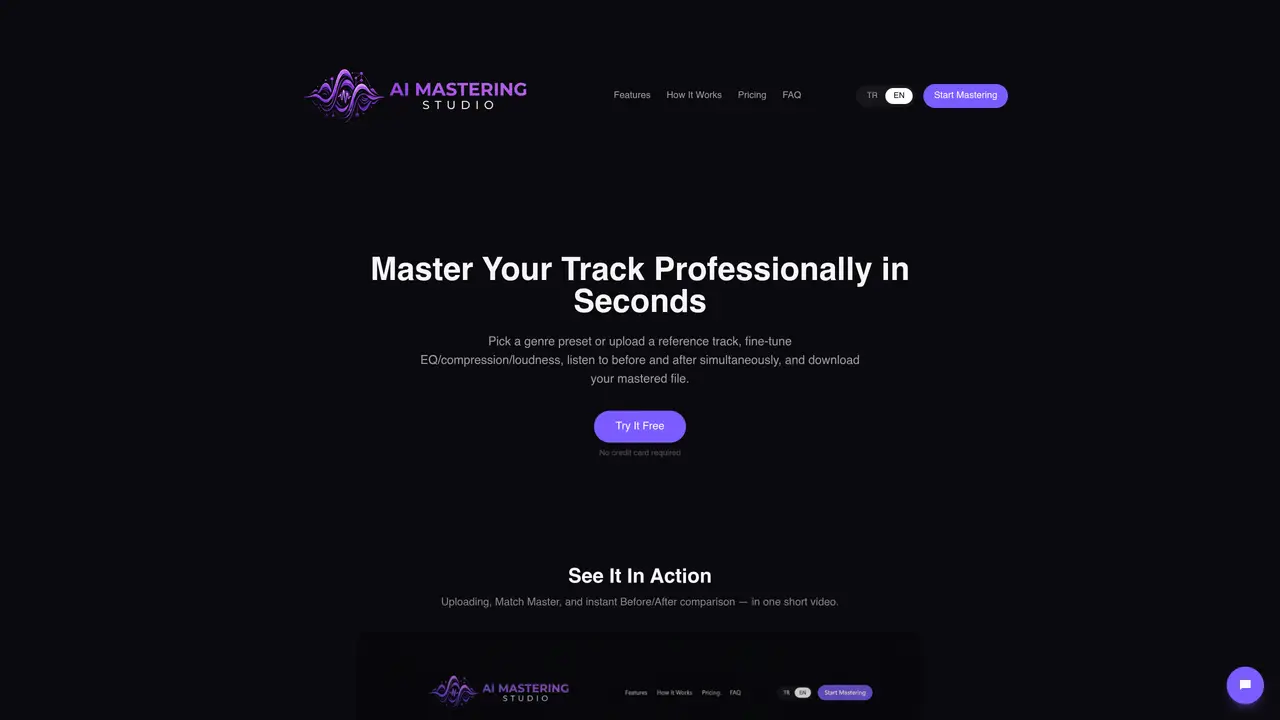
AI Mastering Studio is an online service that applies AI-driven mastering to audio tracks. Users can upload a track and optionally add a reference song, then choose from genre-specific presets or manually adjust controls for EQ, compression, stereo width, and loudness. The platform provides simultaneous before-and-after playback for comparison and displays LUFS, peak, and RMS values. Processing is completed quickly, and the mastered WAV file is available for instant download. The service supports multiple input formats including WAV, MP3, FLAC, AIFF, and M4A. It offers tiered pricing plans with varying features such as unlimited tracks, AI auto-matching, batch processing, multiband compression, and custom presets.
The service supports uploading tracks in WAV, MP3, FLAC, AIFF, and M4A formats.
Processing is completed quickly, and the mastered WAV file is available for instant download once finished.
No, uploading a reference track is optional. Users can choose to use genre presets or manually adjust controls instead.
The output file is delivered as a mastered WAV file.
Yes, the platform offers a free tier with limited features, allowing users to try the service without a credit card.
The 'Match Master' feature analyzes a reference track's tonal balance, dynamics, stereo width, and loudness, then automatically sets the EQ, compression, and other controls to match the reference.
We use essential cookies to run aitoolnavio™, and optional cookies to analyze traffic and measure our marketing. You choose what we use — optional cookies stay off unless you turn them on. See our Privacy Policy.
One short email a week: fresh tools worth trying, honest takes and the updates that actually matter. No spam, unsubscribe any time.
Generate full songs with vocals, lyrics, and instrumentals from text prompts in minutes.
Create instrumental versions, enhance clarity, and boost music quality effortlessly.
Generate original songs, lyrics, and studio-quality soundtracks from text prompts in minutes using AI.
Create funny videos with unique voices, modify pitch and speed for custom sound, and apply sound effects.
Remove vocals, extract audio stems, and refine audio for optimal sound quality.
Convert audio and video into text, sync transcripts with media, and edit easily.
Generates AI videos, images and audio from text prompts, photos or audio
Create podcasts, audiobooks, and voiceovers, customize voice style, and generate natural speech from text.
Create studio-ready vocals, choirs, and instruments from MIDI.
An AI music platform that generates royalty-free songs, instrumentals, and lyrics from text prompts, with stem splitting, vocal removal, and mastering tools.
Use this online audio cleaner to remove background noise from recordings and enhance sound quality.
Enhance audio quality, remove background noises, create professional recordings with any format.
Matched on what this tool does — grouped by the job you would be replacing.
matches Genre presets for Pop, EDM, Hip-Hop, Rock, Classical, and more · Reference matching to match tone and loudness of a reference track · 4-band EQ, compressor, stereo width, and limiter controls
AI-powered online audio mastering for musicians and producers, delivering professional masters via cloud processing with EQ, compression, and limiting.
AI-powered online audio mastering for guitar-forward genres with built-in collaboration tools.
AI-powered audio mastering plugin for musicians and creators to master tracks quickly and distribute music online.