
Generate full songs with vocals, lyrics, and instrumentals from text prompts in minutes.
75M visits/mo+3.8%#1 Audio & Voice

Reduce background noise in real-time, tweak settings for desired sound, and choose from presets to optimize audio.
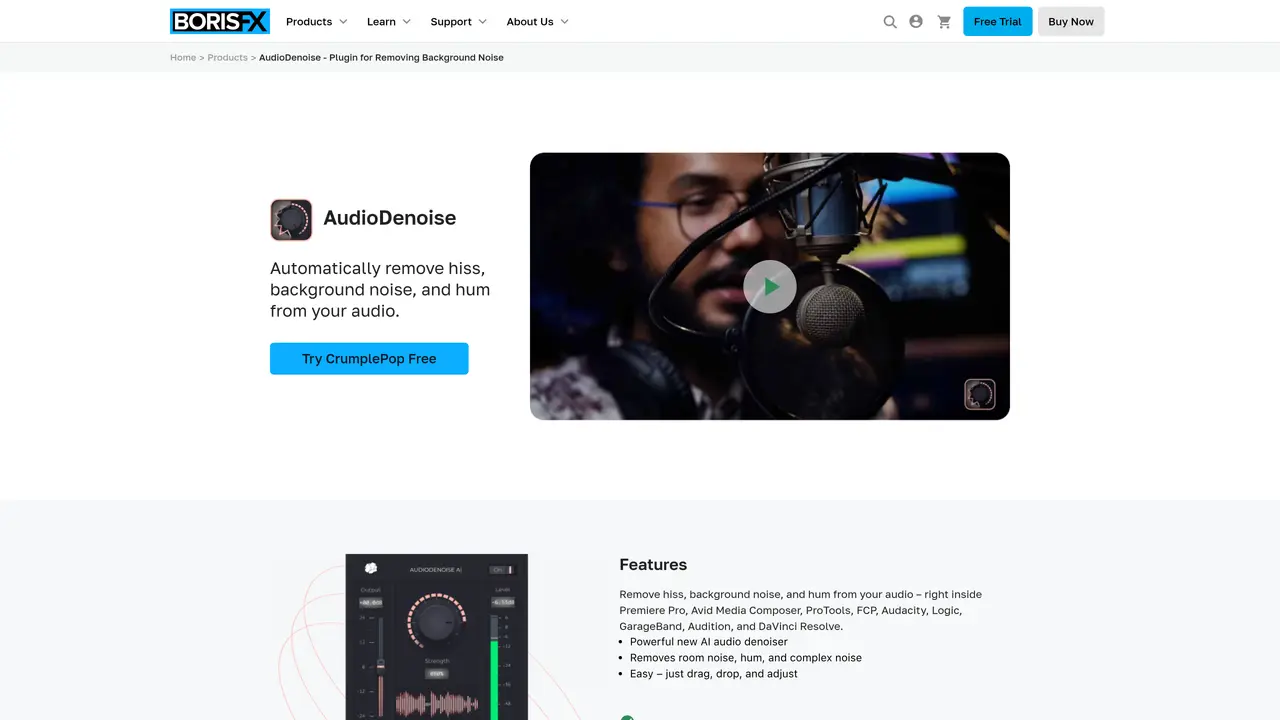
AudioDenoise is a powerful audio noise reduction tool that helps you to quickly and easily reduce background noise in your audio recordings. It offers advanced noise reduction capabilities, allowing you to remove any unwanted noise with pinpoint accuracy. With its intuitive interface and easy-to-use controls, you can quickly and easily adjust the amount of noise reduction needed, as well as fine-tune the settings to get the perfect sound. The tool also offers real-time previewing and a range of presets to help you get the most out of your recordings. AudioDenoise is perfect for any sound engineer, podcast producer, or music producer looking to achieve a pristine sound for their next project. With its advanced noise reduction capabilities, you can make sure your audio is free from background noise and ready for your next masterpiece. Use Cases And Features 1. Reduce background noise in recordings in real-time. 2. Tweak settings to achieve desired sound. 3. Choose from a range of presets to optimize audio.
AudioDenoise is an AI-powered plugin designed to automatically remove background noise, hiss, hum, wind, and other unwanted sounds from audio recordings. It works directly within video editing and audio production software like Premiere Pro, Final Cut Pro, Pro Tools, and Audacity.
The tool is designed for video editors, podcasters, sound engineers, and music producers who need to clean up audio tracks efficiently without requiring advanced audio engineering skills.
Users can simply drag and drop the AudioDenoise plugin onto their audio track, adjust the strength knob to control noise reduction, and preview the changes in real time. The process is designed to be intuitive and requires minimal setup.
Yes, AudioDenoise is available as a standalone desktop application in addition to plugins for major digital audio workstations and video editing software.
The plugin can remove hiss, background noise, hum, wind, pops, plosives, rustle, echo, traffic noise, and clipping, including complex noise like air conditioner hum.
Yes, CrumplePop offers a free trial of AudioDenoise, allowing users to test the plugin before purchasing.
We use essential cookies to run aitoolnavio™, and optional cookies to analyze traffic and measure our marketing. You choose what we use — optional cookies stay off unless you turn them on. See our Privacy Policy.
One short email a week: fresh tools worth trying, honest takes and the updates that actually matter. No spam, unsubscribe any time.
Generate full songs with vocals, lyrics, and instrumentals from text prompts in minutes.
Create instrumental versions, enhance clarity, and boost music quality effortlessly.
Generate original songs, lyrics, and studio-quality soundtracks from text prompts in minutes using AI.
Create funny videos with unique voices, modify pitch and speed for custom sound, and apply sound effects.
Remove vocals, extract audio stems, and refine audio for optimal sound quality.
Convert audio and video into text, sync transcripts with media, and edit easily.
Generates AI videos, images and audio from text prompts, photos or audio
Create podcasts, audiobooks, and voiceovers, customize voice style, and generate natural speech from text.
Create studio-ready vocals, choirs, and instruments from MIDI.
An AI music platform that generates royalty-free songs, instrumentals, and lyrics from text prompts, with stem splitting, vocal removal, and mastering tools.
Use this online audio cleaner to remove background noise from recordings and enhance sound quality.
Enhance audio quality, remove background noises, create professional recordings with any format.
Matched on what this tool does — grouped by the job you would be replacing.
matches Real-time noise reduction · Advanced noise reduction capabilities · Real-time previewing
Use this online audio cleaner to remove background noise from recordings and enhance sound quality.
Advanced noise reduction plugin that removes background noise and enhances audio clarity with customizable settings.
Clean up audio, remove noise and echo, and enhance microphone sound quality effortlessly.
Easily remove background noise, enhance sound clarity, and record audio from multiple sources in real-time.













