

Generate full songs with vocals, lyrics, and instrumentals from text prompts in minutes.
75M visits/mo+3.8%#1 Audio & Voice
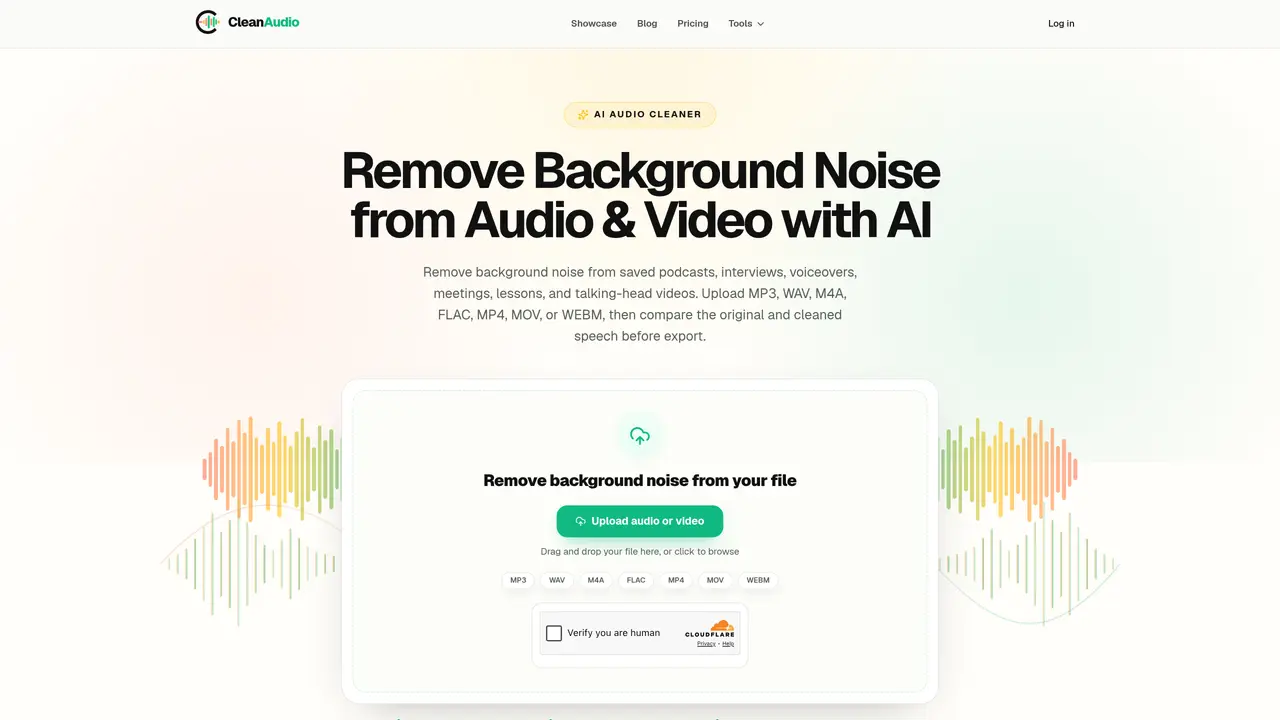
CleanAudio is an online service that uses artificial intelligence to reduce steady background noise in recorded speech within supported audio and video files. Users upload files in formats such as MP3, WAV, M4A, FLAC, MP4, MOV, or WEBM, and the system processes them to lower unwanted sounds like fan noise, microphone hiss, or light room tone while preserving speech clarity. The tool allows direct comparison between original and cleaned segments before export, ensuring the result meets quality requirements. Processing occurs after recording is complete, not during live calls or streams. The service is designed for post-production cleanup of podcasts, interviews, voiceovers, meetings, lessons, and talking-head videos where background noise may interfere with intelligibility. It does not restore clipped or distorted speech, remove echoes, separate overlapping voices, or repair clipping artifacts. Processing is performed privately without installing local software filters.
CleanAudio supports noise removal for audio files in MP3, WAV, M4A, and FLAC formats, as well as video files in MP4, MOV, and WEBM formats.
No, CleanAudio processes files after recording is complete and does not support live calls or streams.
CleanAudio is designed to reduce steady background noise such as fan noise, microphone hiss, light room tone, or some wind and rain, but it does not remove echoes, separate overlapping voices, or repair clipped speech.
Guests can preview up to 30 seconds of noise removal for free, while signed-in users with sufficient processing minutes can start full file processing directly.
Yes, CleanAudio is commonly used to remove background noise from podcasts, interviews, voiceovers, meetings, lessons, and talking-head videos where background noise may interfere with intelligibility.
No, CleanAudio operates entirely online without requiring users to install local software filters.
aicleanaudio.com · third-party estimates from Similarweb
Last 2 months · grows by one month every month
Share of visits · estimated visits
Audio & Voice · Sep 2026
Traffic figures are third-party estimates, good for scale and trends; they can differ from a company's own numbers. Updated monthly.
We use essential cookies to run aitoolnavio™, and optional cookies to analyze traffic and measure our marketing. You choose what we use — optional cookies stay off unless you turn them on. See our Privacy Policy.
One short email a week: fresh tools worth trying, honest takes and the updates that actually matter. No spam, unsubscribe any time.
Generate full songs with vocals, lyrics, and instrumentals from text prompts in minutes.
Create instrumental versions, enhance clarity, and boost music quality effortlessly.
Generate original songs, lyrics, and studio-quality soundtracks from text prompts in minutes using AI.
Create funny videos with unique voices, modify pitch and speed for custom sound, and apply sound effects.
Remove vocals, extract audio stems, and refine audio for optimal sound quality.
Convert audio and video into text, sync transcripts with media, and edit easily.
Generates AI videos, images and audio from text prompts, photos or audio
Create podcasts, audiobooks, and voiceovers, customize voice style, and generate natural speech from text.
Create studio-ready vocals, choirs, and instruments from MIDI.
An AI music platform that generates royalty-free songs, instrumentals, and lyrics from text prompts, with stem splitting, vocal removal, and mastering tools.
Use this online audio cleaner to remove background noise from recordings and enhance sound quality.
Enhance audio quality, remove background noises, create professional recordings with any format.
Matched on what this tool does — grouped by the job you would be replacing.
matches AI noise reduction around speech · Before-and-after comparison · Direct export after processing
Free online AI tool that removes background noise and enhances voice clarity for audio and video files instantly.
An all-in-one easy-to-use online audio tool that includes AI music, noise reduction, and more.
Easily remove background noise, enhance sound clarity, and record audio from multiple sources in real-time.