

Generate full songs with vocals, lyrics, and instrumentals from text prompts in minutes.
75M visits/mo+3.8%#1 Audio & Voice
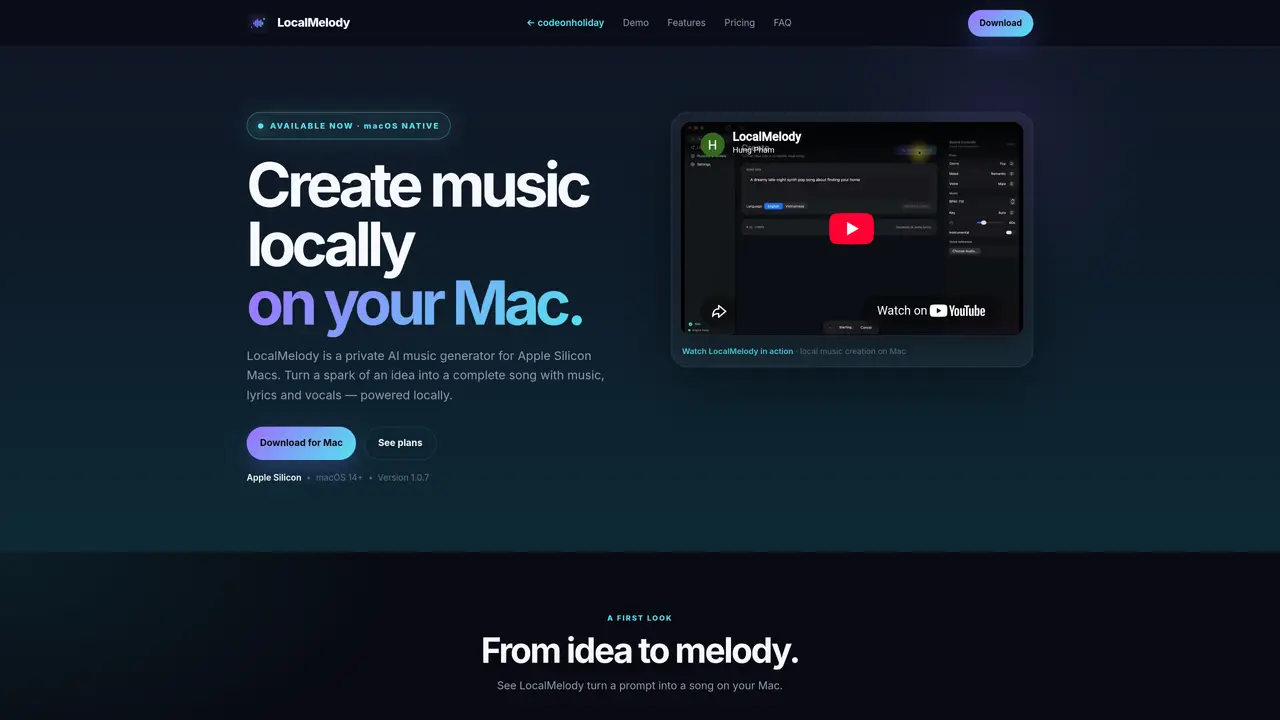
LocalMelody is an AI music generation application designed for Apple Silicon Macs running macOS 14 or later. It allows users to create complete songs including music, lyrics, and vocals entirely on their local device without sending data to external servers. The tool accepts text prompts describing musical ideas, moods, or feelings and transforms them into generated tracks. Users can refine outputs by adjusting genre, mood, voice, tempo, key, and other parameters to match their creative vision. The application supports both vocal and instrumental workflows, with the latter available through a dedicated MusicGen option. Generated audio and lyrics can be exported for further use, while prompts and intermediate files remain stored locally. Setup requires installing Homebrew and Ollama, followed by downloading the runtime and models within the app.
LocalMelody requires an Apple Silicon Mac running macOS 14 or later. A minimum of 16 GB RAM is needed, while 32 GB or more is recommended for higher-quality models and smoother generation.
An internet connection is required for the initial runtime and model downloads, license activation, and updates. Once setup is complete, generation runs entirely locally on your device.
The Free version supports 15-second song generations with automatic controls. The Pro Lifetime version unlocks longer songs, genre, mood, voice, BPM, and key controls, voice reference, lyrics refinement, and audio/lyrics export.
No, the Pro version is a one-time lifetime purchase through Lemon Squeezy. The checkout page provides the current price and payment terms.
Yes, LocalMelody offers an instrumental workflow through MusicGen, while ACE-Step generates music with vocals.
LocalMelody does not send your prompts, lyrics, or generated audio to a backend. The app may contact third-party services for licensing, updates, and model downloads as outlined in the Privacy Policy.
We use essential cookies to run aitoolnavio™, and optional cookies to analyze traffic and measure our marketing. You choose what we use — optional cookies stay off unless you turn them on. See our Privacy Policy.
One short email a week: fresh tools worth trying, honest takes and the updates that actually matter. No spam, unsubscribe any time.
Generate full songs with vocals, lyrics, and instrumentals from text prompts in minutes.
Create instrumental versions, enhance clarity, and boost music quality effortlessly.
Generate original songs, lyrics, and studio-quality soundtracks from text prompts in minutes using AI.
Create funny videos with unique voices, modify pitch and speed for custom sound, and apply sound effects.
Remove vocals, extract audio stems, and refine audio for optimal sound quality.
Convert audio and video into text, sync transcripts with media, and edit easily.
Generates AI videos, images and audio from text prompts, photos or audio
Create podcasts, audiobooks, and voiceovers, customize voice style, and generate natural speech from text.
Create studio-ready vocals, choirs, and instruments from MIDI.
An AI music platform that generates royalty-free songs, instrumentals, and lyrics from text prompts, with stem splitting, vocal removal, and mastering tools.
Use this online audio cleaner to remove background noise from recordings and enhance sound quality.
Enhance audio quality, remove background noises, create professional recordings with any format.
Matched on what this tool does — grouped by the job you would be replacing.
matches Text-to-song conversion with lyrics and vocals · Genre, mood, voice, BPM and key customization · Lyrics generation and refinement
AI music generator that turns text prompts into original songs with vocals, lyrics, and full production.
AI music generator that creates full songs from text prompts or lyrics
Online AI music studio generating full songs with vocals, lyrics and beats from text prompts
AI tool that turns lyrics or rough drafts into complete songs with vocals and production
matches Instrumental workflow via MusicGen · BPM and key customization
AI music generator that turns text or lyrics into full songs and instrumentals with different styles and copyright-free downloads.
AI music generator that creates original songs from text prompts or lyrics
Generates full songs or instrumentals from text prompts or lyrics
AI tool that generates full songs from text prompts or lyrics