
Generate full songs with vocals, lyrics, and instrumentals from text prompts in minutes.
75M visits/mo+3.8%#1 Audio & Voice

Enhance audio quality across various domains, such as podcasts, YouTube videos, and music production.
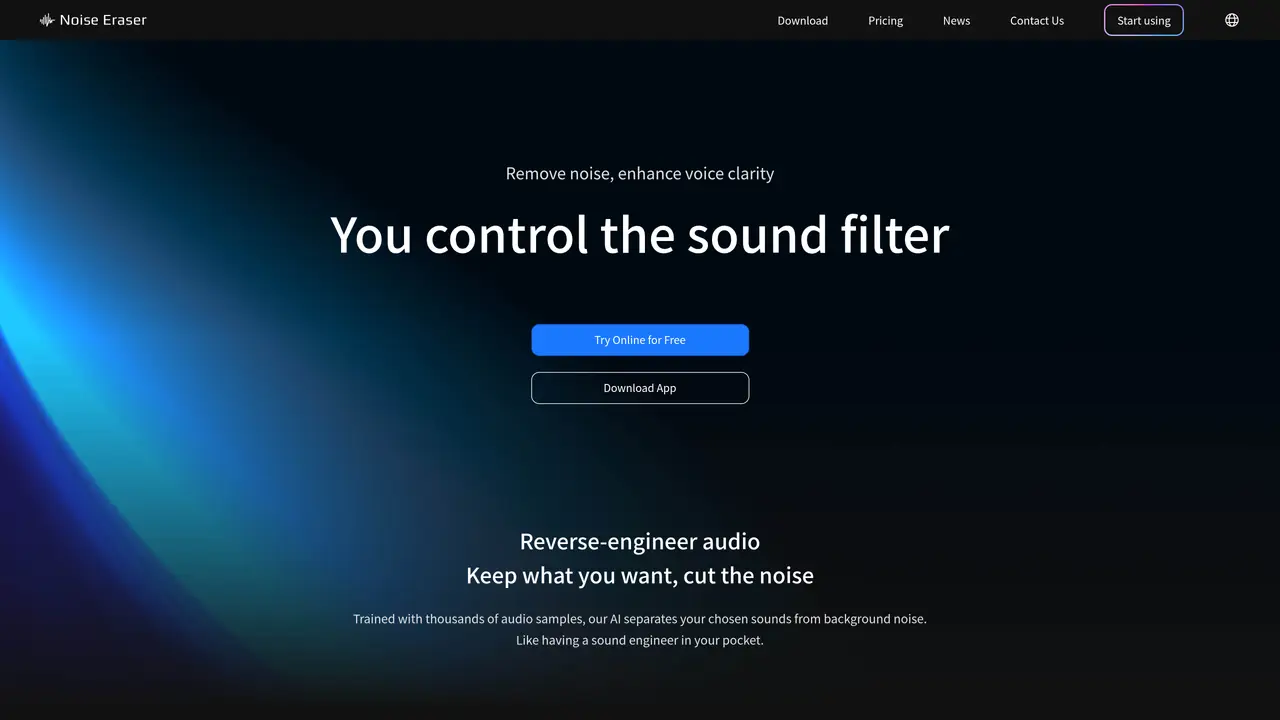
Noise Eraser software is an advanced audio tool designed to effectively reduce and remove unwanted background noise from audio/video recordings. It utilizes state-of-the-art noise reduction technology to provide high-quality noise cancellation, allowing users to remove all background noise. The software comes with a user-friendly interface that allows both beginners and professionals to navigate the software effortlessly. No technical expertise is required. Users have full control over the voice-to-noise ratio, easily adjusting the balance to suit their preferences and achieve the perfect audio balance for their recordings. Noise Eraser is suitable for various users, including podcasters, YouTubers and content creators, musicians and sound engineers. It can be used to enhance recordings, remove unwanted noise from tracks, and improve the overall audio quality during mixing and mastering processes.
Noise Eraser is an AI-powered tool that removes unwanted background noise from audio and video recordings, enhancing voice clarity and sound quality. It allows users to isolate or remove specific sounds, such as wind, traffic, or AC noise, to create cleaner audio.
The tool is designed for podcasters, YouTubers, content creators, musicians, sound engineers, and anyone needing to improve audio quality in recordings. It is also useful for individuals dealing with noisy recordings, such as surveillance footage or old videos.
Users can start by uploading their audio or video files to the Noise Eraser web app or mobile app. The process involves selecting the type of noise to remove and adjusting filters to achieve the desired sound clarity. No technical expertise is required.
Yes, Noise Eraser provides a free version that allows users to remove noise from their recordings. Additional features or extended usage may require a paid plan, depending on the user's needs.
Yes, Noise Eraser supports both audio and video files, enabling users to clean up sound in videos as well as standalone audio recordings. The mobile app also allows for direct editing and sharing of videos from a phone.
Noise Eraser operates as a standalone web and mobile application, allowing users to process files directly in their browser or on their devices. It does not require integration with other software platforms.
We use essential cookies to run aitoolnavio™, and optional cookies to analyze traffic and measure our marketing. You choose what we use — optional cookies stay off unless you turn them on. See our Privacy Policy.
One short email a week: fresh tools worth trying, honest takes and the updates that actually matter. No spam, unsubscribe any time.
Generate full songs with vocals, lyrics, and instrumentals from text prompts in minutes.
Create instrumental versions, enhance clarity, and boost music quality effortlessly.
Generate original songs, lyrics, and studio-quality soundtracks from text prompts in minutes using AI.
Create funny videos with unique voices, modify pitch and speed for custom sound, and apply sound effects.
Remove vocals, extract audio stems, and refine audio for optimal sound quality.
Convert audio and video into text, sync transcripts with media, and edit easily.
Generates AI videos, images and audio from text prompts, photos or audio
Create podcasts, audiobooks, and voiceovers, customize voice style, and generate natural speech from text.
Create studio-ready vocals, choirs, and instruments from MIDI.
An AI music platform that generates royalty-free songs, instrumentals, and lyrics from text prompts, with stem splitting, vocal removal, and mastering tools.
Use this online audio cleaner to remove background noise from recordings and enhance sound quality.
Enhance audio quality, remove background noises, create professional recordings with any format.
Matched on what this tool does — grouped by the job you would be replacing.
matches High Noise Reduction Quality · Voice/Noise Ratio Adjustment · No Technical Expertise Required
Use this online audio cleaner to remove background noise from recordings and enhance sound quality.
Improve podcast audio, create music with ease, and enhance audio recordings with an AI-powered filter for high-quality sound.
Easily remove background noise, enhance sound clarity, and record audio from multiple sources in real-time.
Advanced noise reduction plugin that removes background noise and enhances audio clarity with customizable settings.













