Generate full songs with vocals, lyrics, and instrumentals from text prompts in minutes.
75M visits/mo+3.8%#1 Audio & Voice

QA tool that compares AI narration against scripts with timestamps to catch mismatches before publishing.
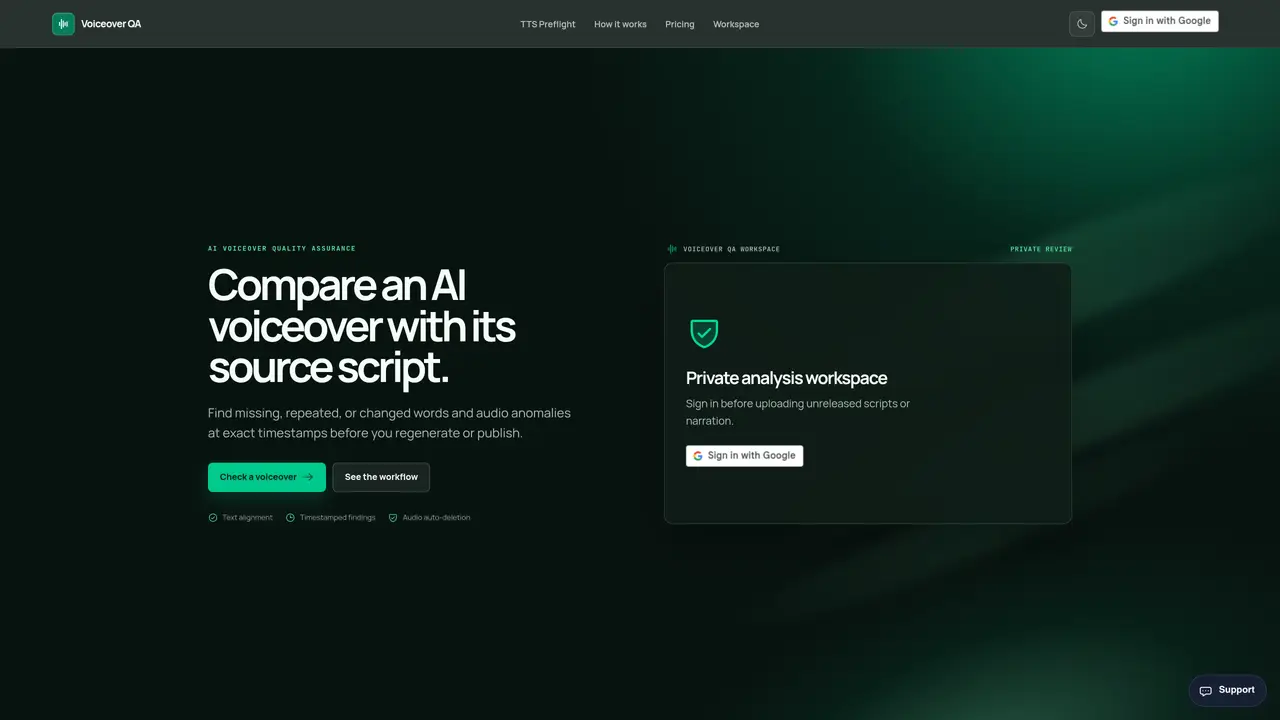
Voiceover QA is a script-to-audio quality assurance tool designed for creators who use AI narration. It compares an English script against generated audio to identify discrepancies such as missing, repeated, extra, or changed words. The tool uses automatic speech recognition and sequence alignment to pinpoint mismatches with precise timestamps and confidence levels. In addition to script alignment, it detects audio anomalies like long pauses, clipping, and abrupt loudness changes during the same analysis pass. Users receive a timestamped CSV repair list that highlights issues for targeted regeneration, ensuring only affected clips need reprocessing while keeping final approval with a human reviewer. The workflow streamlines post-production by reducing manual review time and minimizing errors before release.
Voiceover QA compares an AI-generated audio narration against its source script to identify discrepancies such as missing, repeated, extra, or changed words, as well as audio anomalies like long pauses or clipping. It generates a timestamped CSV report to guide targeted audio regeneration.
The tool is designed for creators, producers, and post-production teams who use AI narration and need to ensure accuracy and quality before publishing or client delivery.
Uploaded audio is processed privately, stored outside the public web, and deleted from servers approximately 24 hours after processing. Analytics do not receive audio, script text, filenames, or customer identifiers.
Voiceover QA supports MP3, WAV, and M4A formats with a maximum file size of 100 MB and duration of 30 minutes.
It detects missing, repeated, extra, or changed words, long silences, clipping, and abrupt loudness changes. However, it does not evaluate acting quality, emotion, pronunciation, or commercial readiness.
Sign in to the platform, paste your source script, upload the matching single-speaker narration, and initiate the analysis. The tool processes the audio privately and provides a timestamped CSV report for review.
We use essential cookies to run aitoolnavio™, and optional cookies to analyze traffic and measure our marketing. You choose what we use — optional cookies stay off unless you turn them on. See our Privacy Policy.
One short email a week: fresh tools worth trying, honest takes and the updates that actually matter. No spam, unsubscribe any time.
Generate full songs with vocals, lyrics, and instrumentals from text prompts in minutes.
Create instrumental versions, enhance clarity, and boost music quality effortlessly.
Generate original songs, lyrics, and studio-quality soundtracks from text prompts in minutes using AI.
Create funny videos with unique voices, modify pitch and speed for custom sound, and apply sound effects.
Remove vocals, extract audio stems, and refine audio for optimal sound quality.
Convert audio and video into text, sync transcripts with media, and edit easily.
Generates AI videos, images and audio from text prompts, photos or audio
Create podcasts, audiobooks, and voiceovers, customize voice style, and generate natural speech from text.
Create studio-ready vocals, choirs, and instruments from MIDI.
An AI music platform that generates royalty-free songs, instrumentals, and lyrics from text prompts, with stem splitting, vocal removal, and mastering tools.
Use this online audio cleaner to remove background noise from recordings and enhance sound quality.
Enhance audio quality, remove background noises, create professional recordings with any format.
Matched on what this tool does — grouped by the job you would be replacing.
matches Compares AI narration against script for mismatches · Flags missing, repeated, extra, or changed words with timestamps · Detects audio anomalies like long pauses and clipping
Revolutionize transcription with unmatched accuracy, speed, and language support.
Transcribes podcasts, audio, and video into searchable text with timestamps
Desktop app for recording and transcribing audio on Mac with multiple transcription options
Free online audio and video transcription with timestamps