Revolutionize transcription with unmatched accuracy, speed, and language support.
27M visits/mo+0.9%#4 Audio & Voice

Automate conference call transcription, transcribe lectures and meetings, customize transcriptions with timestamps.
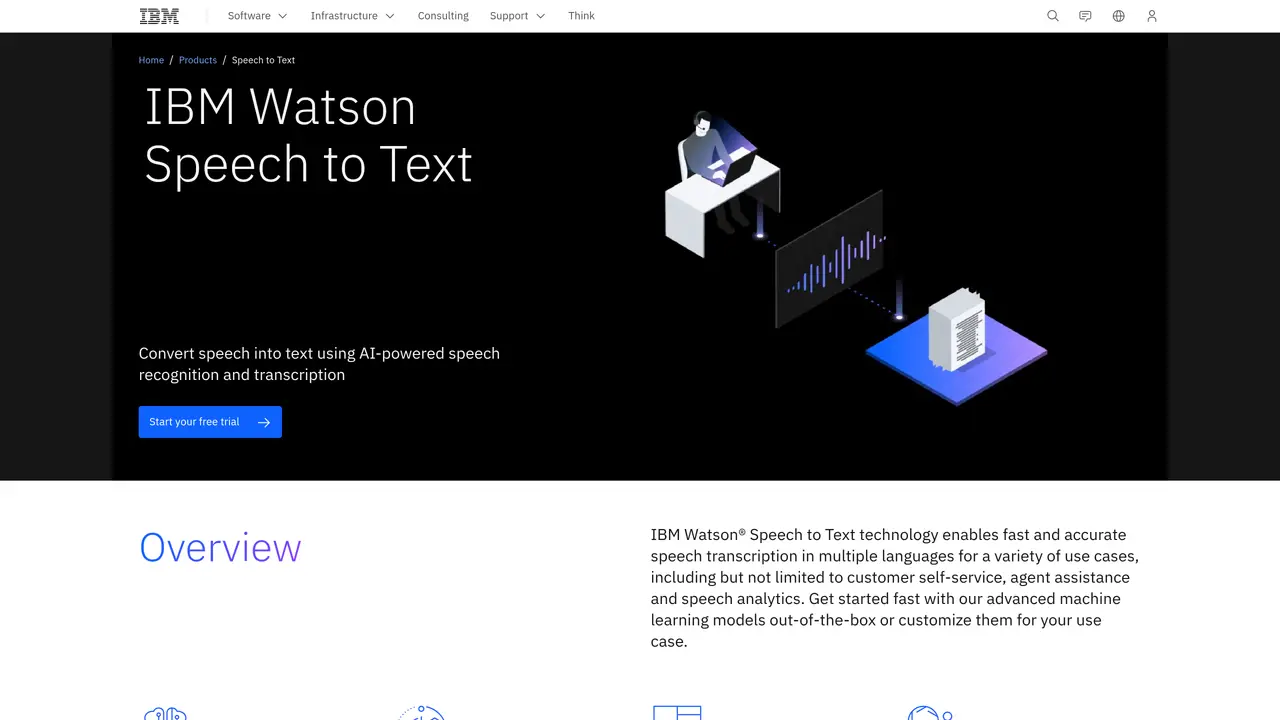
Watson Speech To Text is a powerful AI-driven tool from IBM that enables users to quickly and accurately convert spoken words into text. This service is designed to help businesses and individuals save time and effort by accurately transcribing audio and voice recordings into written documents. It leverages advanced machine learning algorithms to recognize speech patterns and identify keywords, which helps to ensure accuracy and consistency. With Watson Speech To Text, users can easily transcribe audio files from a variety of sources, including conference calls, meetings, and recordings of lectures. Additionally, the service provides users with the ability to customize their transcriptions to meet their needs, including by manually editing the results and adding timestamps to the document. With Watson Speech To Text, users can quickly and easily turn spoken words into written documents, making it an invaluable tool for anyone looking to save time and effort.
IBM
Armonk, United States · Founded 1911
IBM Watson Speech to Text is an AI-powered service that converts spoken language into written text with high accuracy. It supports multiple languages and is designed for use cases such as customer self-service, agent assistance, and speech analytics.
The tool is suitable for businesses and organizations that need to transcribe audio or voice recordings, such as call centers, customer service teams, and enterprises requiring speech analytics or real-time transcription.
The service offers different tiers, including a Lite version with limited free minutes, a Plus version for customization and higher capacity, and a Premium version for large-scale, security-sensitive deployments. Pricing is based on usage and features.
Watson Speech to Text can be customized to recognize domain-specific language and audio characteristics. It supports deployment on public, private, hybrid, or multicloud environments and offers fine-tuning features for improved accuracy.
The accuracy of transcription depends on audio quality and language models. Customization requires some effort, and advanced features like speaker diarization or real-time transcription may require higher-tier plans.
Users can start with a free trial to explore the service. Documentation and SDKs are available for integration, and IBM provides guides for training custom speech models or deploying the service in different environments.
We use essential cookies to run aitoolnavio™, and optional cookies to analyze traffic and measure our marketing. You choose what we use — optional cookies stay off unless you turn them on. See our Privacy Policy.
One short email a week: fresh tools worth trying, honest takes and the updates that actually matter. No spam, unsubscribe any time.
Revolutionize transcription with unmatched accuracy, speed, and language support.
Hardware device that records conversations and converts them into searchable transcripts, summaries, and notes.
Automate transcription, generate summaries, identify speakers, and timestamps for video-conferencing conversations.
NoteGPT – Convert Speech to Text and Text to Speech with AI
Automatically record, transcribe, take notes, and create summaries with key insights during meetings.
Transforms audio/video to summarized text, instantly, across platforms.
Transcribe and summarize audio or video recordings with AI-powered speech recognition and summarization.
Automatically transcribe meetings, create summaries, and securely store audio files in a searchable format.
Convert audio and video into text, sync transcripts with media, and edit easily.
Streamline healthcare admin tasks, and enhance patient focus with Heidi AI.
Create transcripts of meetings, voice-overs for videos, and transcribe and review customer feedback efficiently.
Wearable AI device that captures conversations and meetings, then auto-generates transcripts, summaries, action items, mind maps, and searchable notes.
Matched on what this tool does — grouped by the job you would be replacing.
matches Automate transcription of conference calls · Quickly transcribe lectures and meetings · Customize transcriptions and add timestamps
Automate transcription, improve accessibility, and gain insights from audio content.
Transcribe audio in minutes, with reliable accuracy and automated editing for maximum precision.
Easily transcribe interviews, video meetings, and lectures for easy searchability and reference.
Transcribe meetings, capture lectures, and convert audio into text with AI-powered software.