

Automate outreach, track leads, and customize workflows for efficient customer follow-ups, analytics, and contact management.
4.1M visits/mo-2.5%#24 Business & Marketing
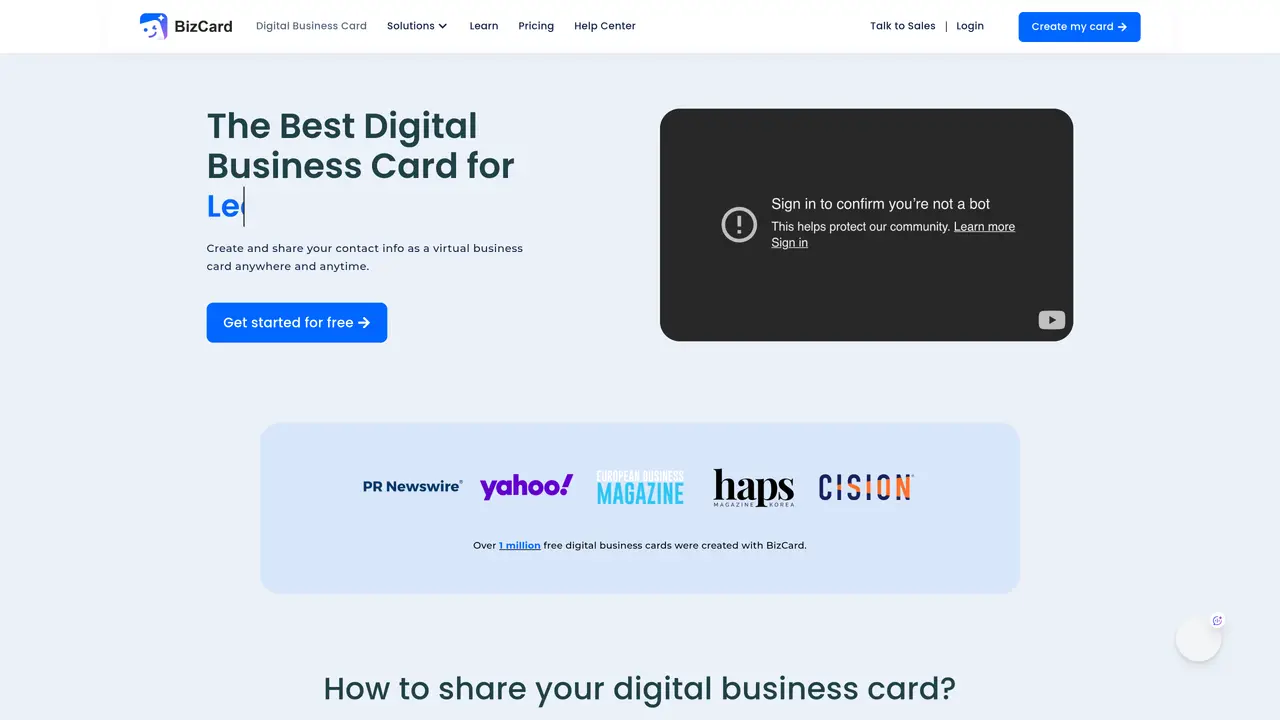
BizCard turns traditional business cards into digital contact hubs stored in Apple Wallet, Google Wallet, QR codes and NFC. It focuses on small businesses, sales teams and freelancers who want faster lead capture and smarter follow up. With features like the AI Clone Agent and an AI driven CRM, each card can continue conversations, qualify leads and feed data into marketing workflows long after the first scan. BizCard is suitable for small businesses and startups, sales and business development teams, freelancers and creatives, corporate marketing and HR teams. It’s also used by universities and bootcamps to teach modern networking, and adopted by crypto and Web3 firms as a gateway to payment or token experiences. The tool allows users to create digital cards that live in Apple Wallet and Google Wallet with scannable QR codes and always up to date details. Bulk wallet distribution is also available, generating and distributing 1000+ digital cards to team members’ Google Wallets in a single operation. NFC business cards and tags can be turned into tap-to-share NFC business card linked to a digital profile. Email signature cards can be added to email signatures so recipients can save contact details in one click. The AI Clone Agent & CRM integration uses an AI agent to answer inquiries, capture lead information and sync it into BizCard’s CRM for automated follow up.
A digital business card is a virtual version of a traditional business card, typically hosted as a web profile, in an app, or via a QR code or NFC card to share professional and business details online.
It remains always up to date, allowing instant updates to role, phone number, or branding without reprinting. It enables one-tap actions like calling, emailing, or visiting a website, improving follow-up efficiency. It can be shared via QR codes, NFC, links, or digital wallets across phones and wearables, making it ideal for hybrid networking.
Sign up on BizCard, select a card template, and add key details such as name, title, company name, logo, photo, phone, email, website, and social links. Customize visual branding with colors, typography, and imagery to match your professional identity.
Share via QR code displayed on your phone or physical smart card, NFC tap using NFC-enabled smart cards or tags, or link sharing through SMS, email, messaging apps, or social media bios. Recipients can view and save your details without installing an app.
No, most digital business cards, including those created with BizCard, open in a web browser through a link or QR code, so recipients do not need to install any app to view or save your contact details.
Reputable platforms like BizCard typically use encrypted connections such as HTTPS and allow users to control access and visibility of specific fields to reduce privacy risks. Only include business-appropriate contact information and use available privacy controls.
card.biz · third-party estimates from Similarweb
Last 4 months · grows by one month every month
Share of visits · estimated visits
Business & Marketing · Sep 2026
Traffic figures are third-party estimates, good for scale and trends; they can differ from a company's own numbers. Updated monthly.
We use essential cookies to run aitoolnavio™, and optional cookies to analyze traffic and measure our marketing. You choose what we use — optional cookies stay off unless you turn them on. See our Privacy Policy.
One short email a week: fresh tools worth trying, honest takes and the updates that actually matter. No spam, unsubscribe any time.
Automate outreach, track leads, and customize workflows for efficient customer follow-ups, analytics, and contact management.
B2B email discovery, verification, and outreach platform for finding and contacting prospects with verified addresses and deliverable sequences.
AI-powered platform delivering real-time business intelligence on companies, investors, and market trends for data-driven decisions.
Automates data enrichment and personalized outreach for efficient lead generation.
AI-powered CRM that automates customer data management, lead research, and workflows for sales and marketing teams.
Sales engagement platform that automates personalized outreach, tracks engagement, and integrates with CRM and marketing tools to help teams close more deals.
Automate email campaigns, warm-up emails spam folder-free, and scale outreach with an intuitive interface.
Web-based sales engagement platform for B2B teams to run automated, multichannel outreach with lead sourcing, enrichment, and deliverability tools.
Turn a simple customer description into verified B2B lead lists.
Type who you need, get ready-to-contact leads.
Identify contacts, generate emails, track prospects and accounts based on key signals.
Automate lead generation and data enrichment with AI-powered web scraping and outreach tools.
Matched on what this tool does — grouped by the job you would be replacing.
matches Apple & Google Wallet cards · Bulk wallet distribution · NFC business cards and tags
AI-powered QR codes and digital business cards with lead capture and CRM sync
WordPress plugin that uses AI to chat with visitors, capture leads, and book appointments