
OpenAI builds and deploys advanced AI models like GPT-4o for autonomous agents and workflows.

Firebase Studio
0Popularity
About Firebase Studio
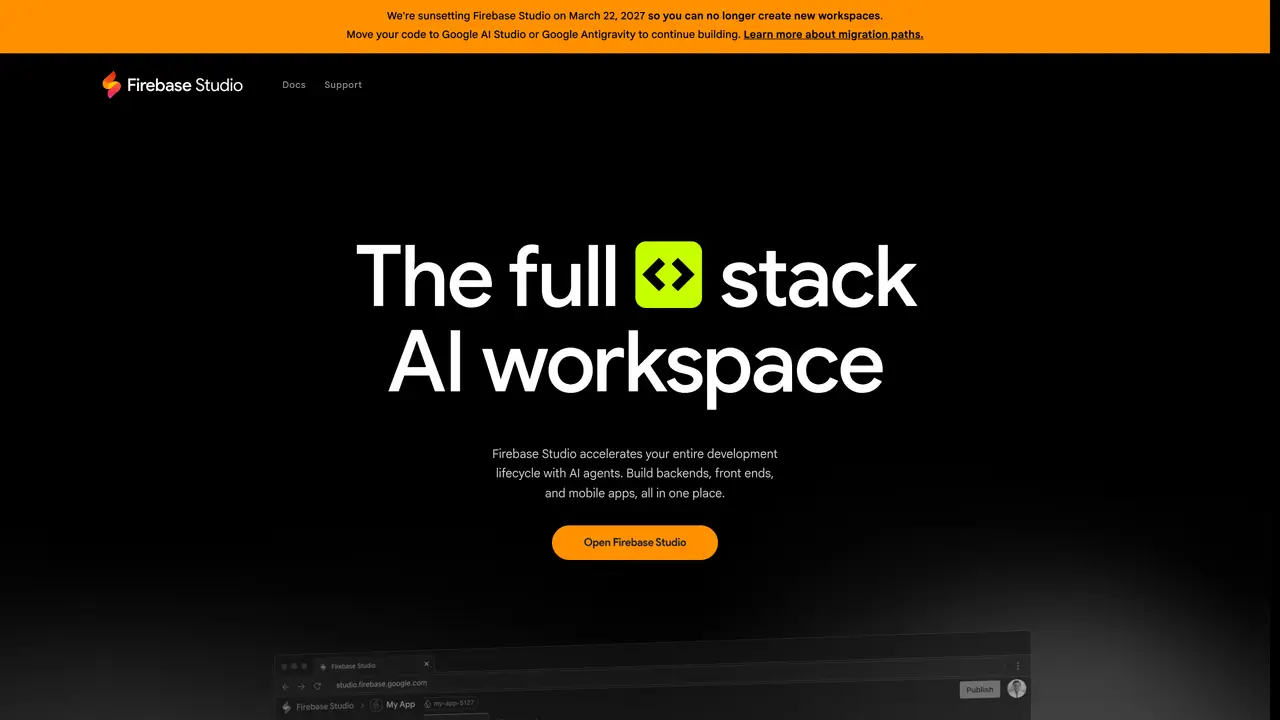
Firebase Studio is an integrated development environment that combines AI agents with a collaborative workspace for building full-stack applications. It supports the entire development lifecycle, enabling users to create backends, frontends, and mobile apps in a single environment. The tool allows quick setup by importing existing repositories from GitHub, GitLab, Bitbucket, or local machines, or by using an AI agent to generate new applications from natural language prompts, mockups, or templates. Users can customize their environment with Nix and leverage AI assistance powered by Gemini for coding, debugging, testing, refactoring, and documentation tasks. Collaboration features include shared workspaces and preview URLs for early tester feedback. The platform includes end-to-end testing capabilities with access to thousands of extensions in the Open VSX Registry, web previews, and Android emulators. Deployment options include Firebase App Hosting, Firebase Hosting, Cloud Run, or custom infrastructure, with built-in monitoring for usage and behavior tracking.
Key features
- AI agents for code generation and prototyping
- Import repositories from GitHub, GitLab, Bitbucket, or local machines
- App Prototyping agent with natural language and mockup tools
- Customizable environment with Nix support
- Gemini-powered coding, debugging, and refactoring
- Shared workspaces and preview URLs for collaboration
- End-to-end testing with Open VSX Registry extensions
- Deployment to Firebase App Hosting, Firebase Hosting, Cloud Run, or custom infrastructure
Use cases
- Rapid prototyping of full-stack applications from natural language prompts
- Collaborative development and testing of mobile and web apps
- AI-assisted debugging and optimization of backend APIs and endpoints
Pros
- AI-powered coding assistance with Gemini integration
- Supports full-stack development in a single workspace
- Collaborative features with shared workspaces and preview URLs
- End-to-end testing with Open VSX Registry extensions and emulators
- Flexible deployment options to multiple platforms
Cons
- Sunsetting scheduled for March 22, 2027 with no new workspace creation
- Limited to 3 workspaces at no cost during preview
- Requires migration to Google AI Studio or Google Antigravity for continued use
Frequently asked questions about Firebase Studio
What is Firebase Studio?
Firebase Studio is a full-stack AI-powered development environment designed to accelerate the entire software development lifecycle. It enables users to build backends, frontends, and mobile apps in a single workspace using AI agents, natural language prompts, and collaborative tools.
Who should use Firebase Studio?
Firebase Studio is suitable for developers, teams, and non-technical users who want to collaborate on full-stack application development. It is particularly useful for those looking to quickly prototype, build, test, and deploy applications with AI assistance.
How does Firebase Studio work?
Users can import existing repositories or create new applications using AI agents that generate code from natural language prompts, mockups, or templates. The platform supports customization with Nix, AI-powered coding assistance, collaboration features, and deployment options to various hosting services.
What are the pricing and workspace options?
Firebase Studio currently offers up to 3 workspaces at no cost during the preview phase. Members of the Google Developer Program receive up to 30 workspaces. The platform may introduce additional pricing tiers in the future.
What integrations and extensions are available?
Firebase Studio provides access to thousands of extensions in the Open VSX Registry for testing and optimizing APIs and backends. It also supports deployment to Firebase App Hosting, Firebase Hosting, Cloud Run, and custom infrastructure.
What is the future of Firebase Studio?
Firebase Studio is being sunset on March 22, 2027, and users are encouraged to migrate their work to Google AI Studio or Google Antigravity. The platform will no longer support the creation of new workspaces after this date.