AI-powered website builder that generates a professional site in under a minute and includes tools for content, SEO, and analytics.
52M visits/mo+0.7%#4 Coding & Development

Online code editor for building, testing, and deploying full-stack web apps with drag-and-drop, debugging, and third-party integrations.
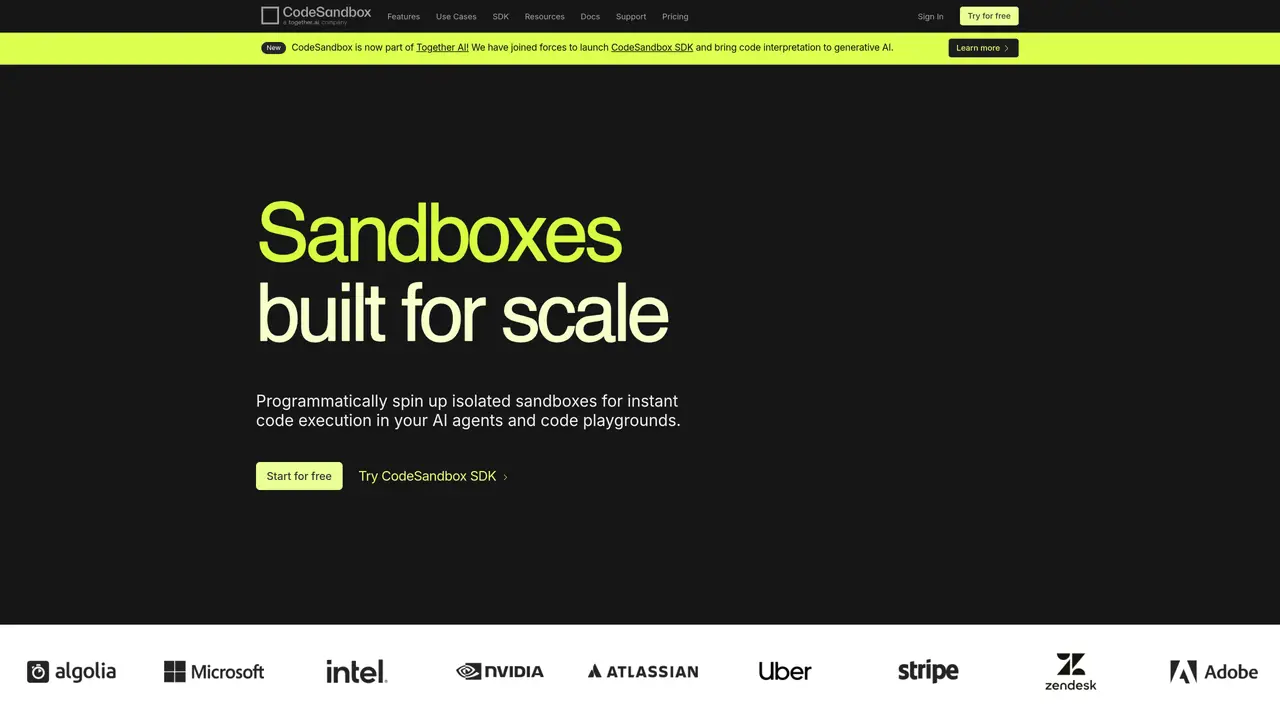
CodeSandbox is an online code editor designed for developers to quickly build, test, and deploy full-stack web applications. It supports modern web technologies such as React, Vue, Node, and GraphQL, enabling users to create applications in minutes without extensive setup. The platform features an intuitive drag-and-drop interface that simplifies application building and configuration, making it accessible even to those with limited coding experience. CodeSandbox includes built-in debugging tools, version control, and an integrated terminal to streamline the development workflow. It also offers a library of templates and components to jumpstart projects, along with integrations for third-party services like GitHub and Netlify. The tool is ideal for developers seeking a fast, all-in-one environment to prototype, collaborate, and deploy web applications efficiently.
CodeSandbox is an online code editor and cloud development platform that allows users to build, test, and deploy web applications directly in the browser. It supports modern web technologies and provides features like instant sandboxes, debugging tools, and integrations with third-party services.
CodeSandbox is designed for developers, teams, educators, and AI agents who need a fast, scalable, and secure environment for prototyping, collaboration, testing, and deployment of web applications and code evaluation.
CodeSandbox offers a tiered pricing model with options for individuals, teams, and enterprises, including a free tier for basic use. Pricing is based on features such as the number of sandboxes, concurrent environments, and additional services like storage and API usage.
Yes, CodeSandbox integrates with popular services like GitHub, Netlify, and Storybook, as well as offering a VS Code extension for a familiar development experience. It also provides APIs for custom integrations and automation.
While CodeSandbox supports a wide range of technologies, complex or resource-intensive applications may face performance limitations due to the isolated sandbox environment. Additionally, users may experience latency when working with large codebases or frequent snapshots.
To get started, visit the CodeSandbox website and sign up for an account. You can then create a new sandbox, choose a template, or start coding from scratch. The platform provides documentation and tutorials to help users begin.
codesandbox.io · third-party estimates from Similarweb
Last 4 months · grows by one month every month
Share of visits · estimated visits
Other countries: 49.4%
How people reach this site from other AI tools
14K a month · 2% of all visits
Coding & Development · Sep 2026
Traffic figures are third-party estimates, good for scale and trends; they can differ from a company's own numbers. Updated monthly.
We use essential cookies to run aitoolnavio™, and optional cookies to analyze traffic and measure our marketing. You choose what we use — optional cookies stay off unless you turn them on. See our Privacy Policy.
One short email a week: fresh tools worth trying, honest takes and the updates that actually matter. No spam, unsubscribe any time.
AI-powered website builder that generates a professional site in under a minute and includes tools for content, SEO, and analytics.
AI-powered coding platform that uses agents to plan, write, and test software with real-time feedback and verifiable artifacts.
Automate code, research, and documents using agents.
AI-powered code assistant that generates, reviews, optimizes, and debugs code with natural language prompts and editor integrations.
AI assistant for safe, reliable productivity with code, collaboration, and integrations.
AI-powered IDE for autonomous coding tasks and agentic development workflows
Privacy-focused AI chatbot that generates uncensored text, code, images, and translations without storing conversations or requiring an account.
A free web-based AI chatbot and agent for writing, coding, research, and content creation with multilingual support.
Write & run code in 50+ languages, auto-complete with AI, and code faster with an intuitive interface.
An IDE that automates legacy-to-modern code migration using autonomous coding agents.
AI models that return typed decisions with calibrated confidence for software automation
Practice coding challenges, improve technical skills, get detailed explanations, compare performance with peers.
Matched on what this tool does — grouped by the job you would be replacing.
matches Code generation, editing, and visualization · Drag-and-drop interface for building applications · Built-in debugging tools
Transform ideas into fully functional applications with Lovable, a groundbreaking AI tool.
AI full-stack development platform that generates React and Supabase apps from natural language, edit in-browser, and deploy fast.
AI-powered platform that turns natural language prompts into full-stack web apps, websites, and mobile frontends with visual editing and real-time preview.
Build and deploy apps with a drag-and-drop interface, create for web, mobile, and desktop, and collaborate remotely.
matches Version control integration · Integrated terminal · Third-party integrations (e.g., GitHub, Netlify)
matches Code generation, editing, and visualization · Integrated terminal · Third-party integrations (e.g., GitHub, Netlify)
Collaboration and version control platform for software development and AI model hosting.
Google Cloud Code provides a development environment for building, debugging, and deploying cloud applications with integrated cloud services.
Open-source backend platform providing Postgres, authentication, APIs, and real-time features to build scalable apps quickly.
Build and host Node.js endpoints instantly with an in-browser IDE, API library, and realtime collaboration for webhooks, bots, and APIs.