AI-powered website builder that generates a professional site in under a minute and includes tools for content, SEO, and analytics.
52M visits/mo+0.7%#4 Coding & Development

Fast code writing with syntax highlighting, real-time error checking, and versatile language and framework support.
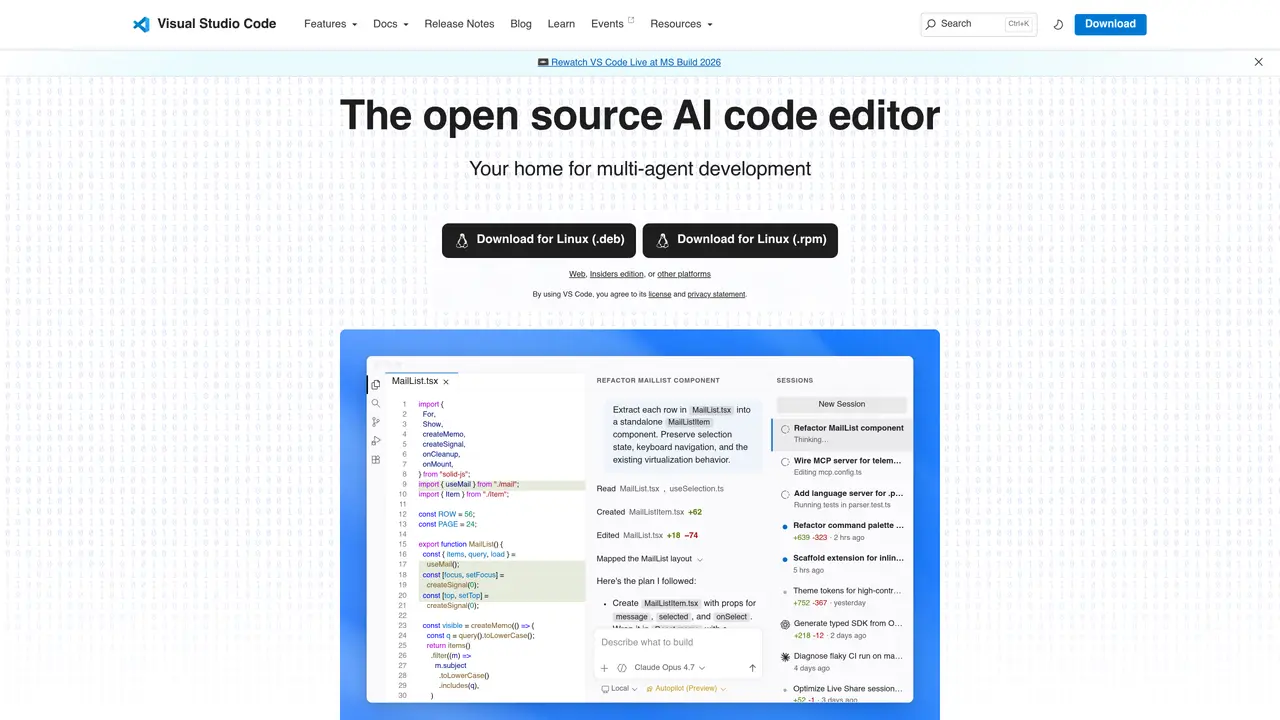
Visual Studio Code is a powerful and lightweight code editor designed to simplify development tasks. With its smart and intuitive interface, Visual Studio Code makes coding faster and easier. It features a variety of helpful features that are designed to make coding simpler, such as syntax highlighting, bracket matching, code completion, and code refactoring. It also provides real-time error checking and code linting, as well as built-in debugging capabilities. Additionally, Visual Studio Code offers support for a wide selection of programming languages and frameworks, including Python, Java, JavaScript, HTML, CSS, and more. With its comprehensive range of features and powerful tools, Visual Studio Code is the perfect choice for any developer looking to streamline their workflow. From beginners to experienced professionals, Visual Studio Code provides the tools you need to be successful.
Visual Studio Code is an open-source code editor designed for developers of all levels, from beginners to experienced professionals. It serves as a home for multi-agent development and provides tools to streamline coding workflows.
Visual Studio Code supports a wide range of programming languages and frameworks, including Python, Java, JavaScript, HTML, CSS, and more. Its extensibility allows for additional language support through extensions.
Yes, Visual Studio Code includes AI-powered features such as GitHub Copilot, which assists with code generation, refactoring, and automation within the editor.
Yes, Visual Studio Code is positioned as a platform for multi-agent development, enabling collaborative coding workflows and integration with AI agents.
Visual Studio Code is available for macOS, Windows, and Linux (both .deb and .rpm formats). Users can download the appropriate version for their operating system from the official website.
To get started, download Visual Studio Code for your operating system from the official website, install it, and begin using its built-in features or explore extensions to enhance functionality.
We use essential cookies to run aitoolnavio™, and optional cookies to analyze traffic and measure our marketing. You choose what we use — optional cookies stay off unless you turn them on. See our Privacy Policy.
One short email a week: fresh tools worth trying, honest takes and the updates that actually matter. No spam, unsubscribe any time.
AI-powered website builder that generates a professional site in under a minute and includes tools for content, SEO, and analytics.
AI-powered coding platform that uses agents to plan, write, and test software with real-time feedback and verifiable artifacts.
Automate code, research, and documents using agents.
AI-powered code assistant that generates, reviews, optimizes, and debugs code with natural language prompts and editor integrations.
AI assistant for safe, reliable productivity with code, collaboration, and integrations.
AI-powered IDE for autonomous coding tasks and agentic development workflows
Privacy-focused AI chatbot that generates uncensored text, code, images, and translations without storing conversations or requiring an account.
A free web-based AI chatbot and agent for writing, coding, research, and content creation with multilingual support.
Write & run code in 50+ languages, auto-complete with AI, and code faster with an intuitive interface.
An IDE that automates legacy-to-modern code migration using autonomous coding agents.
AI models that return typed decisions with calibrated confidence for software automation
Practice coding challenges, improve technical skills, get detailed explanations, compare performance with peers.
Matched on what this tool does — grouped by the job you would be replacing.
matches Syntax highlighting · Real-time error checking · Code completion
Open-source VS Code extension that writes, fixes, and manages code from natural language prompts.
An AI coding assistant that integrates with IDEs to provide code completion, generation, editing, debugging, and explanations.
AI-powered code editor and IDE for multi-file coding tasks across platforms
matches Code generation · Comprehensive language and framework support
Collaboration and version control platform for software development and AI model hosting.
Transform ideas into fully functional applications with Lovable, a groundbreaking AI tool.
AI web and app builder that generates, debugs, and publishes responsive sites from natural language or voice prompts for founders, marketers, and non-technical users.
Full-stack AI-powered workspace for building and testing applications