OpenAI builds and deploys advanced AI models like GPT-4o for autonomous agents and workflows.

NEXUS AI App Builder
$29/mStarting price
0Popularity
About NEXUS AI App Builder
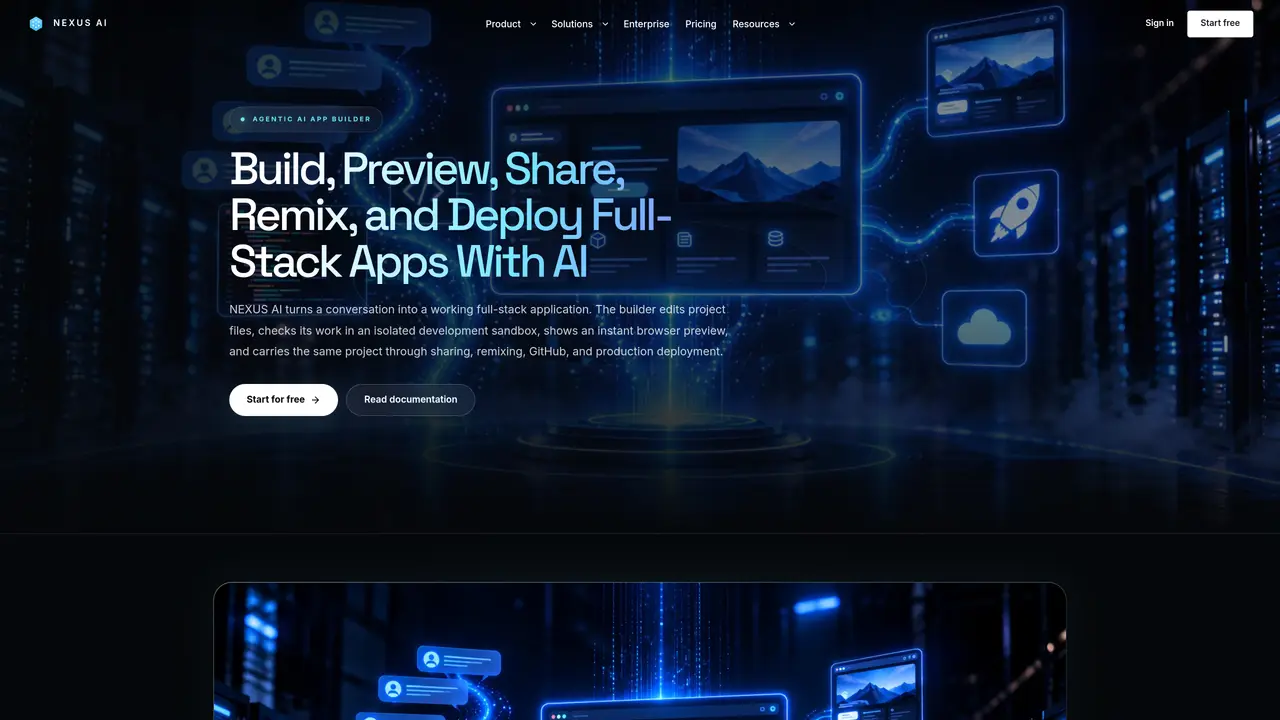
NEXUS AI App Builder is an agentic development workspace that creates, edits, and deploys full-stack applications. It accepts natural-language requests or existing file sets, generates or modifies project files, and provides live browser previews for visual iteration. The builder runs an isolated development sandbox where the AI agent can verify routes, dependencies, forms, and data before changes are committed. Users can attach design references or screenshots and select specific elements in the preview to request targeted edits. Once satisfied, applications can be shared as frozen snapshots, remixed into new projects, or deployed directly through the platform. Deployments include managed PostgreSQL databases, Redis queues, background workers, and S3-compatible storage, all provisioned automatically with encrypted secrets management. The same stack can be managed via dashboard, CLI, REST API, or MCP tools, enabling workflows from GitHub integration to log inspection and scaling operations without switching cloud consoles.
Key features
- Agentic full-stack generation and editing from chat
- Live browser previews with element selection and targeted edits
- Isolated development sandbox for verification and testing
- Managed PostgreSQL, Redis, and background workers in deployments
- S3-compatible storage and persistent filesystem volumes
- Encrypted Secrets Vault for credentials and API keys
- Snapshot sharing and one-click project remixing
- Multi-interface management via dashboard, CLI, REST API, or MCP
Use cases
- Prototyping full-stack applications from scratch using AI
- Iterating on existing apps with visual design references and live previews
- Deploying production-ready services with databases, storage, and workers
Pros
- Agentic AI handles full-stack generation and verification in an isolated sandbox
- Live previews and element-level editing with design reference support
- Integrated deployment with managed databases, storage, and workers
- Multi-interface management via dashboard, CLI, API, or MCP tools
- Snapshot sharing and remixing without altering original projects
Cons
- Free plan restricted to testing and prototyping, not production use
- Requires managed services for databases and storage in deployments
- Limited to MCP-compatible clients for file-based workflows
Frequently asked questions about NEXUS AI App Builder
What is the NEXUS AI App Builder?
The NEXUS AI App Builder is an agentic full-stack development workspace that creates, edits, and deploys applications from natural-language prompts or existing file sets. It provides a built-in code editor for direct file inspection and modification, a live preview for visual iteration, and an isolated sandbox for verifying full-stack changes before deployment.
Can I edit AI-generated code directly in the browser?
Yes. The built-in Monaco-powered code editor allows users to create, open, edit, or delete project files with features like syntax highlighting, line numbers, search and replace, and undo history. Each saved change creates a restorable checkpoint and synchronizes with the live preview sandbox.
Does the AI Builder test the code it generates?
Yes. The agent can run project checks inside the development sandbox, inspect errors, revise files, and repeat verification. If the sandbox is unavailable, it falls back to static reasoning and reports the limitation.
Can I build from a screenshot or edit a specific element?
Yes. Users can attach design mockups or screenshots for the AI to reference, then select a specific element in the preview to request targeted changes. This enables precise interface adjustments without manual code edits.
Can I share or remix an AI-built app?
Yes. Builder sessions can publish a frozen, client-rendered preview at a shareable URL. Signed-in users can remix that snapshot into a new project without altering the original, enabling collaborative iteration.
Can external AI clients like Claude or Cursor send an app to the builder?
Yes. MCP-compatible clients can use tools like `nexusai_builder_push` to send files into a builder session and receive a preview URL. After browser-side edits, `nexusai_builder_pull` returns the updated files to the conversation.