Tesla’s AI stack powers Full Self-Driving, Optimus humanoid robots, and real-world autonomy with neural networks, custom hardware, and Dojo-scale training.
31M visits/mo+5.5%#8 Coding & Development

Verifies security-sensitive software changes with independent evidence and reasoning
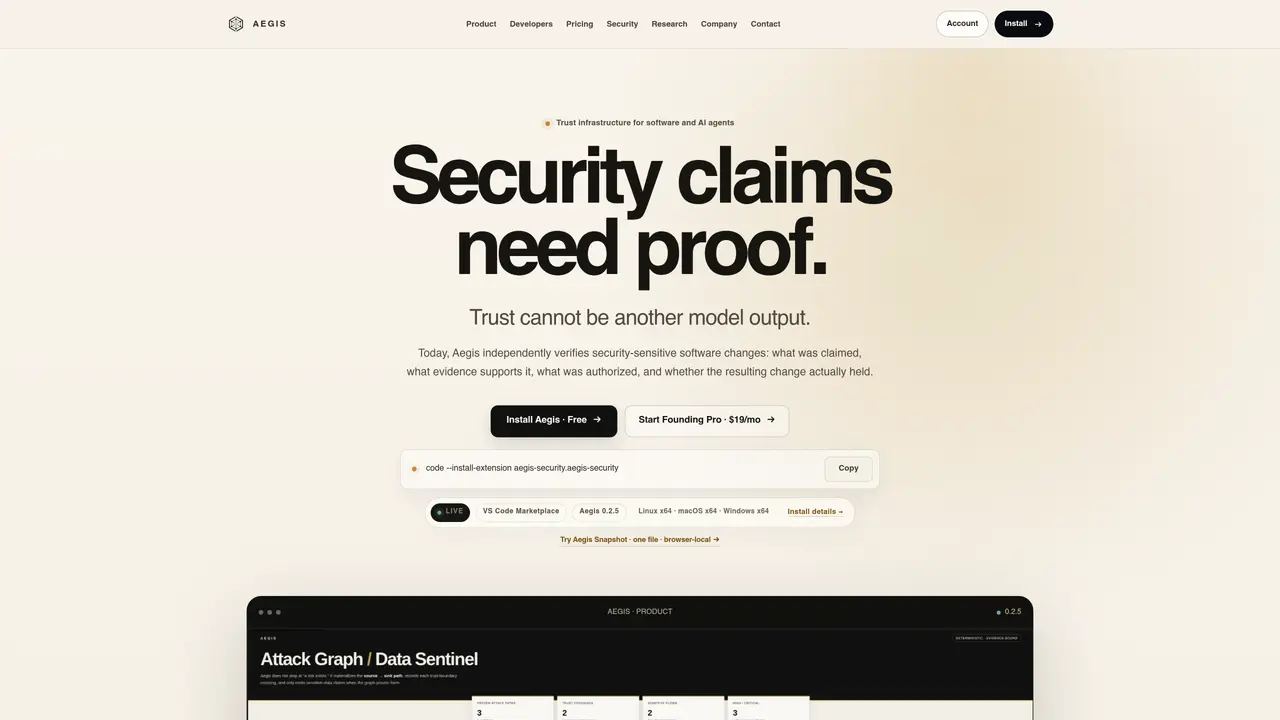
Aegis is a trust infrastructure tool for software and AI agents that independently verifies security claims by separating findings from evidence, authorization, and verification. It operates within VS Code as an extension, allowing developers to scan code locally without requiring a website account for basic use. The tool maps attack paths, connects findings to supporting evidence, and maintains an inspectable workflow from mapping to decision-making. It distinguishes between claims, evidence, and decisions, ensuring that security conclusions are not conflated with unverified scanner outputs. Aegis provides a local-first workflow for individual developers and offers advanced verification capabilities for professionals through its Founding Pro plan. The tool also includes a browser-local snapshot feature for quick, privacy-preserving previews of review surfaces without executing code or uploading data.
Aegis is a trust infrastructure tool for software and AI agents that independently verifies security claims by separating findings from evidence, authorization, and verification. It operates as a VS Code extension, allowing developers to scan code locally without requiring a website account for basic use.
Aegis is designed for developers, security professionals, and teams who need to verify security-sensitive software changes and maintain an inspectable workflow from mapping to decision-making. It suits those who require evidence-based trust rather than unverified scanner outputs.
Aegis works by mapping attack paths, connecting findings to supporting evidence, and maintaining a workflow that includes claim, evidence, authorization, verification, and decision stages. It provides a local-first workflow for individual developers and advanced verification capabilities for professionals.
No, the Community plan does not require a website account to start using Aegis. A GitHub sign-in is only needed to link billing identity for paid access.
Aegis Snapshot is a browser-local feature that provides a privacy-preserving preview of review surfaces without executing code or uploading data. It surfaces deterministic review signals for the first thirty seconds of evaluation but does not issue a security verdict or replace full Aegis verification.
The key stages in Aegis' workflow include mapping attack paths, reasoning in repository context, reviewing changes, proving fixes, making decisions, and maintaining control. Each stage is designed to keep the process inspectable and evidence-based.
We use essential cookies to run aitoolnavio™, and optional cookies to analyze traffic and measure our marketing. You choose what we use — optional cookies stay off unless you turn them on. See our Privacy Policy.
One short email a week: fresh tools worth trying, honest takes and the updates that actually matter. No spam, unsubscribe any time.
Tesla’s AI stack powers Full Self-Driving, Optimus humanoid robots, and real-world autonomy with neural networks, custom hardware, and Dojo-scale training.
Customize, deploy, and control AI models securely.
Standardize application packaging and execution with portable containers for consistent local and cloud workflows.
AI-first electronic design automation for ICs, advanced packaging, and systems with hardware-assisted acceleration and elastic cloud delivery.
Unified AI-powered platform for real-time monitoring, analytics, and security across cloud infrastructure, applications, and services.
Prevention-first, AI-powered cybersecurity platform protecting networks, clouds, and endpoints with unified controls and autonomous response.
Automate tasks, analyze data, and ensure data security with advanced measures.
Cloud communications platform that lets developers embed SMS, voice, WhatsApp, email, video, verification, and conversational AI via APIs.
AI-powered endpoint security with XDR, cloud or on-prem control, and low system impact for ransomware, email threats, and account takeover prevention.
Automate error tracking, monitor application performance, and gain insights with advanced analytics.
Identify stolen identities, uncover copyright infringements, and find unauthorized use of images with precision.
Instant threat detection and response, AI-powered prevention, unified dashboard for full visibility and control.
Matched on what this tool does — grouped by the job you would be replacing.
matches Local VS Code extension for code scanning · Secure Fix workflow for reviewing proposed changes · Fix & Prove capabilities for verifying remediation
Continuous security scanning for AI-built apps via URL and GitHub with vulnerability detection and deployment blocking.
AI-powered code auditing that visualizes logic, detects security gaps, and generates fixes for cross-file bugs and AI-generated flows.
Static analysis tool that uses an LLM to find and prove real security bugs in code
An open-source local proxy that secures AI-assisted coding by encrypting data, reviewing code, and analyzing dependencies.
matches Task planning and deeper trusted analysis in Founding Pro · Plan mode for reviewing proposed changes before execution · Autonomous agent loop for planning, editing and verification
AI assistant that completes tasks across files, repos, Slack and cloud tools
Autonomous AI agent that plans, edits and verifies code across terminal, Mac and VS Code
Task orchestration tool for coding agents