Remove image backgrounds instantly, save time with advanced AI, and create stunning images effortlessly.
54M visits/mo-8.6%#2 Image & Design

Restore faded images, enhance photo quality, and add color to black-and-white images effortlessly.
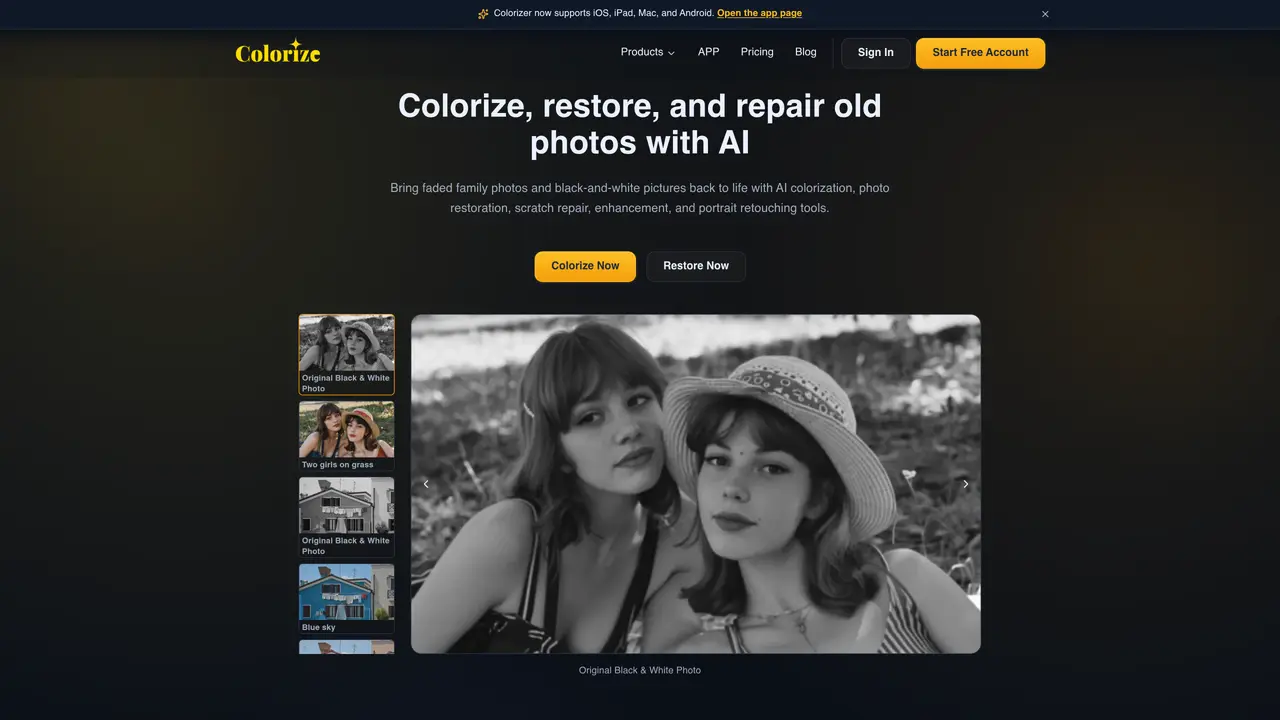
Imagecolorizer is an AI-powered application that brings stunning color to your black-and-white images. This cutting-edge technology uses advanced algorithms to analyze your photos and accurately apply proper colors to different parts of the image. The result is a vivid, fresh, and restored version of your old photos that look brand new. It even works well on damaged or blurred images. Plus, you can use its other features to enhance the quality of your photos even further. If you’re looking to bring new life to your old photos, Imagecolorizer is the perfect choice.
The best way to restore old photos is to scan or upload a clear digital copy, then use AI photo restoration to improve faded detail, repair scratches, enhance faces, and optionally colorize black-and-white images. ImageColorizer combines these tools in one online workspace.
Yes. You can create a free account and use available credits to try ImageColorizer's AI photo colorizer. Paid plans add more monthly credits, higher limits, batch processing, and an ad-free workflow.
Yes. ImageColorizer can restore faded black-and-white photos by enhancing clarity, improving contrast, repairing visible damage, and optionally adding realistic color.
Restoring an old picture with ImageColorizer usually takes a few minutes, depending on the file size, selected model, and processing queue. You can upscale old pictures, add color, retouch faces, repair scratches, and sharpen blurry details from the same account.
You can clean old and damaged photographs with AI photo repair and object cleanup tools. ImageColorizer helps reduce spots, dust, scratches, creases, and distracting marks while keeping the main subject visible.
Yes. Use AI Repair to reduce creases, scratches, and surface marks from old photos. The restored result is suitable for sharing, archiving, and preparing family photos for print.
imagecolorizer.com · third-party estimates from Similarweb
Last 4 months · grows by one month every month
Share of visits · estimated visits
Other countries: 46.2%
How people reach this site from other AI tools
4 a month
Image & Design · Sep 2026
Traffic figures are third-party estimates, good for scale and trends; they can differ from a company's own numbers. Updated monthly.
We use essential cookies to run aitoolnavio™, and optional cookies to analyze traffic and measure our marketing. You choose what we use — optional cookies stay off unless you turn them on. See our Privacy Policy.
One short email a week: fresh tools worth trying, honest takes and the updates that actually matter. No spam, unsubscribe any time.
Remove image backgrounds instantly, save time with advanced AI, and create stunning images effortlessly.
AI platform for upscaling images, enhancing photos, and generating high-quality creative assets with contextual detail.
Remove backgrounds, adjust colors, add text, filters, and shapes with ease.
Transform photos effortlessly with AI: edit, enhance, and remove backgrounds.
Convert raster images into scalable vector graphics within seconds.
Quickly upscale multiple images, get stunning visuals in less time, and easily batch process images.
Enhance and edit photos with 15+ professional-grade tools, delivering HD quality results on both desktop and Android.
Automate image transformations, bulk upload and store images, and reduce load time with built-in CDN.
Free AI tool that adds realistic color to black and white images and enhances photo realism.
All-in-one AI platform for face swapping, image generation, upscaling, and art creation with free access and batch processing.
Edit, transform, and enhance photos with text prompts using our free AI photo editor online.
Upsize images for prints, enlarge artwork for wall displays, and create stunning visuals for online use.
Matched on what this tool does — grouped by the job you would be replacing.
matches Restore faded images to their original vibrant colors · Enhance quality of existing photos · Add color to black-and-white images
Restore photos, colorize black and white images, and create stunning compositions with AI-powered technology.
Restore and enhance old and black-and-white photos effortlessly using AI technology.
Restore old photos, add professional touch, and share memories in vivid color.
Restore old photos, preserve memories, and get affordable results with fast and accurate photo repair.