Remove image backgrounds instantly, save time with advanced AI, and create stunning images effortlessly.
54M visits/mo-8.6%#2 Image & Design

Resize, crop, rotate, and optimize images with batch processing and AI-powered upscaling for any dimension and purpose.
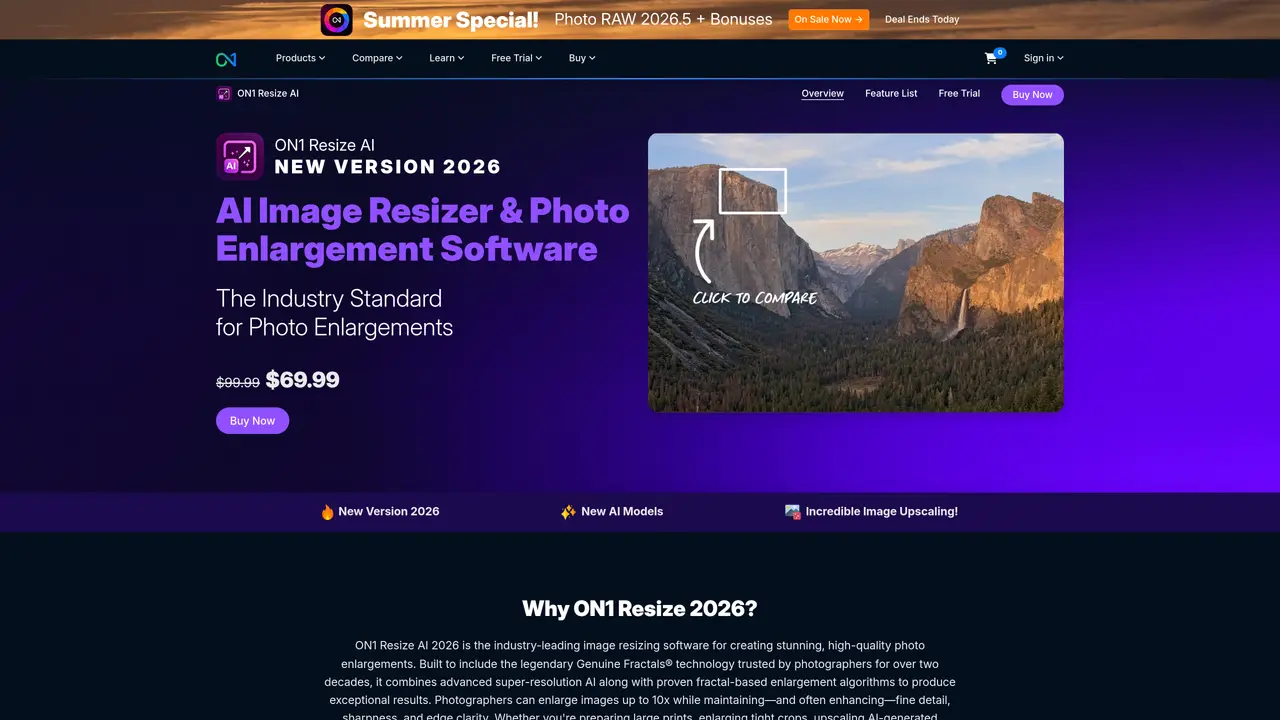
ON1 Resize is a powerful Photoshop plugin that gives photographers and graphic designers unparalleled control over image size and resolution. With this plugin, users can quickly and easily resize, crop, and rotate images to fit any dimension—from small web graphics to large print-ready files. The plugin is also equipped with a range of advanced features, such as batch processing and AI-powered upscaling. With ON1 Resize, users can quickly and accurately process multiple images at once, while ensuring that each one is optimized for its intended purpose. The plugin is also ideal for optimizing images for a variety of resolutions, such as web, print, and mobile. Furthermore, ON1 Resize can be used to enlarge and enhance images without loss of quality, making it perfect for producing high-resolution visuals. With its intuitive interface and easy-to-use tools, ON1 Resize is the ultimate Photoshop plugin for photographers and graphic designers looking to effortlessly resize, crop, and rotate images.
ON1 Resize AI is an industry-leading image resizing software designed to enlarge photos up to 10x while maintaining fine detail, sharpness, and edge clarity. It combines advanced super-resolution AI with proven fractal-based enlargement algorithms to produce high-quality enlargements without artifacts or blurring.
ON1 Resize AI is ideal for photographers, graphic designers, and creatives who need to enlarge images for print, web, or restoration purposes. It is particularly useful for preparing large prints, enlarging tight crops, upscaling AI-generated images, or restoring older photos.
ON1 Resize AI works as a standalone app or as a plugin for Adobe Photoshop, Lightroom, and Capture One. In Photoshop, it can handle layered files with masks, text, and adjustment layers, while in Lightroom and Capture One, it supports batch processing.
Key features include AI-powered photo enlargements up to 10x, advanced face recovery, photorealistic results, print-ready output with tiling and gallery wrap features, batch processing, smart sharpening, resolution presets, soft proofing, and support for layered Photoshop files.
Yes, ON1 Resize AI supports powerful batch processing, allowing users to resize and export multiple images at once with sharp, high-quality results. It includes features like file naming, type selection, destination management, and watermarking.
ON1 Resize AI can be purchased as a standalone product or as part of ON1 Photo RAW MAX. It is available for use on up to two computers and includes future upgrades. Users can download and install the software or plugin to begin resizing images immediately.
We use essential cookies to run aitoolnavio™, and optional cookies to analyze traffic and measure our marketing. You choose what we use — optional cookies stay off unless you turn them on. See our Privacy Policy.
One short email a week: fresh tools worth trying, honest takes and the updates that actually matter. No spam, unsubscribe any time.
Remove image backgrounds instantly, save time with advanced AI, and create stunning images effortlessly.
AI platform for upscaling images, enhancing photos, and generating high-quality creative assets with contextual detail.
Remove backgrounds, adjust colors, add text, filters, and shapes with ease.
Transform photos effortlessly with AI: edit, enhance, and remove backgrounds.
Convert raster images into scalable vector graphics within seconds.
Quickly upscale multiple images, get stunning visuals in less time, and easily batch process images.
Enhance and edit photos with 15+ professional-grade tools, delivering HD quality results on both desktop and Android.
Automate image transformations, bulk upload and store images, and reduce load time with built-in CDN.
Free AI tool that adds realistic color to black and white images and enhances photo realism.
All-in-one AI platform for face swapping, image generation, upscaling, and art creation with free access and batch processing.
Edit, transform, and enhance photos with text prompts using our free AI photo editor online.
Upsize images for prints, enlarge artwork for wall displays, and create stunning visuals for online use.
Matched on what this tool does — grouped by the job you would be replacing.
matches AI-powered upscaling · Resize images · Crop images
AI-enhanced photo and video editing software with local, secure processing.
AI Image Upscaler enlarges images up to 4x original resolution while preserving detail and quality.
Restore old photos, resize images without losing details, and enhance digital art with AI technology.
Upscale photos with high-quality, create stunning art, and enjoy an intuitive interface with customizable settings.