Remove image backgrounds instantly, save time with advanced AI, and create stunning images effortlessly.
54M visits/mo-8.6%#2 Image & Design

Upscale low-res images, automate image processing, revive old photos & videos.
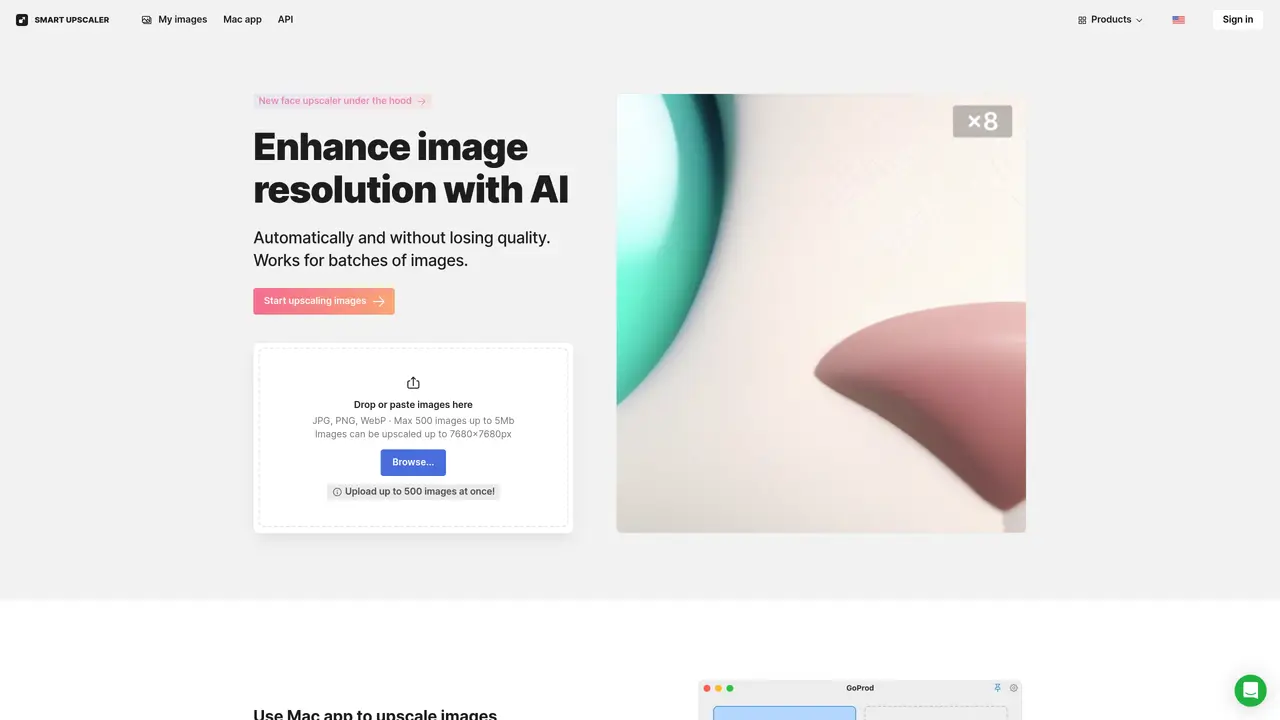
Smart Upscaler is a powerful tool for image and video editing. It utilizes advanced algorithms to upscale low-resolution images and videos to a higher resolution, producing stunning results with minimal effort. The service is easy to use and requires no prior editing experience. Simply upload an image or video, select an output resolution, and let Smart Upscaler do the rest. For businesses, Smart Upscaler is an invaluable asset. The service allows you to instantly turn low-resolution images into high-quality visuals that can be used in marketing materials, product catalogs, and other visuals-heavy applications. It can also save time and resources by automating the image processing process.
Smart Upscaler enhances photo quality without losing details by using advanced artificial intelligence technology for upscaling, also known as super-resolution. It employs deep learning trained on millions of images to improve resolution while preserving clarity.
The tool is suitable for individuals and businesses needing to improve image quality for marketing materials, product catalogs, or other visual-heavy applications. It is also useful for users who require batch processing or API integration for automated workflows.
Pricing options include prepaid packages for a set number of images, a limited monthly subscription, and an unlimited monthly subscription. Batch processing options and API access are also available for larger-scale needs.
Yes, Smart Upscaler offers an API for integration, allowing users to automate upscaling, sharpening, noise reduction, and other editing processes within their existing workflows.
Users can start by uploading images directly on the website or using the Mac app for faster processing. For batch uploads or API integration, users can explore the available pricing options or contact support for custom solutions.
Uploaded images are stored securely to allow re-downloading without reprocessing. Icons8 does not use uploaded images for machine learning or share them publicly.
We use essential cookies to run aitoolnavio™, and optional cookies to analyze traffic and measure our marketing. You choose what we use — optional cookies stay off unless you turn them on. See our Privacy Policy.
One short email a week: fresh tools worth trying, honest takes and the updates that actually matter. No spam, unsubscribe any time.
Remove image backgrounds instantly, save time with advanced AI, and create stunning images effortlessly.
AI platform for upscaling images, enhancing photos, and generating high-quality creative assets with contextual detail.
Remove backgrounds, adjust colors, add text, filters, and shapes with ease.
Transform photos effortlessly with AI: edit, enhance, and remove backgrounds.
Convert raster images into scalable vector graphics within seconds.
Quickly upscale multiple images, get stunning visuals in less time, and easily batch process images.
Enhance and edit photos with 15+ professional-grade tools, delivering HD quality results on both desktop and Android.
Automate image transformations, bulk upload and store images, and reduce load time with built-in CDN.
Free AI tool that adds realistic color to black and white images and enhances photo realism.
All-in-one AI platform for face swapping, image generation, upscaling, and art creation with free access and batch processing.
Edit, transform, and enhance photos with text prompts using our free AI photo editor online.
Upsize images for prints, enlarge artwork for wall displays, and create stunning visuals for online use.
Matched on what this tool does — grouped by the job you would be replacing.
matches Upscale low-resolution images · Automate image processing · Revive old photos and videos
Quickly upscale multiple images, get stunning visuals in less time, and easily batch process images.
Enhance low-res photos, upgrade images with AI technology, and quickly upscale any image to higher resolution.
Effortlessly upscale low-res images with AI, adjust sharpness and noise reduction, and enjoy lightweight, fast performance.
PhotoUpscaler.ai - Enhance and upscale any image instantly with AI, achieving HD quality in seconds.
matches Revive old photos and videos
Upscale low-res videos, stabilize shaky footage, and achieve exceptional results using advanced neural networks.
AI-powered tool that upscales videos to 4K resolution, removes noise, and enhances details for better quality.