Remove image backgrounds instantly, save time with advanced AI, and create stunning images effortlessly.
54M visits/mo-8.6%#2 Image & Design

Compress image files to reduce page loading times, optimize file sizes, and automatically compress JPEG, PNG, and GIF images.
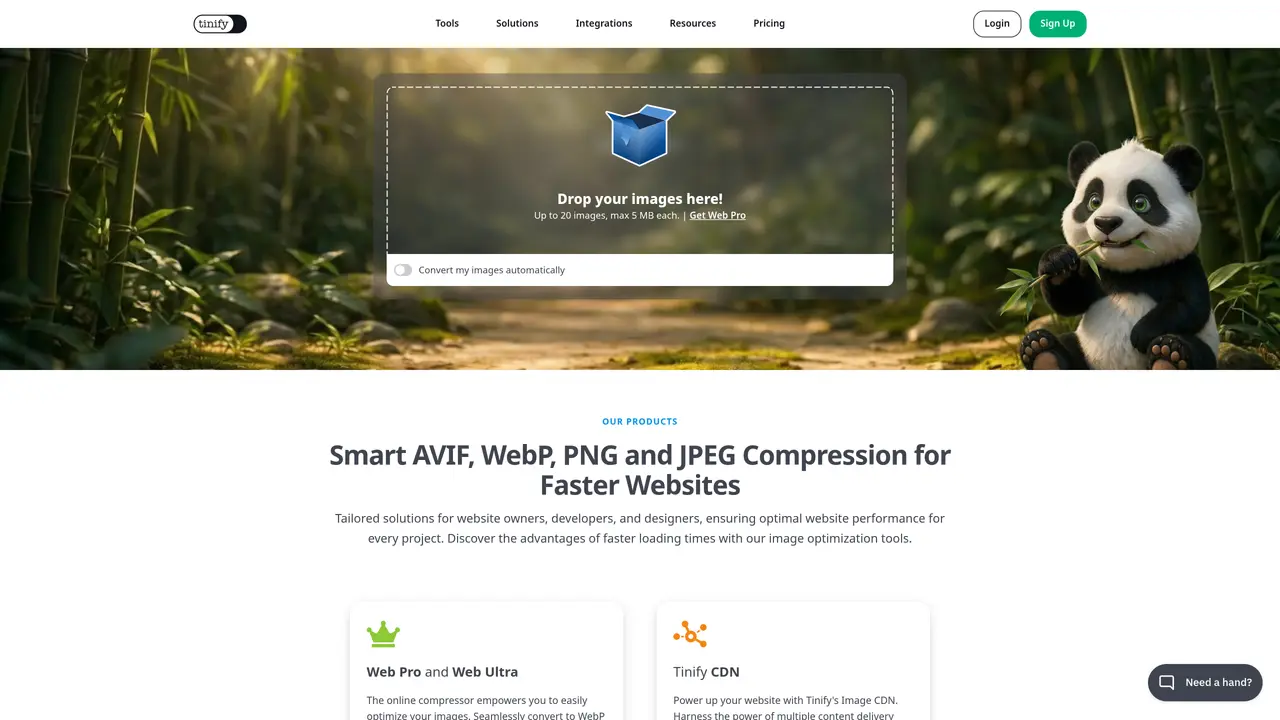
TinyPNG is an online image optimization tool that enables users to quickly reduce the file size of their images without compromising on image quality. By compressing image files, TinyPNG makes it easier to store and share your images, while also helping to reduce page loading times and improve the overall user experience. With TinyPNG, users can upload JPEG, PNG, and GIF images, and the service will automatically compress the file size of each image. All changes are made automatically, so there’s no need to adjust any settings or perform any manual edits. TinyPNG also offers an API for developers, allowing them to integrate the image optimization into their own applications and websites. With its easy-to-use interface and high-quality optimization, TinyPNG is the perfect solution for anyone looking to reduce the size of their images without sacrificing image quality.
TinyPNG supports compression and conversion for AVIF, WebP, JPEG, PNG, and JXL images. The online compressor and API handle these formats for optimization and format shifting.
TinyPNG uses intelligent compression algorithms to reduce file sizes by up to 80% while preserving visual quality. The process is automatic and does not require manual adjustments.
Yes, TinyPNG offers a Developer API that allows integration of image compression, resizing, and conversion into custom workflows or applications.
The TinyPNG Image CDN combines fast content delivery with advanced image optimization, improving website performance and reliability by serving optimized images globally.
Yes, TinyPNG provides an official WordPress plugin that automatically compresses and converts images upon upload, optimizing performance without manual intervention.
Users can start by uploading images directly on the website, signing up for a free account, or integrating the API or CDN into their projects. The process is designed to be straightforward and quick.
tinypng.com · third-party estimates from Similarweb
Last 4 months · grows by one month every month
Share of visits · estimated visits
Other countries: 56.7%
How people reach this site from other AI tools
16K a month · 0.7% of all visits
Image & Design · Sep 2026
Traffic figures are third-party estimates, good for scale and trends; they can differ from a company's own numbers. Updated monthly.
We use essential cookies to run aitoolnavio™, and optional cookies to analyze traffic and measure our marketing. You choose what we use — optional cookies stay off unless you turn them on. See our Privacy Policy.
One short email a week: fresh tools worth trying, honest takes and the updates that actually matter. No spam, unsubscribe any time.
Remove image backgrounds instantly, save time with advanced AI, and create stunning images effortlessly.
AI platform for upscaling images, enhancing photos, and generating high-quality creative assets with contextual detail.
Remove backgrounds, adjust colors, add text, filters, and shapes with ease.
Transform photos effortlessly with AI: edit, enhance, and remove backgrounds.
Convert raster images into scalable vector graphics within seconds.
Quickly upscale multiple images, get stunning visuals in less time, and easily batch process images.
Enhance and edit photos with 15+ professional-grade tools, delivering HD quality results on both desktop and Android.
Automate image transformations, bulk upload and store images, and reduce load time with built-in CDN.
Free AI tool that adds realistic color to black and white images and enhances photo realism.
All-in-one AI platform for face swapping, image generation, upscaling, and art creation with free access and batch processing.
Edit, transform, and enhance photos with text prompts using our free AI photo editor online.
Upsize images for prints, enlarge artwork for wall displays, and create stunning visuals for online use.
Matched on what this tool does — grouped by the job you would be replacing.
matches Compress JPEG, PNG, and GIF images · Reduce page loading times · Optimize file sizes
Optimize, transform, and securely store images in the cloud for fast loading times and on-the-fly resizing.
Convert, resize, and optimize images for the web with ease, and receive the converted files via email or direct download.
AI image processing platform for e-commerce that bulk edits product photos with background removal, compression, resizing, and SEO alt text.