AI chatbot for conversation, work, research, coding, and content creation.

AI Image, Video & Voice Studio
$9/moStarting price
0Popularity
About AI Image, Video & Voice Studio
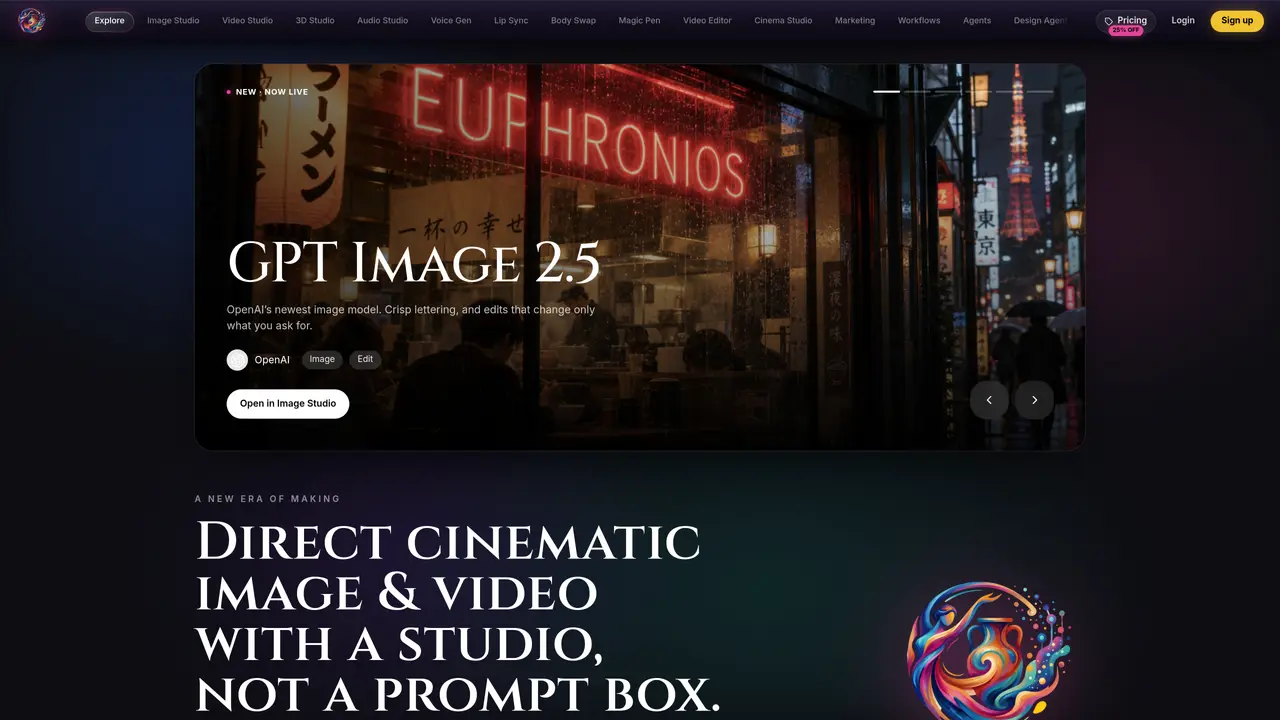
A cloud-based creative studio that integrates multiple AI models for image, video, audio and 3D workflows. It provides tools for generating high-fidelity stills, cinematic video clips, rigged 3D models and synthetic voices from text or reference inputs. Users can direct shots with controls for lens, film stock and lighting, then refine and assemble results on a timeline. The platform supports lip-syncing faces to generated or cloned voices, swapping bodies in scenes, and packaging clips into campaigns. It also offers workflow automation, campaign creation and a library for organizing past work. Outputs can be exported to standard formats or sent to printers.
Key features
- Text-to-image generation with high-fidelity output
- Video generation from prompts or reference images up to 4K
- 3D model creation from text or photos with rigging and animation
- AI-powered lip-sync for adding voices to faces
- Timeline-based video editing with transitions and arrangement
- Campaign creation and marketing-focused creative assembly
- Body-swap and performance-preserving scene recasting
- Workflow automation and agent-based collaboration tools
Use cases
- Generating campaign visuals from text prompts for marketing teams
- Creating cinematic video clips for social media or film pre-visualization
- Producing rigged 3D assets for game development or product visualization
Pros
- Supports multiple AI models (Flux, Veo, Kling, Seedance, Nano Banana, MiniMax, Meshy)
- Timeline-based editing for assembling clips and transitions
- Directorial controls for lens, film stock and lighting in video
- Rigged 3D models exportable to Unity, Unreal, Blender and Maya
- Lip-sync and body-swap capabilities for scene manipulation
Cons
- No free tier; requires paid credits for all generations
- Limited to models and tools provided by the platform
- Credit-based pricing may be opaque for users unfamiliar with model costs
Frequently asked questions about AI Image, Video & Voice Studio
What is the pay-as-you-go pricing model?
The pay-as-you-go model allows users to purchase credits in one-time top-ups without a subscription. Users can select any amount up to 2,000 credits, with larger packs offering a better per-credit rate. Credits never expire and can be stacked on top of any existing plan.
How do credits work in the AI Image, Video & Voice Studio?
Credits are used to power every generation across models. Roughly 2 credits are consumed per image, 15–30 per video clip (depending on length and model), and varying amounts for audio and lip-sync tasks. Premium models may cost more credits.
What models are available in the studio?
The studio integrates multiple AI models for different creative tasks, including Flux, Veo, Kling, Seedance, Nano Banana, MiniMax H3, and others. These models support image, video, audio, and 3D workflows.
Can I use the studio for commercial projects?
Yes, the Pro and Max plans include commercial licenses for users who need to use generated content in commercial projects. The Basic plan is intended for personal use only.
How do I get started with the AI Image, Video & Voice Studio?
Users can start by selecting a plan or purchasing credits, then accessing the studio to generate content using the integrated AI models. The platform provides tools for directing shots, refining outputs, and assembling results on a timeline.
What integrations or export formats does the studio support?
The studio supports exporting 3D models in formats such as FBX, GLB, OBJ, or USDZ, which are compatible with software like Unity, Unreal, Godot, Blender, and Maya. Outputs can also be exported to standard image, video, and audio formats.