AI chatbot for conversation, work, research, coding, and content creation.
5.9B visits/mo+5%#1 Chatbots & Assistants

Create auto-resized campaign images and videos with DaVinci AI's generative media suite.
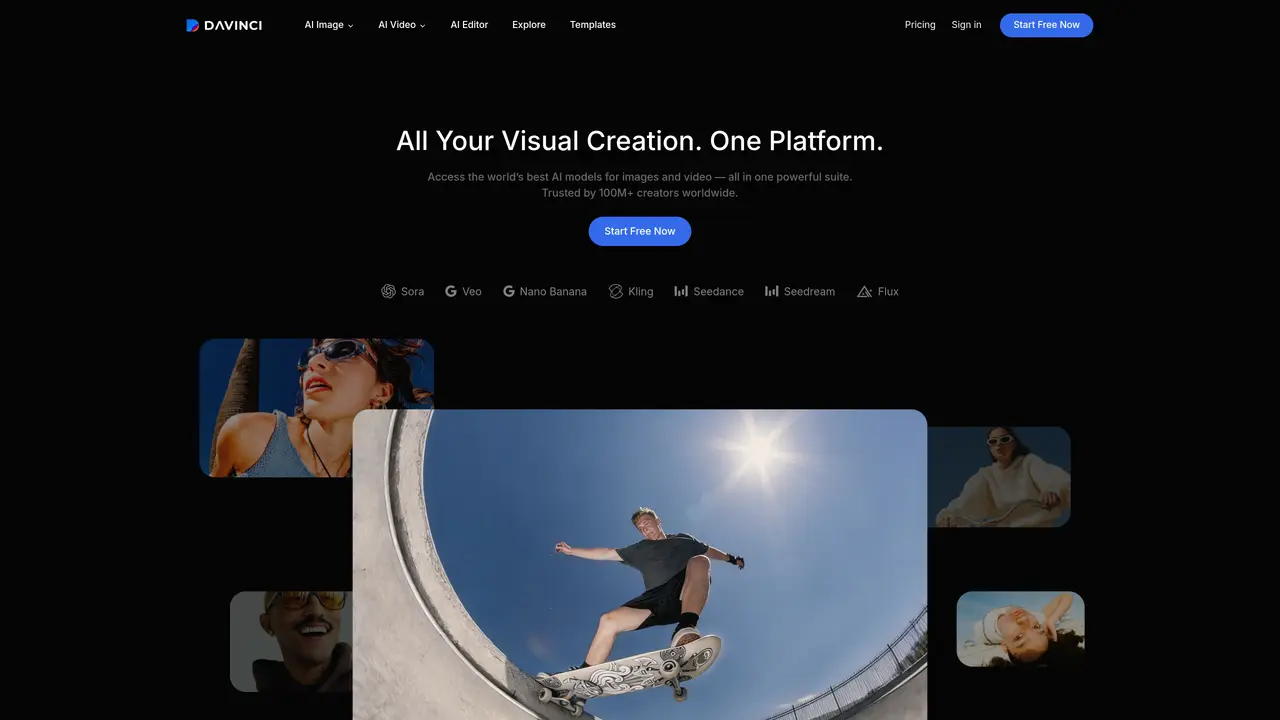
DaVinci AI is a generative media suite that lets creators produce and edit images and short-form video using dozens of frontier models in a single workspace. It targets creative teams, marketers, and designers who need campaign visuals for social, ads, and web without juggling separate tools. The platform combines model selection, generation, editing, and auto-resizing so ideas can move from prompt to production-ready assets in minutes. Key Features: Multi-Model Image & Video Generation: Access models like Sora, Veo, Nano Banana, Kling, Seedance, Seedream, Flux, and more under one subscription for text-to-image, image-to-image, text-to-video, and image-to-video. DaVinci Editor: Work in a unified editor that supports image and video generation, refinement, and remixing so all creative iterations live in one place. Smart Channel Resizing: Automatically resize designs for social, ads, and web formats while preserving layout and visual balance, instead of rebuilding assets per channel. Object-Aware Editing Tools: Use features such as Change Background, Replace or remove objects, Restyle, Relight, Spotlight, Upscale, and Resize Image to clean up scenes and match brand aesthetics. Product-To-Video Workflows: Turn static product photos into short, commercial-style videos with camera motion tuned for social feeds, storefronts, and ad placements. Mobile Creation Apps: Create on iOS and Android using the same 50+ model set, so teams can generate images, videos, and upcoming audio from mobile without a desktop.
DaVinci AI is a generative media suite that provides access to advanced AI models for creating and editing images, videos, and audio. It is designed for creative teams, marketers, designers, and creators who need to produce campaign visuals and content efficiently across multiple formats and channels.
Credits are consumed only when generating content using DaVinci’s AI tools, and the number required depends on the model and output type. Credits reset based on the subscription cycle, and extra credits can be purchased if needed. Downloading or exporting existing assets does not consume credits.
Yes, content generated with DaVinci AI can be used for both personal and commercial purposes as long as you have an active subscription. You own the content you create and are free to use, modify, and monetize it, though you must ensure compliance with applicable laws.
Yes, all content created on DaVinci AI is private by default and only accessible to you. Prompts, uploads, and outputs are stored securely and are not used to train AI models or shared with other users without permission.
No, attribution is not required for AI-generated content created with DaVinci AI under Basic, Pro, or Creator plans. Users can freely use generated content without displaying the DaVinci name, logo, or link.
Users can start by signing up on the DaVinci AI website and choosing a plan. The platform offers a free trial to explore its features, and mobile apps are available for iOS and Android to create content on the go.
davinci.ai · third-party estimates from Similarweb
Last 4 months · grows by one month every month
Share of visits · estimated visits
Other countries: 61.3%
How people reach this site from other AI tools
7.3K a month · 0.1% of all visits
Image & Design · Sep 2026
Traffic figures are third-party estimates, good for scale and trends; they can differ from a company's own numbers. Updated monthly.
We use essential cookies to run aitoolnavio™, and optional cookies to analyze traffic and measure our marketing. You choose what we use — optional cookies stay off unless you turn them on. See our Privacy Policy.
One short email a week: fresh tools worth trying, honest takes and the updates that actually matter. No spam, unsubscribe any time.
AI chatbot for conversation, work, research, coding, and content creation.
Generate captions, optimize content, and enhance with custom images for maximum engagement.
xAI builds Grok frontier AI models for reasoning, coding, voice, images, video, enterprise workflows, and developer APIs.
Explore and test Google’s experimental AI tools and prototypes before they become products.
Creates licensed videos, images, music.
Privacy-focused AI chatbot that generates uncensored text, code, images, and translations without storing conversations or requiring an account.
Web and mobile AI platform for generating, editing, and training custom visuals from prompts with community models and face-swap tools.
A drag-and-drop design platform for presentations and social graphics with AI photo tools and a large template library.
Generate unique artwork, customize with an intuitive interface, and push creative boundaries with AI-generated art.
Generate unique AI art, share your creations, and explore a vast selection of AI artwork.
Generate custom visuals for blogs, create unique social media images, and design eye-catching visuals for marketing campaigns.
Easily find and explore diverse AI art and prompts with a vast library of 10 million+ creations.
Matched on what this tool does — grouped by the job you would be replacing.
matches Multi-Model Image & Video Generation · Product-To-Video Workflows · Smart Channel Resizing
A web-based AI image and video generator for creators and marketers, offering text-to-video, image-to-video, style transfer, and multi-model editing.
An AI image and video generation platform for creators and marketers, offering text-to-image, text-to-video, and editing tools.
Ideal for marketers, designers, agencies, or creators—pxz.ai empowers your storytelling with smart visual content
An all-in-one AI creative platform for creators that generates videos, images, music, and voiceovers with integrated editing workflows.
matches Object-Aware Editing Tools · DaVinci Editor
Create stunning designs, edit photos, remove objects, make collages, and transform images with powerful AI tools and effects.
AI-enhanced photo editing with background removal and enhancements.
AI-powered tool for seamless photo editing and enhancement.
Online AI image editor for background replacement, object removal and style blending