Generate content, correct spelling, suggest synonyms to enhance writing.
173M visits/mo+0.1%#1 Productivity & Office

A Chrome extension that saves and organizes AI assistant responses as searchable Markdown files directly on your device.
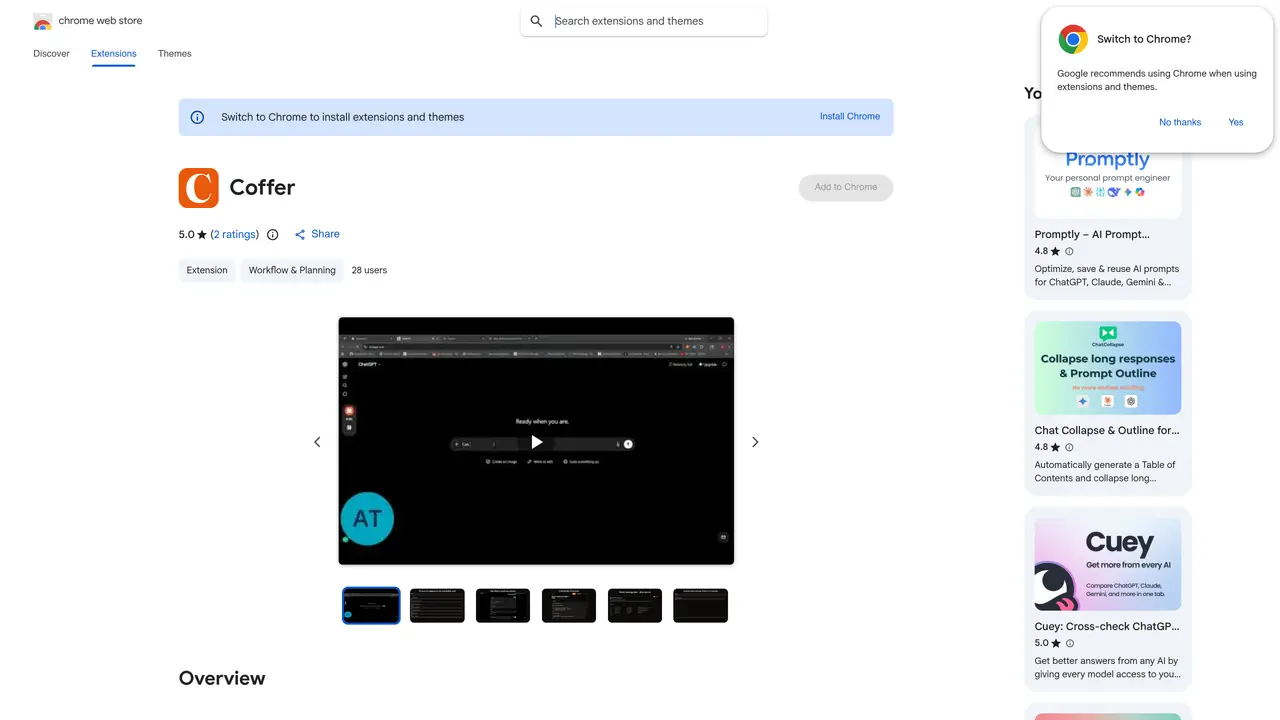
Coffer is a Chrome extension designed to capture and organize high-value responses from AI assistants like ChatGPT, Claude, and Gemini. It adds a “Stash” button to each AI response, allowing users to save formatted Markdown content—including code blocks, tables, and headings—into a single, searchable vault stored locally on their device. This eliminates the frustration of losing important answers buried in long chat histories. The tool is particularly useful for developers, researchers, writers, and Obsidian users who need to reuse or reference AI-generated content efficiently. Coffer supports direct synchronization with Obsidian vaults, automatically writing notes with YAML frontmatter without requiring additional plugins or setup. Users can also export their entire vault as Markdown files for use in other applications like Notion or Logseq. With no server involvement, all data remains private and accessible offline, making it ideal for those prioritizing security and convenience.
Coffer is a Chrome extension that lets users save individual AI responses from ChatGPT, Claude, and Gemini into a local, searchable vault. It preserves formatting like code blocks and headings for easy reuse later.
The tool is designed for knowledge workers, developers, researchers, writers, and Obsidian users who frequently use AI assistants and need to organize and retrieve valuable responses efficiently.
No, Coffer does not require an account or cloud storage. All saved data remains on the user's device in Chrome's local storage, ensuring privacy and offline access.
Yes, Coffer can sync directly with an Obsidian vault. Users select a vault folder once, and Coffer writes Markdown notes with YAML frontmatter automatically, without needing plugins or API keys.
Yes, Coffer is free to use and does not require a subscription or payment. There are no ads, tracking, or analytics involved.
Install the Chrome extension from the Web Store, then use the "Stash" button that appears on AI responses to save them to your vault. Search or organize your saved content as needed.
We use essential cookies to run aitoolnavio™, and optional cookies to analyze traffic and measure our marketing. You choose what we use — optional cookies stay off unless you turn them on. See our Privacy Policy.
One short email a week: fresh tools worth trying, honest takes and the updates that actually matter. No spam, unsubscribe any time.
Generate content, correct spelling, suggest synonyms to enhance writing.
Markdown-based note-taking and personal knowledge management app that turns notes into a connected system of ideas.
Capture, organize, and share ideas, notes, and documents effortlessly.
Easily create and track training courses, design learning environments, and access from any device with an intuitive interface.
An AI-powered note-taking app for students and professionals to write, sketch, annotate PDFs, record audio, and generate summaries, quizzes, and flashcards.
Handwritten note-taking app with searchable ink, PDF annotation, synced audio, and AI-powered study tools.
AI-powered process documentation tool that captures workflows into visual step-by-step guides with screenshots, editing, and exports.
AI web app that transcribes audio, video, and YouTube links into text in 98 languages with summaries, mind maps, and export formats for students and teams.
A note-taking and spaced-repetition flashcard app for students and learners, with PDF annotation plus AI tools for generating cards, quizzes, and study summaries.
AI-powered research assistant for organizing, analyzing, and synthesizing information from notes and documents.
Capture thoughts, create documents, and access on any device for convenient organization and productivity.
AI-powered PDF editor with built-in agents for summarization, translation, and document analysis.
Matched on what this tool does — grouped by the job you would be replacing.
matches Adds a save button to AI assistant responses in ChatGPT, Claude, and Gemini · Saves outputs as formatted Markdown files · Preserves headings, lists, and code blocks in saved content
An AI-powered note-taking app that organizes, summarizes, and transcribes notes offline with local privacy.
Privacy-first note-taking with local AI features like summaries, Q&A, and RAG indexing without exposing full notes.
Browser extension that captures and organizes online saves into a searchable AI-powered library
A notepad that saves and organizes AI conversations and notes in one place