Generate content, correct spelling, suggest synonyms to enhance writing.
173M visits/mo+0.1%#1 Productivity & Office

A Chrome extension that indexes and searches AI chat histories locally, keeping sensitive data private and accessible without cloud sync.
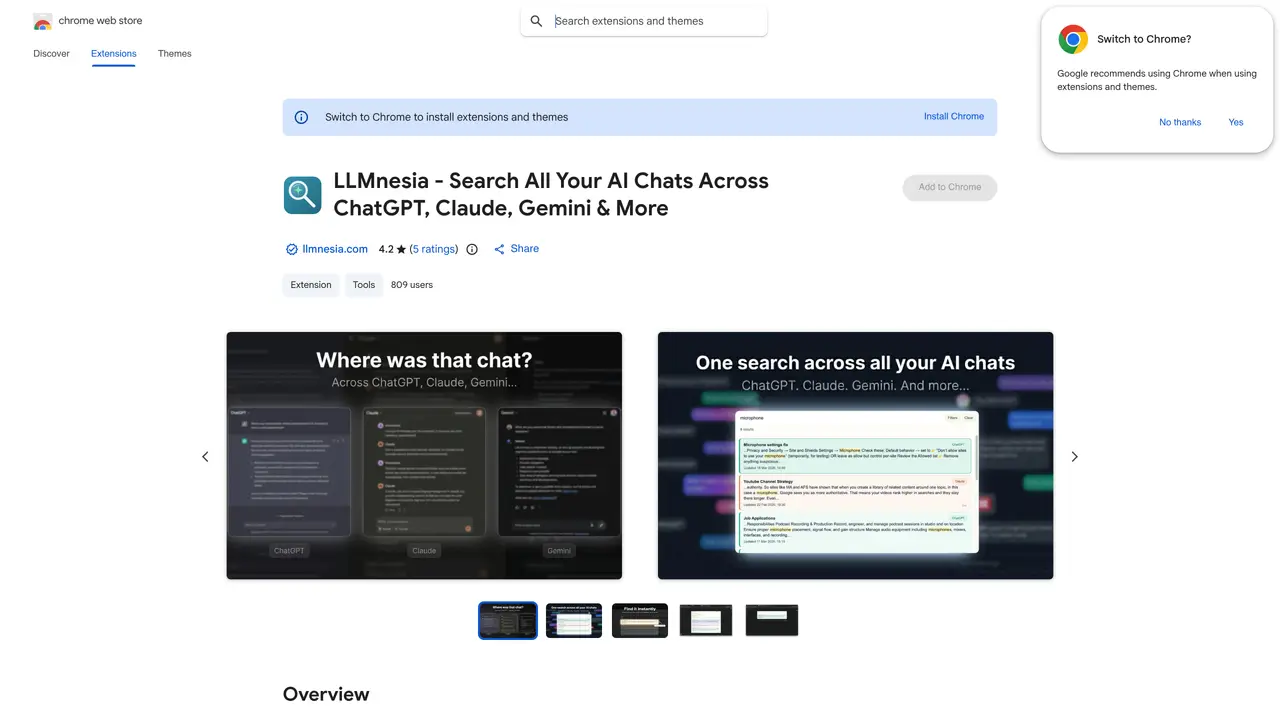
LLMnesia is a local-first Chrome extension designed to index and instantly search AI chat histories across multiple assistants such as ChatGPT, Claude, and Gemini. It retrieves prompts, code snippets, answers, and links to original conversations directly within your browser, ensuring all indexing and search operations run entirely on-device. The tool eliminates the need for cloud sync, accounts, or tracking, making it ideal for users who prioritize privacy and quick access to past AI outputs. Researchers, developers, writers, and heavy AI users benefit from its ability to organize and surface valuable chat history without exposing sensitive content. By running locally, LLMnesia avoids third-party storage, reducing risks associated with data breaches or unauthorized access. Its cross-platform compatibility allows seamless retrieval of chat histories regardless of the AI assistant used. The extension is particularly useful for those who frequently reference past interactions to inform current work or research. Overall, LLMnesia provides a private, efficient, and user-friendly way to manage and revisit AI-generated content.
LLMnesia is a local-first Chrome extension that indexes and searches AI chat histories across platforms like ChatGPT, Claude, and Gemini. It captures conversations on-device, builds a private search index, and lets users retrieve past prompts, code snippets, and answers without cloud sync.
The tool is ideal for researchers, developers, writers, and heavy AI users who need to organize, reference, and reuse past AI-generated content while maintaining privacy. It benefits anyone who frequently revisits previous interactions to inform current work.
No account is required for the free extension, and all indexing and search operations run entirely on-device. LLMnesia does not send conversation content to its servers or store data in the cloud.
Yes, LLMnesia supports connecting to desktop AI tools like Claude Desktop, Claude Code, and Cursor through MCP. This allows users to leverage existing chat history within those tools without starting tasks from zero.
All conversations are indexed and searched locally in the user's browser. LLMnesia does not create cloud copies of chat histories, and its MCP connector and search index operate entirely on-device to minimize data exposure risks.
LLMnesia supports over a dozen AI platforms, including ChatGPT, Claude, Gemini, DeepSeek, and Character.AI, with more added regularly. Users can request support for additional platforms via email.
We use essential cookies to run aitoolnavio™, and optional cookies to analyze traffic and measure our marketing. You choose what we use — optional cookies stay off unless you turn them on. See our Privacy Policy.
One short email a week: fresh tools worth trying, honest takes and the updates that actually matter. No spam, unsubscribe any time.
Generate content, correct spelling, suggest synonyms to enhance writing.
Markdown-based note-taking and personal knowledge management app that turns notes into a connected system of ideas.
Capture, organize, and share ideas, notes, and documents effortlessly.
Easily create and track training courses, design learning environments, and access from any device with an intuitive interface.
An AI-powered note-taking app for students and professionals to write, sketch, annotate PDFs, record audio, and generate summaries, quizzes, and flashcards.
Handwritten note-taking app with searchable ink, PDF annotation, synced audio, and AI-powered study tools.
AI-powered process documentation tool that captures workflows into visual step-by-step guides with screenshots, editing, and exports.
AI web app that transcribes audio, video, and YouTube links into text in 98 languages with summaries, mind maps, and export formats for students and teams.
A note-taking and spaced-repetition flashcard app for students and learners, with PDF annotation plus AI tools for generating cards, quizzes, and study summaries.
AI-powered research assistant for organizing, analyzing, and synthesizing information from notes and documents.
Capture thoughts, create documents, and access on any device for convenient organization and productivity.
AI-powered PDF editor with built-in agents for summarization, translation, and document analysis.
Matched on what this tool does — grouped by the job you would be replacing.
matches Indexes AI chat histories locally in the browser · Supports multiple assistants (ChatGPT, Claude, Gemini, etc.) · Instant search across prompts, code snippets, and answers
Chrome extension that organizes and exports AI chat histories across platforms
Indexes and searches AI assistant conversations across multiple tools
Browser extension that instantly searches your local ChatGPT conversation history without sending data to external servers.
Browser extension organizing AI chat conversations into folders with text highlights and links