Generate content, correct spelling, suggest synonyms to enhance writing.
173M visits/mo+0.1%#1 Productivity & Office
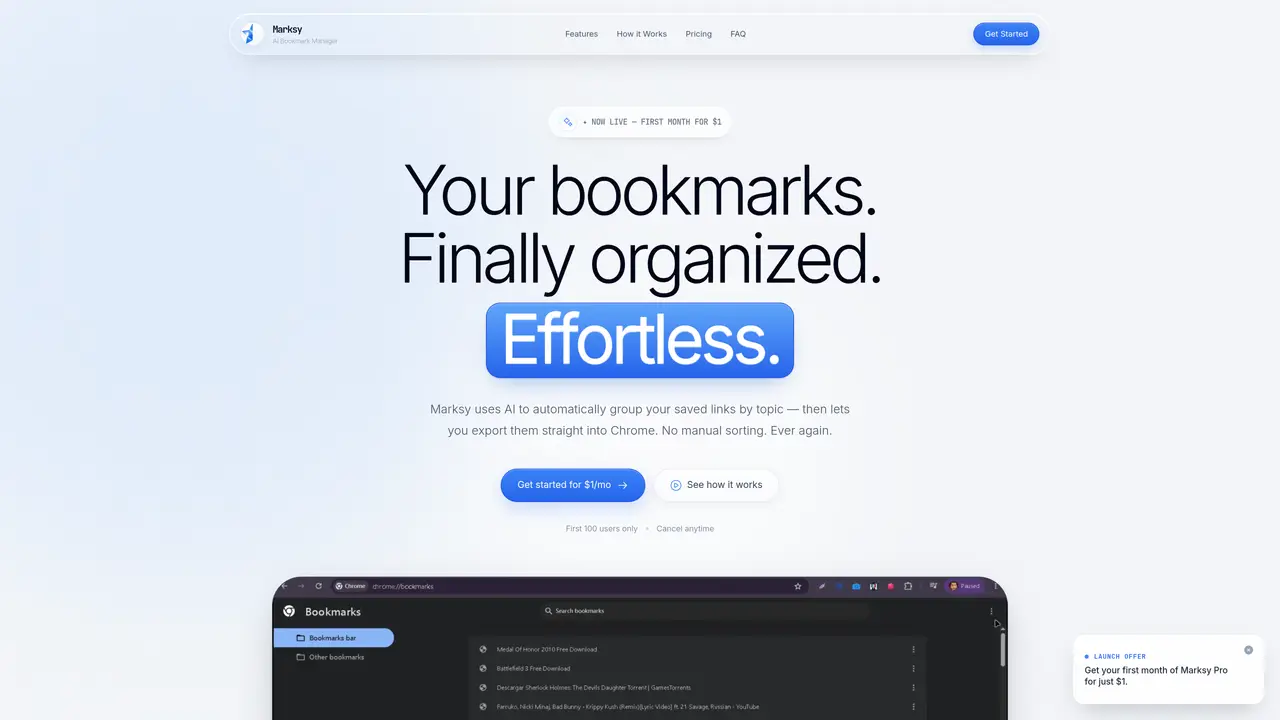
Marksy is an AI-driven tool designed to automatically categorize and organize browser bookmarks into hierarchical folders. It processes existing bookmark files by detecting domains and using AI to generate detailed sub-groups based on content. The tool supports exporting organized bookmarks as an HTML file compatible with Chrome, preserving full folder structure. Marksy operates in three steps: import existing bookmarks, apply AI grouping to create titled sub-folders, and export the cleaned structure back into the browser. It includes features like real-time search, category filtering, and cross-device sync. A companion Chrome extension, Tabsy, is included for tab organization with features like one-click tab-group launchers and scheduled tab groups. The service targets users with large or unstructured bookmark collections seeking automated organization without manual tagging or sorting.
Marksy offers a special launch price of $1 for the first month of Pro access. After 30 days, the subscription renews at the standard rate of $4.99 per month, and users can cancel anytime through their account settings or PayPal dashboard.
Each time Marksy groups a category using AI, it consumes 1 credit. Users receive 100 credits per month, which is sufficient for organizing bookmark libraries of any size.
Yes. Marksy exports bookmarks as an HTML file, which can be imported directly into Chrome via the `chrome://bookmarks/` interface. The full folder hierarchy, including sub-folders, is preserved during the import process.
Tabsy is a premium Chrome extension for tab organization included free with every Marksy Pro subscription. It offers features like unlimited tab folders, one-click tab-group launchers, scheduled tab groups, and a command palette.
Marksy is designed specifically for Chrome, as it exports bookmarks in a format compatible with Chrome's HTML import system. Cross-browser support is not mentioned.
The process is designed to be quick, with the website stating that organizing a digital library can take less than 60 seconds from importing the file to exporting the organized bookmarks.
We use essential cookies to run aitoolnavio™, and optional cookies to analyze traffic and measure our marketing. You choose what we use — optional cookies stay off unless you turn them on. See our Privacy Policy.
One short email a week: fresh tools worth trying, honest takes and the updates that actually matter. No spam, unsubscribe any time.
Generate content, correct spelling, suggest synonyms to enhance writing.
Markdown-based note-taking and personal knowledge management app that turns notes into a connected system of ideas.
Capture, organize, and share ideas, notes, and documents effortlessly.
Easily create and track training courses, design learning environments, and access from any device with an intuitive interface.
An AI-powered note-taking app for students and professionals to write, sketch, annotate PDFs, record audio, and generate summaries, quizzes, and flashcards.
Handwritten note-taking app with searchable ink, PDF annotation, synced audio, and AI-powered study tools.
AI-powered process documentation tool that captures workflows into visual step-by-step guides with screenshots, editing, and exports.
AI web app that transcribes audio, video, and YouTube links into text in 98 languages with summaries, mind maps, and export formats for students and teams.
A note-taking and spaced-repetition flashcard app for students and learners, with PDF annotation plus AI tools for generating cards, quizzes, and study summaries.
AI-powered research assistant for organizing, analyzing, and synthesizing information from notes and documents.
Capture thoughts, create documents, and access on any device for convenient organization and productivity.
AI-powered PDF editor with built-in agents for summarization, translation, and document analysis.
Matched on what this tool does — grouped by the job you would be replacing.
matches AI-powered automatic bookmark grouping · Domain detection and hyper-specific sub-grouping · Real-time search and category filtering
Centralized bookmark manager that captures, tags and retrieves web saves with AI assistance
Private bookmark manager for mobile with AI summaries and offline storage
AI-powered bookmark manager that captures and indexes links automatically
AI-powered bookmark manager that organizes links with auto-generated titles, tags, and translations