AI assistant for safe, reliable productivity with code, collaboration, and integrations.

Prufiva
$9.99Starting price
0Popularity
About Prufiva
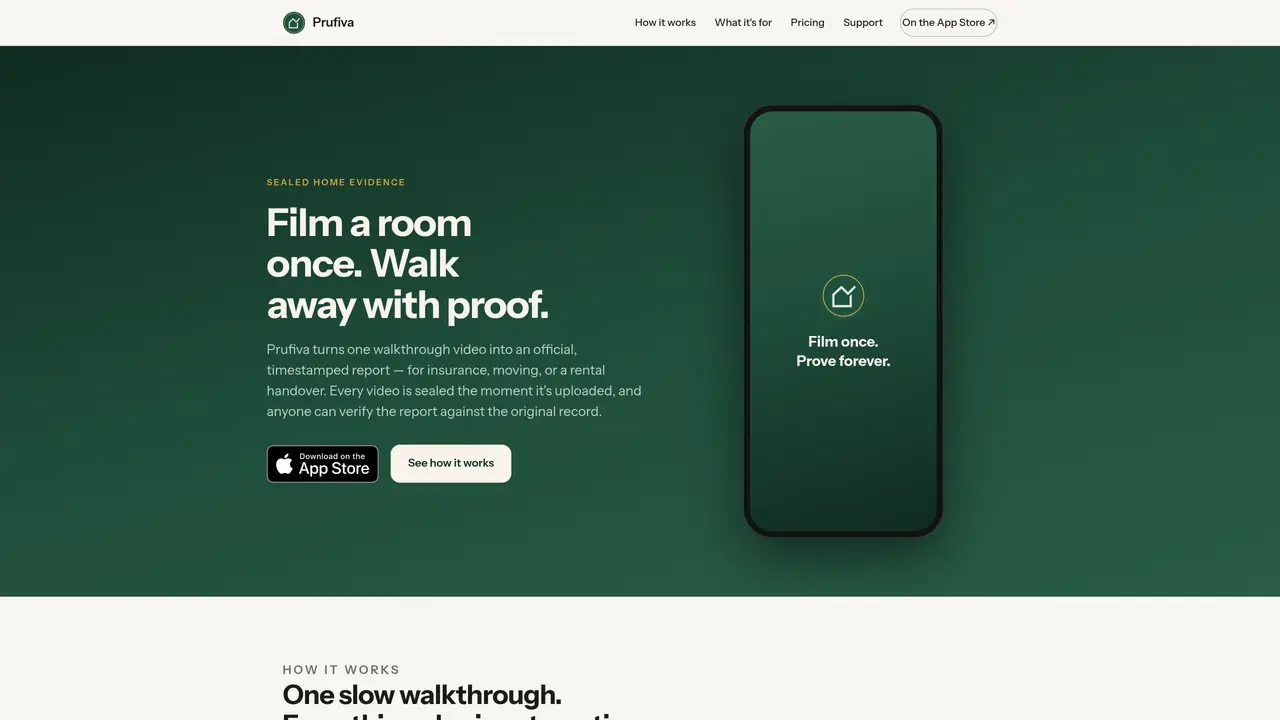
Prufiva converts a single walkthrough video of a room into an official, timestamped report suitable for insurance claims, moving inventories, or rental handovers. Users film a room at a steady pace using a guided camera or import an existing video. Computer vision detects and lists every item with an estimated value and a frame from the footage as evidence. The user reviews and corrects the inventory with simple taps. Once confirmed, the video is sealed with a SHA-256 fingerprint and server timestamp, preventing any subsequent alteration. The system generates a numbered PDF report containing the inventory, evidence frames, and a QR code for public verification. Anyone can scan the QR code to confirm the report matches the sealed original. For rental handovers or moves, the other party can countersign the report on their device, verified by a one-time email code, adding their signature to the sealed record.
Key features
- Guided camera with steady-pace hints
- Computer vision for item and value detection
- Manual correction of AI-generated inventory
- SHA-256 fingerprint and server timestamp sealing
- QR code verification for reports
- Countersigning by third parties
- Meter readings and fragile item flags
- Official numbered PDF reports
Use cases
- Creating an insurance inventory of household items with values and evidence
- Documenting contents and condition for rental handover agreements
- Generating a box-by-box manifest for moving with fragile item flags
Pros
- Seals video evidence immediately upon upload with cryptographic fingerprint
- Generates verifiable PDF reports with QR codes for public validation
- Guided camera ensures consistent lighting and coverage during filming
- Allows manual corrections to AI-detected inventory items
- Supports countersigning by third parties for rental handovers and moves
Cons
- No free tier for official reports; pay-per-report model
- Requires uploading video footage to generate reports
- Limited to room walkthrough videos for evidence collection
Frequently asked questions about Prufiva
What does Prufiva do?
Prufiva converts a single walkthrough video of a room into an official, timestamped report suitable for insurance claims, moving inventories, or rental handovers. It uses computer vision to detect and list every item with an estimated value and evidence frames, then seals the report with a SHA-256 fingerprint and server timestamp.
Who is Prufiva designed for?
Prufiva is designed for individuals or parties needing documented proof for insurance, moving, or rental handovers. It suits homeowners, renters, movers, landlords, and insurers who require verifiable inventories and condition reports.
How does Prufiva ensure the report cannot be altered?
Every video is sealed with a SHA-256 fingerprint and server timestamp the moment it is uploaded, preventing any subsequent alteration. The report includes a QR code for public verification, allowing anyone to confirm the report matches the sealed original.
Can I use an existing video with Prufiva?
Yes, users can either film a room using Prufiva’s guided camera or import an existing video they already have. The system processes the video to generate the inventory and sealed report.
What is included in the official Prufiva report?
The official report is a numbered PDF containing the inventory of items, estimated values, evidence frames from the footage, a QR code for verification, and a SHA-256 fingerprint with server timestamp. For handovers or moves, it can also include countersigned records.
How do I get started with Prufiva?
Users can start by filming a room or importing an existing video. The AI processes the footage to generate an inventory, which the user reviews and corrects. An official report can be generated by purchasing a credit, with no subscription or account required to begin.