Creates licensed videos, images, music.
11M visits/mo+8.9%#2 Video & Animation

AI video generator from Google that turns text, images, or video prompts into high-quality, realistic scenes for creators and marketers.
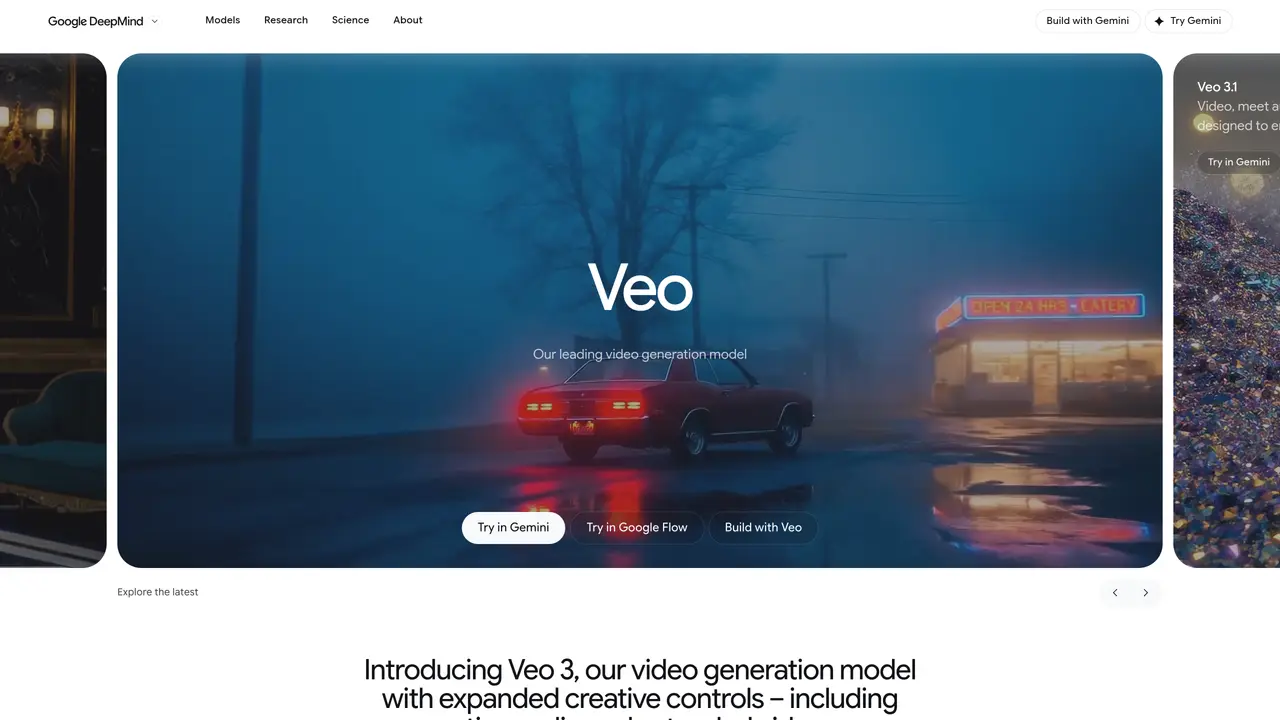
Veo is an AI video generation tool developed by Google that transforms text, images, or video prompts into high-quality, realistic video scenes. It is designed for filmmakers, marketers, video editors, and other professionals who need to create engaging visual content quickly without extensive manual editing. The tool prioritizes prompt compliance and advanced motion tracking to ensure generated scenes align closely with user intent. By automating the creation of realistic scenes, Veo allows users to focus more on refining their creative vision rather than spending time on repetitive production tasks. It is particularly useful for projects requiring rapid iteration or large volumes of video content, such as advertising, educational materials, or corporate communications. Veo leverages Google’s latest advancements in AI video modeling to deliver high-fidelity outputs, though its performance can depend on the specificity and clarity of the input prompts.
Google DeepMind
London, United Kingdom · Founded 2010
Google Veo 2 is an AI video generation model developed by Google DeepMind that transforms text, images, or video prompts into high-quality, cinematic video scenes. It generates realistic video content with synchronized audio, designed to empower filmmakers, storytellers, and creators.
Veo 2 is designed for professionals such as filmmakers, marketers, video editors, and storytellers who need to create engaging visual content efficiently. It is particularly useful for projects requiring rapid iteration or large volumes of video content.
Veo 2 uses advanced AI video modeling to interpret prompts and generate video scenes with high realism and fidelity. It incorporates real-world physics and audio to produce outputs that closely follow user instructions, including native audio generation.
Veo 2 offers improved prompt adherence, creative control, and consistency in video generation. It supports extended video lengths, native audio integration, and greater realism through enhanced understanding of prompts and real-world physics.
Yes, Veo 2 includes native audio generation, allowing it to produce synchronized soundscapes, dialogue, and music that align with the generated video content.
Veo 2 can be accessed and tried through Google DeepMind's platforms, including integration with Google Flow and other Google AI tools. Users can experiment with prompts and generate videos directly within these interfaces.
We use essential cookies to run aitoolnavio™, and optional cookies to analyze traffic and measure our marketing. You choose what we use — optional cookies stay off unless you turn them on. See our Privacy Policy.
One short email a week: fresh tools worth trying, honest takes and the updates that actually matter. No spam, unsubscribe any time.
Creates licensed videos, images, music.
AI video generation platform that turns text prompts or images into short, high-quality 8-second videos with consistent characters.
AI-powered text-to-video generator that creates videos from text prompts.
AI-powered video generator that converts text, images, or video prompts into high-quality videos without technical skills.
Generates AI videos, images and audio from text prompts, photos or audio
Transform text and images into stunning videos.
Create stunning videos and images using artificial intelligence.
Generates high-quality videos and images from text or images with cinematic controls and native 4K output.
Create lifelike videos from text and images.
An all-in-one creative suite specializing in Image-to-Video animation.
Free online AI video editor for beginners to create videos with text, music, animations, and effects.
AI platform that converts text, images, or videos into dynamic video content with minimal technical skill required.
Matched on what this tool does — grouped by the job you would be replacing.
matches Generates videos from text, images, or video prompts · Prioritizes exact prompt compliance for accurate scene generation · High-quality video output aligned with Google’s latest AI models
AI video generation platform that turns text prompts or images into short, high-quality 8-second videos with consistent characters.
Happy Horse is a powerful AI video generator that turns text, images, and ideas into high-quality videos in seconds.
Google DeepMind’s Veo turns detailed text prompts into cinematic AI videos with realistic motion, native audio, and fine-grained creative control.
Google Veo 3 turns text or image prompts into cinematic, high-quality videos with synchronized audio and dialogue in seconds.