

Creates licensed videos, images, music.
11M visits/mo+8.9%#2 Video & Animation
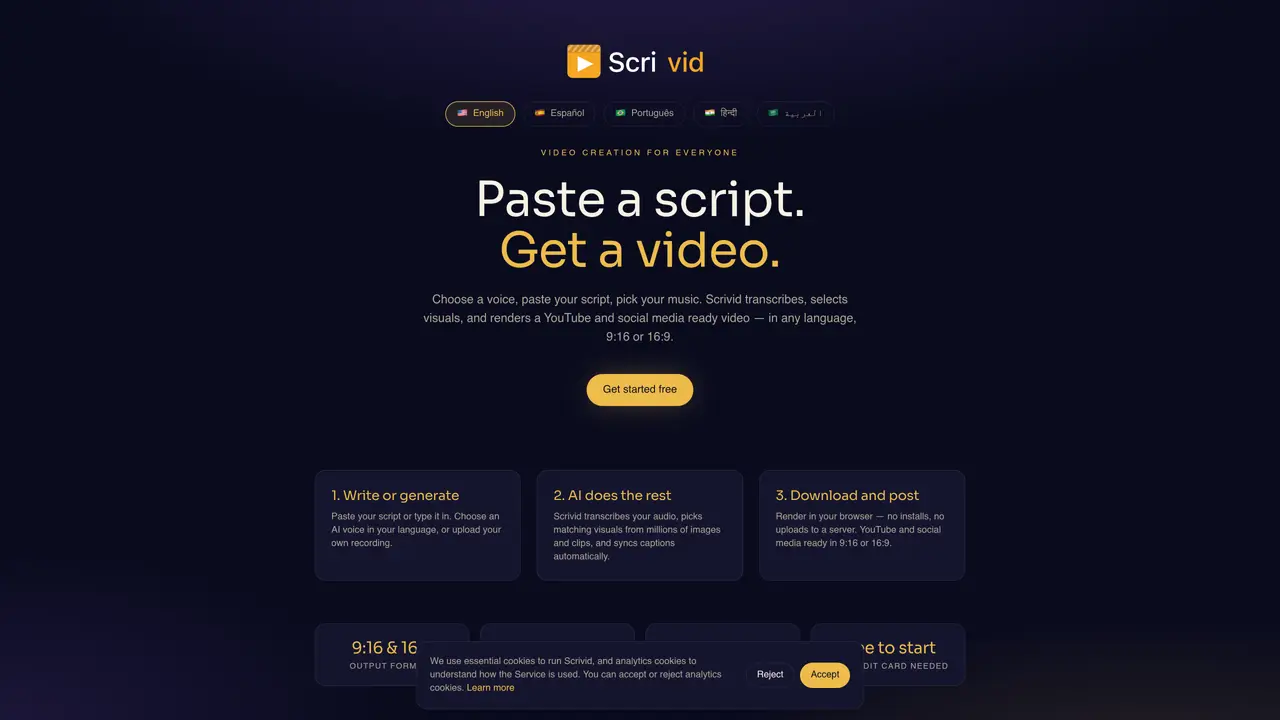
Scrivid converts written scripts into videos by transcribing audio, selecting matching visuals from a large library, and synchronizing captions automatically. Users can choose from multiple AI voices in supported languages or upload their own recordings. The tool renders videos directly in the browser without requiring software installation or server uploads. Outputs are optimized for YouTube and social media in both 9:16 and 16:9 aspect ratios. Background music tracks are provided to enhance the final video. The process involves pasting or typing a script, selecting a voice, and letting the AI generate the visual content.
Scrivid is an AI-powered tool that converts written scripts into videos by transcribing audio, selecting matching visuals from a large library, and synchronizing captions automatically. Users paste or type a script, choose an AI voice or upload a recording, and the tool renders a video directly in the browser without requiring software installation or server uploads.
Scrivid is designed for content creators, marketers, educators, and businesses who need to quickly produce videos from scripts without advanced video editing skills. It supports multiple languages and is suitable for creating YouTube and social media content.
No, Scrivid renders videos directly in the browser, so no software installation or server uploads are required. The process is completed entirely online.
Yes, users can choose from multiple AI voices in supported languages or upload their own recordings to use in the generated videos.
Scrivid supports output formats optimized for YouTube and social media in both 9:16 (vertical) and 16:9 (horizontal) aspect ratios.
Scrivid offers a free starting option, and no credit card is required to begin using the tool.
We use essential cookies to run aitoolnavio™, and optional cookies to analyze traffic and measure our marketing. You choose what we use — optional cookies stay off unless you turn them on. See our Privacy Policy.
One short email a week: fresh tools worth trying, honest takes and the updates that actually matter. No spam, unsubscribe any time.
Creates licensed videos, images, music.
AI video generation platform that turns text prompts or images into short, high-quality 8-second videos with consistent characters.
AI-powered text-to-video generator that creates videos from text prompts.
AI-powered video generator that converts text, images, or video prompts into high-quality videos without technical skills.
Generates AI videos, images and audio from text prompts, photos or audio
Transform text and images into stunning videos.
Create stunning videos and images using artificial intelligence.
Generates high-quality videos and images from text or images with cinematic controls and native 4K output.
Create lifelike videos from text and images.
An all-in-one creative suite specializing in Image-to-Video animation.
Free online AI video editor for beginners to create videos with text, music, animations, and effects.
AI platform that converts text, images, or videos into dynamic video content with minimal technical skill required.
Matched on what this tool does — grouped by the job you would be replacing.
matches Script-to-video conversion · Visuals selected from millions of images and clips · Browser-based rendering
AI platform that turns text into monetizable 4K faceless videos for YouTube, TikTok, and Reels without editing skills.
An AI faceless video generator that turns scripts into animated videos with consistent characters and voiceovers for creators, educators, and marketers.
AI-powered tool to generate faceless split-screen reels and talking avatar videos from text prompts
Turn text descriptions into faceless social media videos automatically with AI-generated visuals, music, and captions.
matches AI voice selection in multiple languages · Automatic caption synchronization · Background music integration
Turns blogs, scripts, and text into polished explainer videos with AI avatars, captions, and music in minutes.
AI video story generator that turns text prompts into 1080p YouTube and TikTok videos with scripts, visuals, voiceovers, and scheduling.
An AI text-to-video platform that turns blogs, PDFs, podcasts, and audio into social-ready videos with scripts, scenes, voiceovers, captions, and music.