Creates licensed videos, images, music.
11M visits/mo+8.9%#2 Video & Animation

AI tool that converts text or images into high-quality videos with minimal effort and no professional editing skills required.
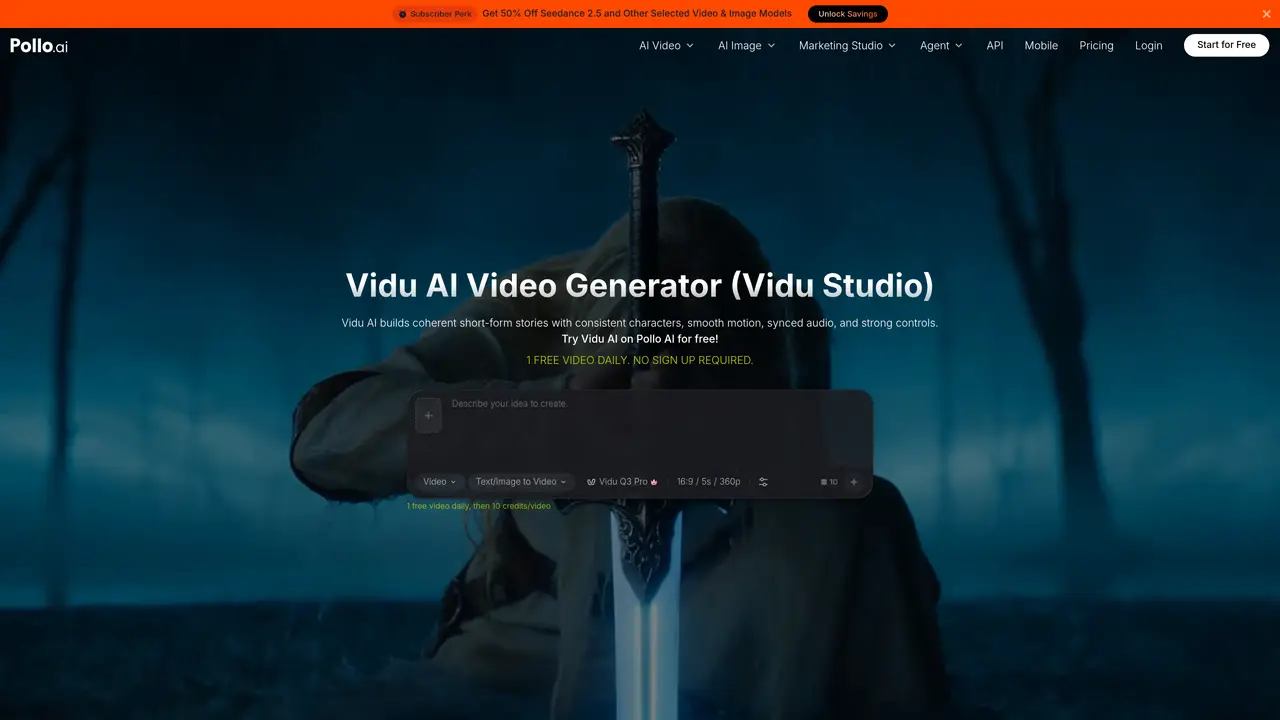
Vidu Studio is an AI-powered video generation tool that transforms text prompts or static images into polished videos. Designed for accessibility, it eliminates the need for advanced video editing expertise, making it suitable for marketers, educators, influencers, and video editors. The platform automates the entire process, from scene composition to motion integration, producing realistic and engaging video content quickly. Users can generate promotional videos, educational clips, or personal montages by simply inputting their text or uploading images. The tool is optimized for efficiency, offering a fast and cost-effective alternative to traditional video production. It supports a wide range of applications, including marketing campaigns, social media content, and entertainment projects, while catering to both professional and casual creators.
Vidu Studio AI is an AI-powered video generation platform that converts text prompts, static images, or visual references into polished videos. It supports multiple input types, including text-to-video, image-to-video, and reference-to-video, and generates coherent short-form stories with consistent characters, smooth motion, and synchronized audio.
The tool is designed for marketers, educators, influencers, video editors, and creators of all skill levels. It caters to both professional users seeking efficient production workflows and casual creators looking to produce engaging video content without advanced editing expertise.
Key features include multi-mode video generation, multi-reference consistency for maintaining visual identity, first-and-last frame control, natural motion generation, precise camera control, native audio-video generation, and visual style versatility for cinematic, realistic, animated, or illustrated outputs.
Yes, Vidu Studio AI can generate coordinated visuals, dialogue, music, and sound effects in a single process, ensuring that audio elements are naturally timed with the on-screen action.
Yes, the platform includes specialized tools for creating marketing videos, product visuals, and user-generated content (UGC) ads. It supports features like photo-to-video ads, script-to-video ads, and URL-to-video ads for platforms like Facebook, TikTok, YouTube, and Instagram.
Users can start by visiting the Vidu Studio AI website, where they can try the tool for free. The process involves describing the video idea, uploading images or text, selecting a model, and generating the video. No advanced editing skills are required.
We use essential cookies to run aitoolnavio™, and optional cookies to analyze traffic and measure our marketing. You choose what we use — optional cookies stay off unless you turn them on. See our Privacy Policy.
One short email a week: fresh tools worth trying, honest takes and the updates that actually matter. No spam, unsubscribe any time.
Creates licensed videos, images, music.
AI video generation platform that turns text prompts or images into short, high-quality 8-second videos with consistent characters.
AI-powered text-to-video generator that creates videos from text prompts.
AI-powered video generator that converts text, images, or video prompts into high-quality videos without technical skills.
Generates AI videos, images and audio from text prompts, photos or audio
Transform text and images into stunning videos.
Create stunning videos and images using artificial intelligence.
Generates high-quality videos and images from text or images with cinematic controls and native 4K output.
Create lifelike videos from text and images.
An all-in-one creative suite specializing in Image-to-Video animation.
Free online AI video editor for beginners to create videos with text, music, animations, and effects.
AI platform that converts text, images, or videos into dynamic video content with minimal technical skill required.
Matched on what this tool does — grouped by the job you would be replacing.
matches Converts text prompts into videos · Fast and automated video generation process
Free AI tool by Tencent that converts text or images into high-quality videos with realistic motion and cinematic camera work up to 4K resolution.
Omni Flash is an AI video platform that turns text, images, or existing clips into cinematic 4K videos.
AI video generator that turns text prompts, images, references, and audio into cinematic videos for creators and marketers.
Veo 4 AI is a cinematic AI video generator for text-to-video and image-to-video creation with realistic motion, smooth animation, and high-quality visual rendering.
matches Transforms static images into animated videos · Image-to-video conversion
matches High automation with realistic video quality · Cinematic AI rendering · Realistic animation
Happy Horse is an AI video generator for turning prompts, images, and clips into engaging videos with fast iteration and flexible creative control.
Generates cinematic videos up to 30 seconds from text, images, documents or URLs
Wan 2.6 makes 1080p videos from text, images, role-playing, create cinematic ai video, short clips.
A native multimodal AI video generator that turns text, images, and audio into cinematic, physics-aware videos with perfectly synced sound and conversational editing capabilities in a single pass.
Seedance 3.0 AI is a video generator that allows users to create videos using multi-modal input, reference anything, and maintain superior consistency.
Seedance 2.5 creates cinematic AI video from text prompts and reference images.
Generate and edit high-fidelity short videos with Runway’s Gen‑4 and Aleph models, maintaining style consistency and motion realism.
AI video generator using OpenAI Sora 2 for cinematic, physics-accurate videos.