Automate research, make corrections, and integrate easily into text editors for convenient content generation and error detection.
36M visits/mo+12%#4 Writing & Content

Elevates writing clarity and style with AI, offering instant enhancements and style matching.
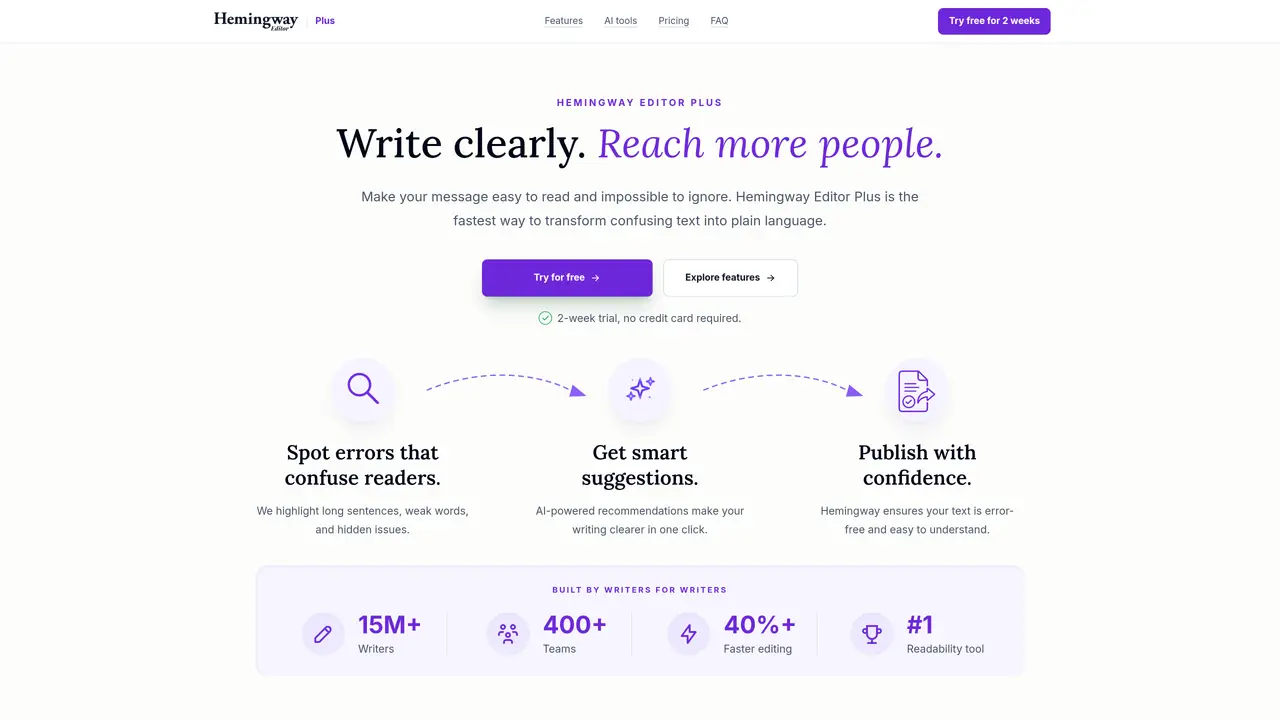
Hemingway Editor is a cutting-edge AI tool designed to enhance your writing, making it bold and clear. It addresses common writing issues such as wordy sentences, passive voice, and more, all with a simple click. Tailored for both individuals and professionals seeking to refine their writing, Hemingway Editor Plus goes beyond mere grammar checks. It offers instant suggestions for rewriting sentences, ensuring your writing sounds like you, and even helps break through writer’s block by suggesting new phrasings you might not have considered. The tool provides a range of features, including instant writing enhancement, tone matching, style application, and readability grade level scoring. Hemingway Editor is widely used by content creators, academics, business professionals, authors, and language learners to improve their writing skills. It offers a free plan with unlimited highlights for readability and style, as well as several paid plans that provide additional features and AI sentence allowances. The tool’s unique approach to not only correcting but also enhancing writing makes it an essential tool for anyone looking to elevate their writing.
Hemingway Editor Plus uses AI to rewrite wordy sentences, fix grammar issues, and apply different writing styles or tones. It also provides document review feedback, synonym suggestions, and readability scoring.
It suits writers, content creators, academics, business professionals, authors, and language learners who want to simplify, clarify, and enhance their writing with AI-powered suggestions.
The tool states it will never sell user data, allow others to use it for AI training, or use it for advertising, ensuring user privacy is protected.
Yes, it inspires users by suggesting new ways to rephrase text, helping break through writer’s block with context-relevant alternatives.
It allows users to import and export files, set target reading levels, and control dark mode, though specific file format details are not listed on the site.
Users can start a free trial without a credit card by signing up with a Google account or email, and the trial automatically cancels after two weeks.
We use essential cookies to run aitoolnavio™, and optional cookies to analyze traffic and measure our marketing. You choose what we use — optional cookies stay off unless you turn them on. See our Privacy Policy.
One short email a week: fresh tools worth trying, honest takes and the updates that actually matter. No spam, unsubscribe any time.
Automate research, make corrections, and integrate easily into text editors for convenient content generation and error detection.
AI-powered writing assistant for grammar, style, and tone improvements across documents and emails.
AI-powered writing tool for paraphrasing, summarizing, and enhancing writing effortlessly.
AI-powered proofreading, editing, plagiarism checking, and citation generation for academic papers.
Detect errors, check language style, reword sentences for desired writing style.
Detect errors, suggest real-time corrections, and provide a variety of writing tools.
AI-powered grammar and writing assistant that corrects English text, rephrases sentences, suggests synonyms, and translates content.
Instantly corrects spelling, typos, and punctuation, suggests synonyms, and ensures error-free content for businesses.
Hemingway offers a seamless solution for enhancing writing clarity and conciseness with its AI-powered tool.
Professional proofreading and editing service for students, writers, and businesses with 24/7 support and free samples.
Fix errors, paraphrase text automatically, and generate new content for clearer ideas.
Enterprise AI platform that enforces consistent, inclusive writing across teams with style rules and integrations.
Matched on what this tool does — grouped by the job you would be replacing.
matches Instant Writing Enhancement · Tone Matching · Style Application
AI-powered writing assistant for grammar, style, and tone improvements across documents and emails.
Hemingway offers a seamless solution for enhancing writing clarity and conciseness with its AI-powered tool.
Instantly reword, rewrite, and rephrase texts for improved readability, accuracy, and engaging, plagiarism-free content.
Detects and corrects grammar and spelling mistakes, enhances writing with AI suggestions, and checks for plagiarism.
matches Writer's Block Aid · Readability Grade Level Scoring
AI writing assistant designed to help students and academics draft, edit, and refine academic texts efficiently.
Format academic documents, check for errors, and create engaging content using customizable templates.
The first fully featured AI Editor for students, powered by advanced AI to support academic writing.