Automate research, make corrections, and integrate easily into text editors for convenient content generation and error detection.
36M visits/mo+12%#4 Writing & Content

Quickly rewrite text with high-quality paraphrased content, ensuring flawless, unique results without errors.
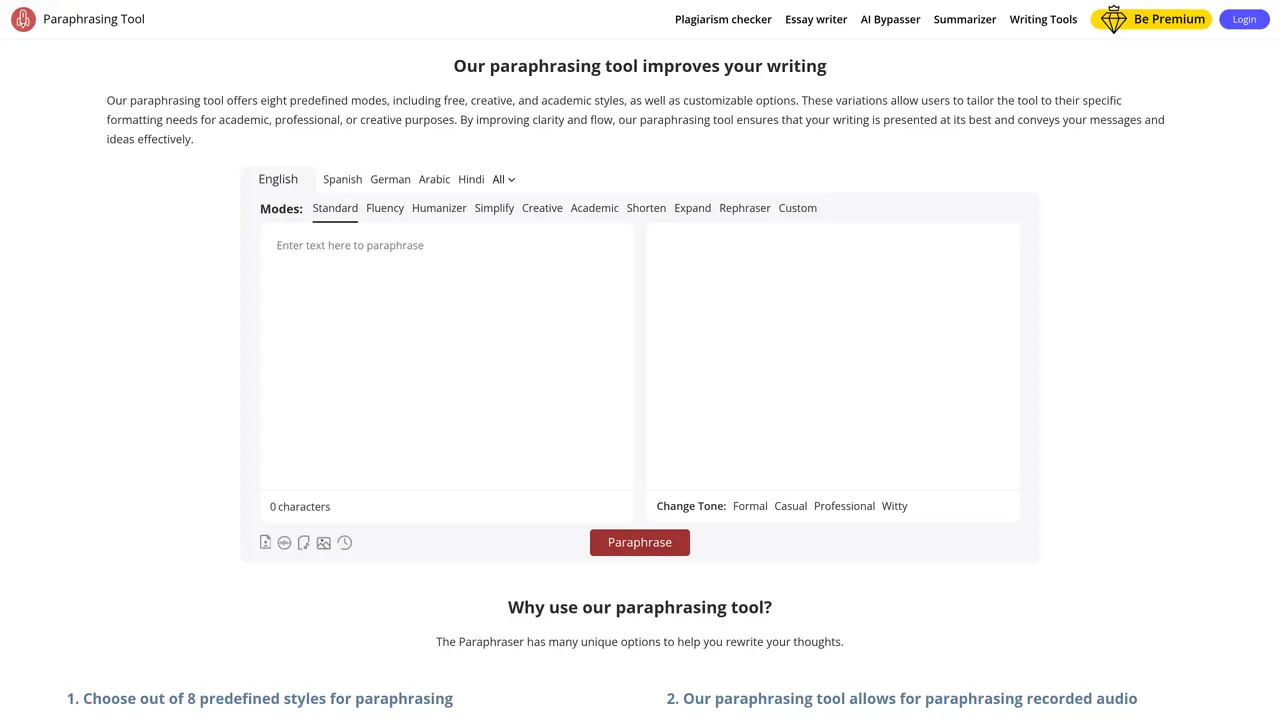
Paraphrasing Tool is a powerful tool designed to help you quickly and easily achieve perfect paraphrases of any text. It can help you rephrase and rewrite any kind of content in the most effective and efficient way. It produces the highest quality results and saves you time and effort by allowing you to quickly and accurately rewrite any text in a fraction of the time it would take to do manually. Paraphrasing Tool is perfect for any writer, student, or professional who needs to quickly and accurately produce well-written, high-quality paraphrased content. It is also extremely user-friendly and intuitive, making it easy for anyone to use without prior experience. With Paraphrasing Tool, you can create flawless, unique content in no time, without having to worry about grammar and spelling mistakes.
Paraphrasing Tool is an AI-powered platform that rewrites text in multiple styles and tones to improve clarity, creativity, or academic quality. It supports eight predefined modes, including standard, fluency, academic, and creative styles, as well as customizable options.
The tool is designed for students, writers, professionals, and anyone needing to rephrase text quickly and accurately. It helps users tailor content for academic, professional, or creative purposes while maintaining original meaning.
Yes, it supports speech-to-text and audio uploads for real-time paraphrasing. Users can also upload images or screenshots containing text to extract and rephrase content directly.
Yes, users can select from predefined tones such as formal, casual, professional, or witty. Additionally, the tool provides an AI-powered thesaurus to refine word choices within the paraphrased output.
The research panel helps users find references and summaries online to support their writing. It allows previewing articles and accessing contextual information directly within the tool.
Yes, users can create custom modes or choose from eight predefined styles, including standard, fluency, humanizer, simplify, creative, academic, shorten, and expand. Each mode adjusts the output to fit specific requirements.
paraphrasingtool.ai · third-party estimates from Similarweb
Last 4 months · grows by one month every month
Share of visits · estimated visits
Other countries: 47%
Writing & Content · Sep 2026
Traffic figures are third-party estimates, good for scale and trends; they can differ from a company's own numbers. Updated monthly.
We use essential cookies to run aitoolnavio™, and optional cookies to analyze traffic and measure our marketing. You choose what we use — optional cookies stay off unless you turn them on. See our Privacy Policy.
One short email a week: fresh tools worth trying, honest takes and the updates that actually matter. No spam, unsubscribe any time.
Automate research, make corrections, and integrate easily into text editors for convenient content generation and error detection.
AI-powered writing tool for paraphrasing, summarizing, and enhancing writing effortlessly.
All-in-one SEO suite for website performance analysis, keyword tracking, plagiarism checks, sitemap generation, and article rewriting.
Detect errors, suggest real-time corrections, and provide a variety of writing tools.
AI-powered grammar and writing assistant that corrects English text, rephrases sentences, suggests synonyms, and translates content.
Generate alternative phrasing, replace words with synonyms, and alter sentence structure for creative content.
Instantly reword, rewrite, and rephrase texts for improved readability, accuracy, and engaging, plagiarism-free content.
Detects AI-generated text and rewrites it to bypass detection while preserving readability and SEO-friendliness.
Rewrite text, check for plagiarism, generate citations, translate languages, and enhance writing with powerful applications.
Free AI tool that converts robotic AI text into natural, human-like writing, bypassing detection while supporting multiple languages and ensuring privacy.
Fix errors, paraphrase text automatically, and generate new content for clearer ideas.
Detect, bypass, and generate undetectable AI content in seconds.
Matched on what this tool does — grouped by the job you would be replacing.
matches Quickly rewrite text with high-quality paraphrased content · Produce well-written, high-quality paraphrased content · Create flawless, unique content in no time
AI-powered writing tool for paraphrasing, summarizing, and enhancing writing effortlessly.
Generate alternative phrasing, replace words with synonyms, and alter sentence structure for creative content.
Generate unique content, ease content creation, customize output for diverse needs—over 100 languages supported.
Quickly rewrite content accurately, generate unique, plagiarism-free content with six powerful modes.