Craft captivating stories effortlessly using AI-powered GPT technology and an intuitive interface.
5.1M visits/mo+5.5%#12 Writing & Content

Generate creative prompts, combine plot elements, access content library with ease using S.W.A.G.
Clio is a Stable Diffusion Prompt Generator that provides a range of helpful prompts for users to get creative. It offers a huge selection of suggestions, from plot ideas to character motivations and more. The tool includes a Prompt Helper, which allows users to select and combine different plot elements to create a unique narrative using the S.W.A.G. (Story Writing Assistance Generator). Additionally, Clio grants access to a library of content, including recommended keywords and inspiration sourced from hundreds of independent artists, researchers, and hobbyists. The tool is designed for anyone looking to kickstart their creativity and craft stories, art, and music with ease. Clio’s features include generating creative prompts with ease, selecting and combining plot elements with S.W.A.G., and accessing a library of content with the Studio. It is suitable for people who want to get started with storytelling, art, or music creation.
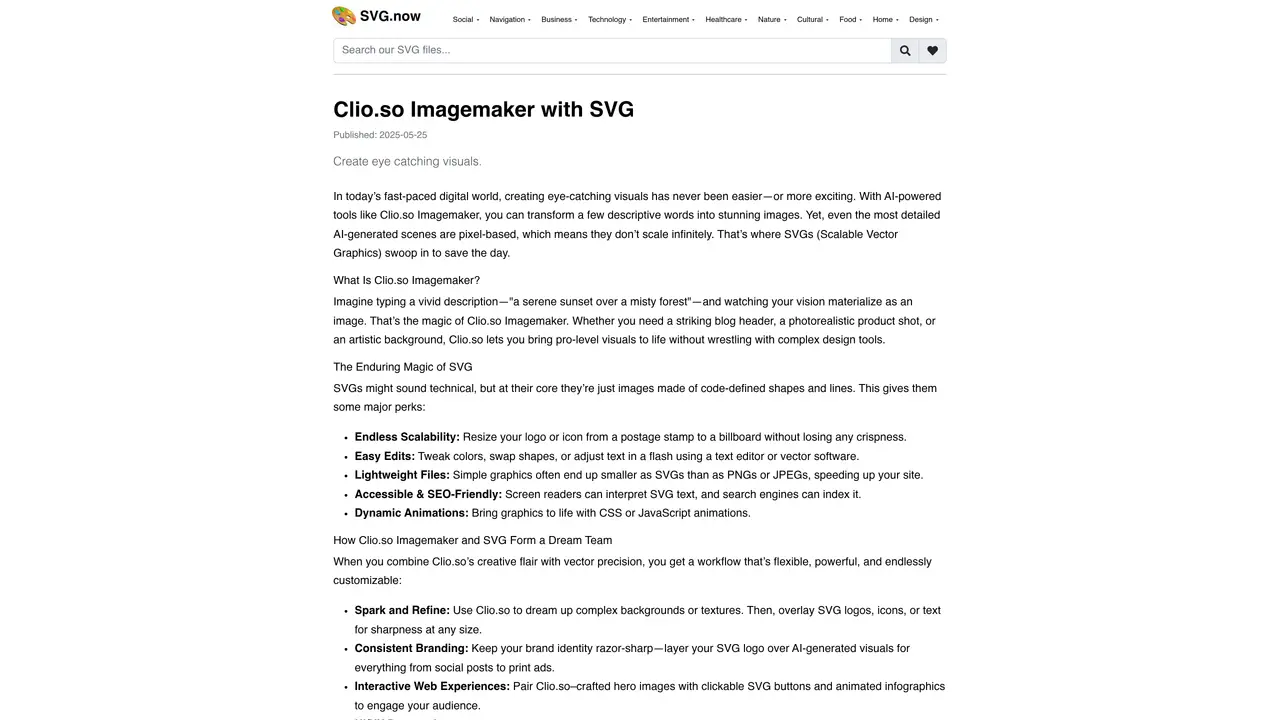
Clio.so Imagemaker is an AI-powered tool that transforms descriptive text into visuals, enabling users to create eye-catching images from simple prompts. It leverages AI to generate pixel-based images, which can then be enhanced with scalable vector graphics (SVGs) for greater flexibility.
The tool is designed for creators, designers, marketers, and anyone needing high-quality visuals without complex design software. It suits professionals who require scalable, editable, and lightweight graphics for digital and print media.
Users generate AI-based images in Clio.so and then overlay or integrate SVGs for scalability, editing ease, and interactivity. SVGs complement AI visuals by providing crisp, resizable assets for logos, icons, and design elements.
SVGs offer endless scalability, lightweight file sizes, easy edits, accessibility for screen readers, and dynamic animations. They enhance AI-generated images by ensuring sharpness at any size and seamless integration into web and print projects.
Yes, the tool supports consistent branding by allowing users to layer SVG logos and design elements over AI-generated visuals. This ensures brand identity remains sharp across social media, print ads, and other marketing materials.
SVGs can be sourced from libraries like svg.now, which offers categorized collections such as social icons, business graphics, and UI elements. These libraries provide a wide range of vector assets to complement AI-generated images.
We use essential cookies to run aitoolnavio™, and optional cookies to analyze traffic and measure our marketing. You choose what we use — optional cookies stay off unless you turn them on. See our Privacy Policy.
One short email a week: fresh tools worth trying, honest takes and the updates that actually matter. No spam, unsubscribe any time.
Craft captivating stories effortlessly using AI-powered GPT technology and an intuitive interface.
Create and play endless AI-generated text adventures with customizable stories, characters, and choices online or via the app.
An AI creation platform for turning images into videos, adding twist endings, and building interactive roleplay stories.
Web-based novel writing software for authors, offering outlining, world-building, reviewing tools, and AI assistance for drafting and analysis.
Squibler is an AI-powered writing tool designed to streamline the creative process for authors, screenwriters, and content creators.
AI creation studio for generating short dramas and narrative videos with consistent characters and scenes.
Generate visuals, modify details, and fulfill any concept or idea with stunning images in seconds.
An AI-powered video and story creation platform that turns prompts into animated films, storyboards, and storybooks for creators and publishers.
AI Character Roleplay Platform!
Mobile AI-powered text RPG that generates choice-based adventures with voice narration, AI art, dynamic soundtracks, and co-op play.
AI-powered manuscript analysis and reader feedback for authors
AI-powered manuscript review service providing feedback from multiple virtual reader personas
Matched on what this tool does — grouped by the job you would be replacing.
matches Generate creative prompts · Combine plot elements using S.W.A.G. · Prompt Helper offers suggestions for plot ideas and character motivations
An AI chat platform for roleplaying, storytelling, and learning by chatting with millions of user-created AI characters.