Claiming your listing
If your tool is already listed, claim it rather than submitting a second copy.
Much of the directory was built by crawling public sources, so your tool may be listed without you having submitted it.
Claiming is only for listings we compiled. If your tool was submitted through this site — by you or by a colleague — it already has an owner and cannot be claimed by anyone. Sign in to the account that submitted it and edit it from your dashboard. If that account is lost, email legal@aitoolnavio.com and we will sort it out rather than letting a second person take the page over.
How to claim it
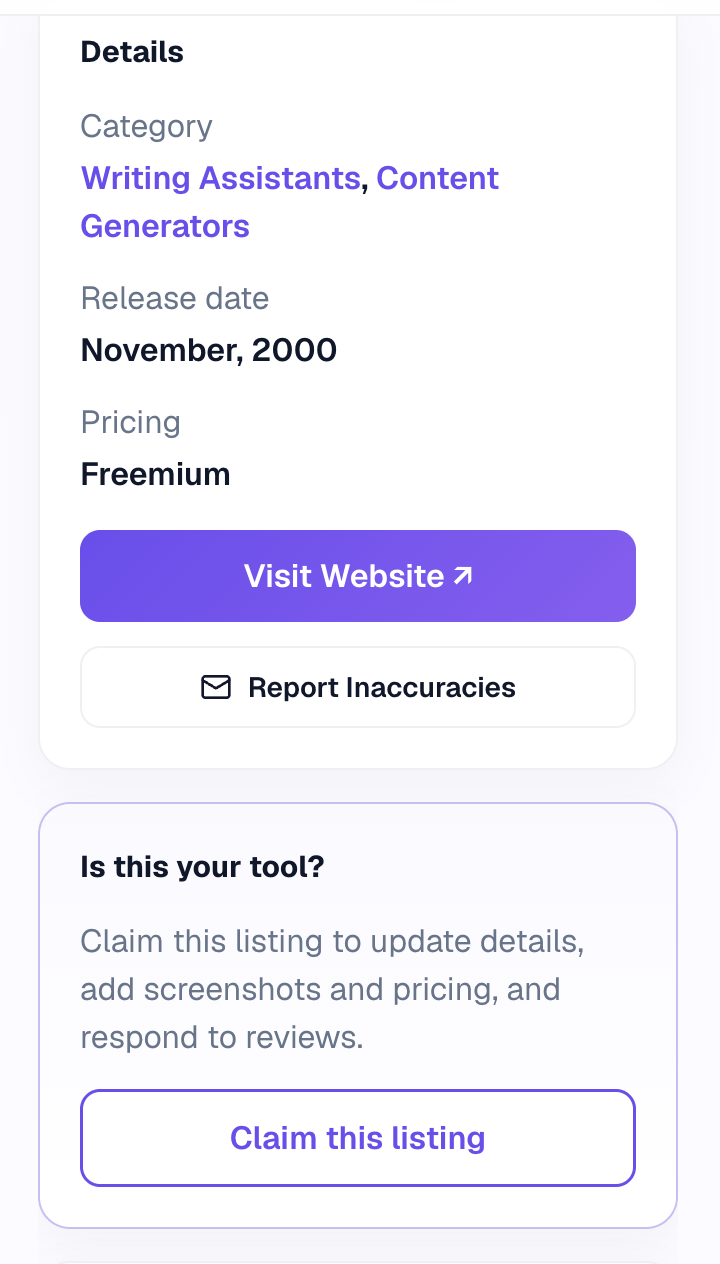
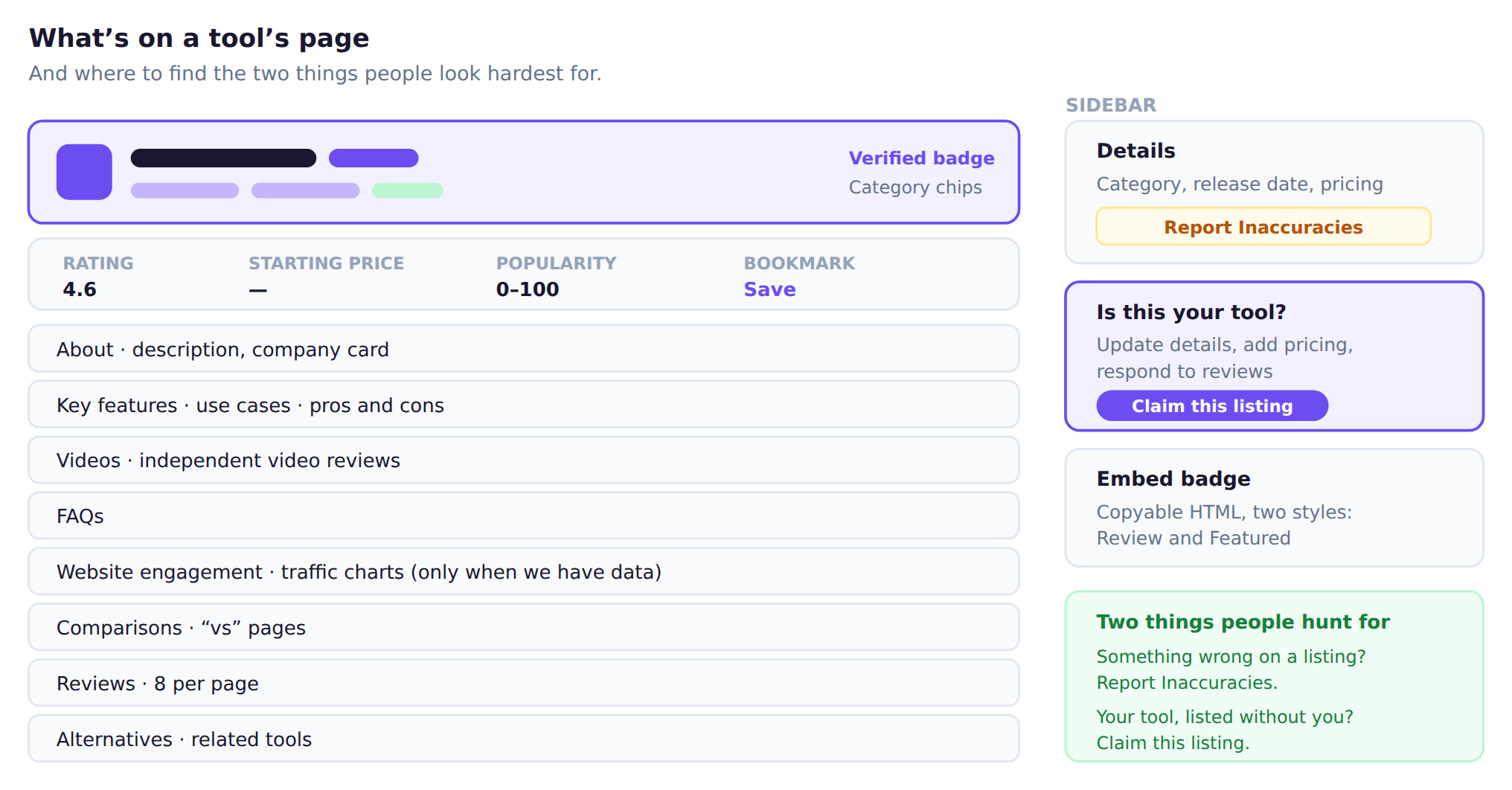
Open your tool’s page and find Is this your tool? in the sidebar, then press Claim this listing. It opens an email pre-filled with the listing’s address. Tell us your name, your role, and use a work email on the tool’s own domain — that is what lets us confirm the claim quickly.
What claiming gives you
- Updating the details, screenshots and pricing
- Responding to reviews
- Keeping the listing’s existing history, reviews and ranking
Claiming is better than resubmitting: a second listing starts from nothing and has to be merged by our team.