Reporting an inaccurate listing
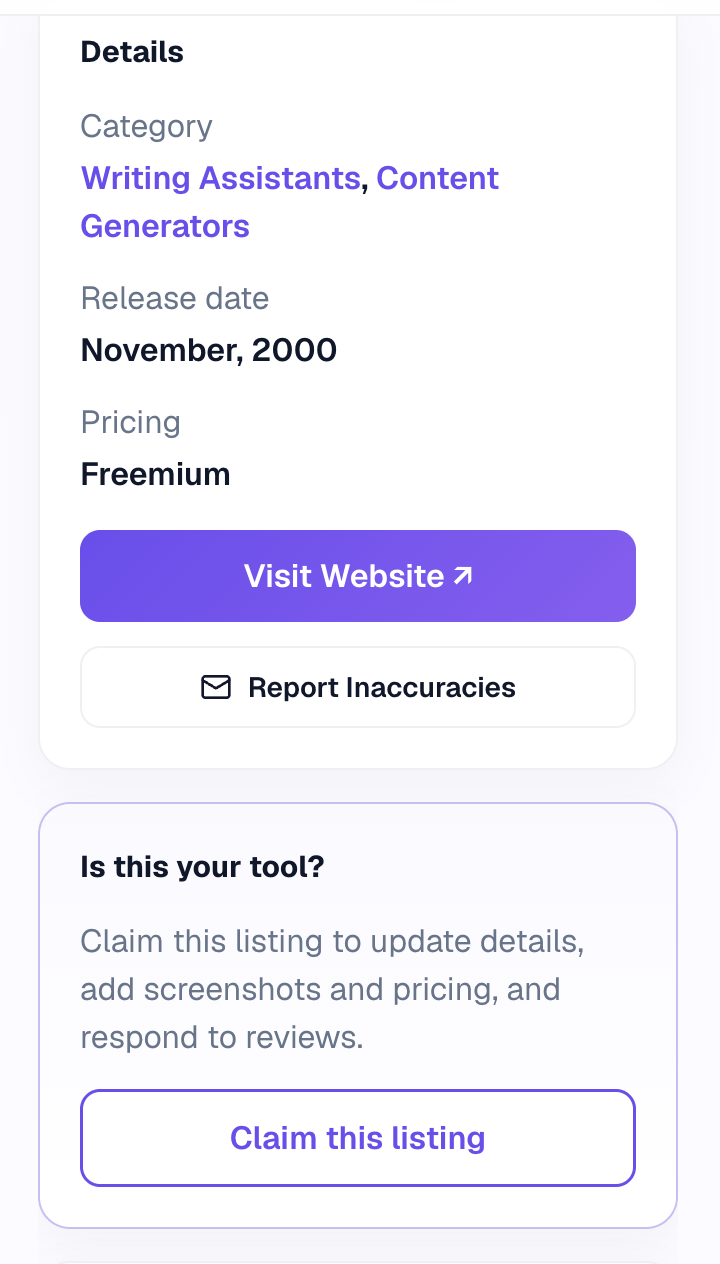
Use the Report Inaccuracies link in the sidebar — you do not need to own the tool.
Every tool page has a Report Inaccuracies link in the sidebar. It opens an email already containing the listing’s address, with two prompts: what is wrong, and what the correct information is.
Filling in both is what makes a report quick to act on. “The pricing is wrong” needs a reply; “Starting price is $29/mo, not $19/mo — see [link]” can be fixed straight away.
Anyone can report
You do not have to own the tool or have an account. Wrong descriptions, dead links, outdated pricing, a tool that has shut down, or a listing in the wrong category are all worth reporting.
If you do own the tool and want ongoing control, claim the listing instead.