Icon and thumbnail requirements
Icons: JPG/PNG/GIF up to 50 KB. Thumbnails: JPG only, exactly 2560×1440, up to 400 KB.
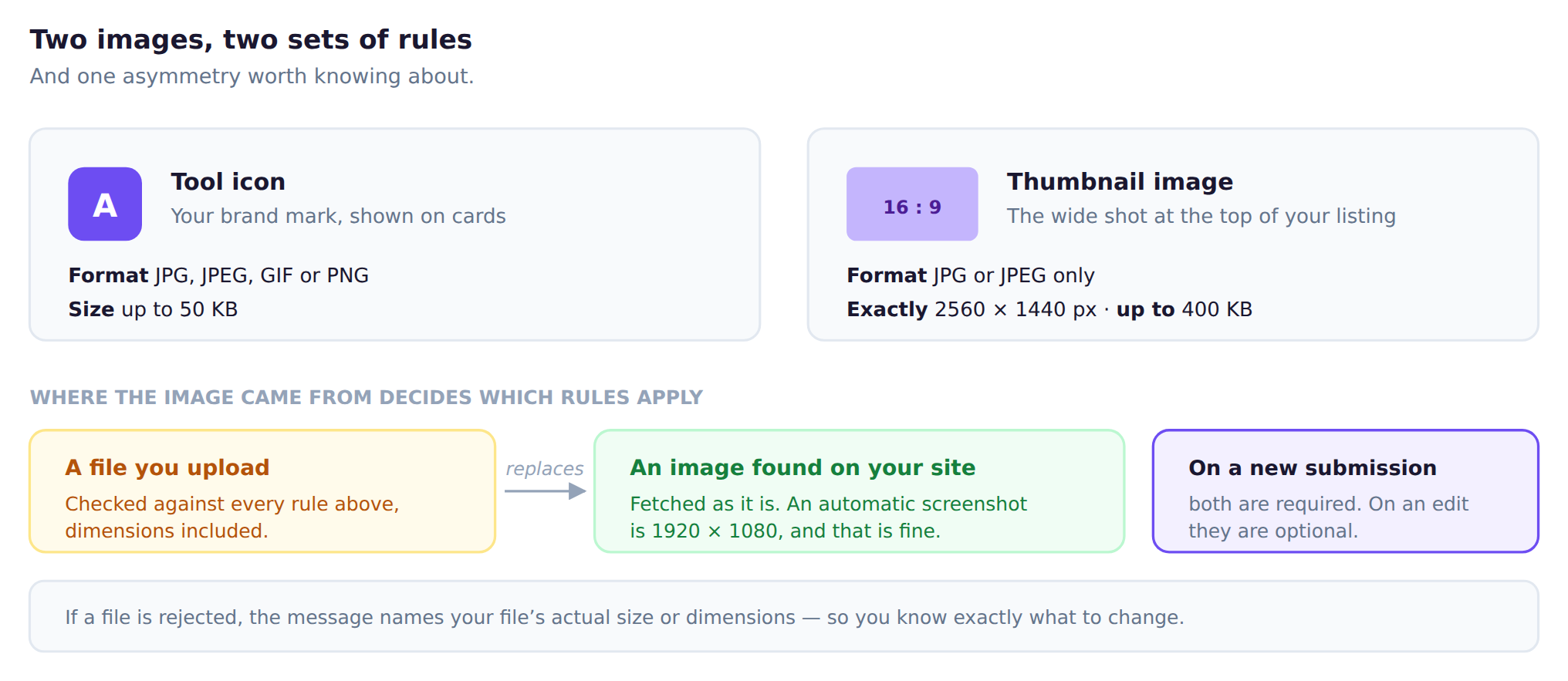
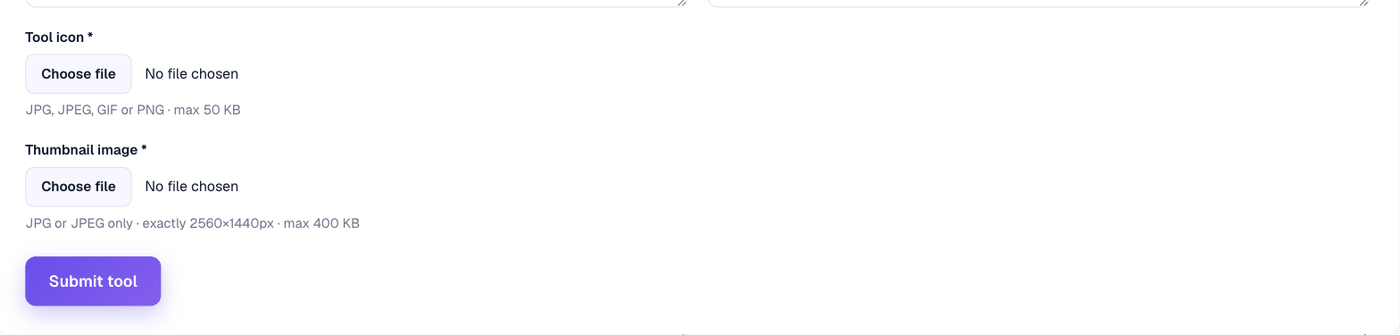
Tool icon
- JPG, JPEG, GIF or PNG
- Up to 50 KB
Thumbnail image
- JPG or JPEG only
- Exactly 2560 × 1440 pixels
- Up to 400 KB
If a file is rejected, the message tells you its actual size or dimensions so you know what to change.
Images found on your own site
The strict dimensions apply to files you upload. A logo or screenshot we found on your site is fetched directly and is not held to 2560 × 1440 — an automatic screenshot is 1920 × 1080, and that is fine.
Uploading your own file always replaces the one we found. There is a link to remove it if you change your mind.
On a new submission both are required
When you edit an existing listing they become optional, and your current images are kept if you upload nothing.