

Generate full songs with vocals, lyrics, and instrumentals from text prompts in minutes.
75M visits/mo+3.8%#1 Audio & Voice
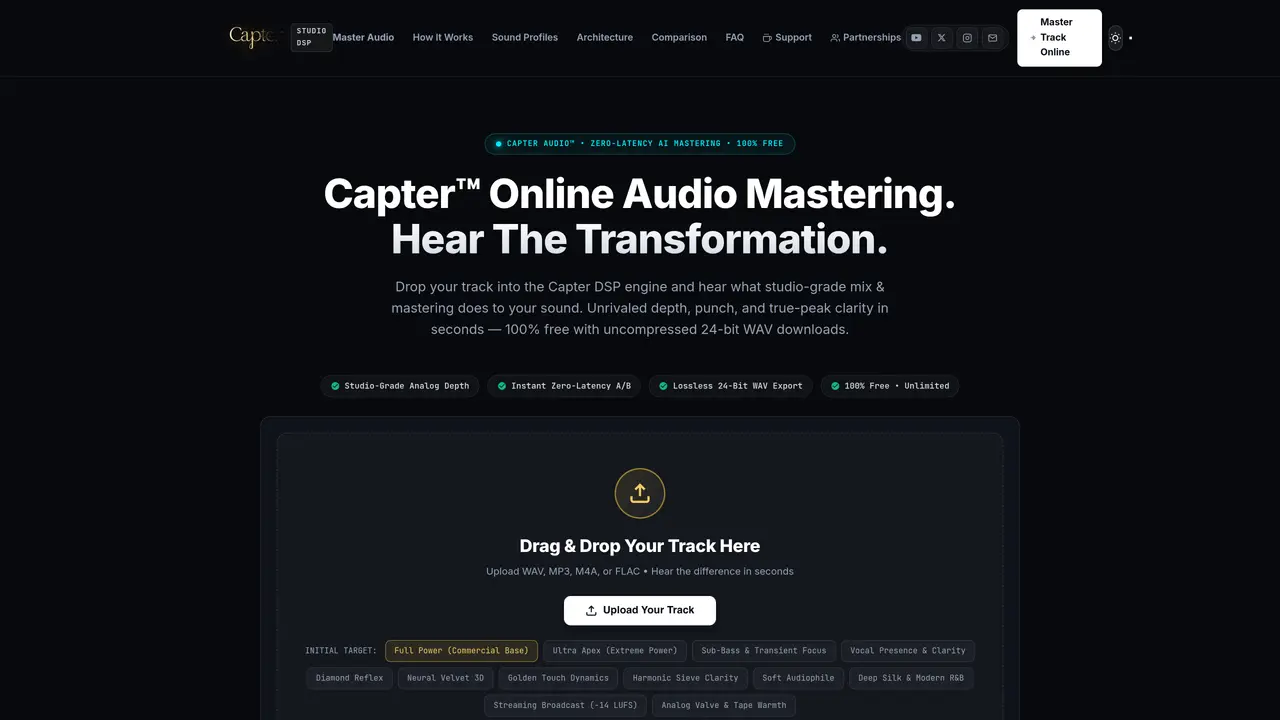
Capter provides an online platform for AI-powered audio mastering and digital signal processing with real-time feedback. Users can upload audio files in formats such as WAV, MP3, M4A, or FLAC and apply one of twelve calibrated sound profiles designed for different musical genres and use cases. The tool offers instant zero-latency A/B comparison, allowing users to toggle between the original and processed tracks. Outputs are rendered as uncompressed 24-bit WAV files with lossless quality, suitable for streaming, commercial release, or further production. The system includes features like Mid/Side phase analysis, spectral visualization, and vocal anchoring to enhance clarity and spatial depth. It targets commercial loudness standards, analog warmth simulation, and precise dynamic control without requiring subscriptions or accounts.
Capter is a free online AI-powered audio mastering platform that processes audio files into studio-grade masters. It applies calibrated sound profiles to enhance depth, punch, and clarity, and exports results as uncompressed 24-bit WAV files.
Capter is designed for musicians, producers, and engineers who need instant, high-quality audio mastering without subscriptions or accounts. It suits genres ranging from hip-hop and pop to audiophile and streaming standards.
Capter offers its core mastering engine and features at no cost, with no subscriptions, accounts, or credit cards required. Users can master unlimited tracks and download lossless 24-bit WAV files for free.
Capter supports uploading audio files in WAV, MP3, M4A, or FLAC formats. It exports mastered tracks exclusively as uncompressed 24-bit WAV files.
Yes, Capter provides twelve calibrated sound profiles tailored to different genres and use cases, such as commercial, club, lead vocal focus, streaming broadcast, and analog warmth settings.
Capter includes instant zero-latency A/B comparison, allowing users to toggle between the original and processed tracks in real time. It also features spectral visualization and Mid/Side phase analysis tools.
We use essential cookies to run aitoolnavio™, and optional cookies to analyze traffic and measure our marketing. You choose what we use — optional cookies stay off unless you turn them on. See our Privacy Policy.
One short email a week: fresh tools worth trying, honest takes and the updates that actually matter. No spam, unsubscribe any time.
Generate full songs with vocals, lyrics, and instrumentals from text prompts in minutes.
Create instrumental versions, enhance clarity, and boost music quality effortlessly.
Generate original songs, lyrics, and studio-quality soundtracks from text prompts in minutes using AI.
Create funny videos with unique voices, modify pitch and speed for custom sound, and apply sound effects.
Remove vocals, extract audio stems, and refine audio for optimal sound quality.
Convert audio and video into text, sync transcripts with media, and edit easily.
Generates AI videos, images and audio from text prompts, photos or audio
Create podcasts, audiobooks, and voiceovers, customize voice style, and generate natural speech from text.
Create studio-ready vocals, choirs, and instruments from MIDI.
An AI music platform that generates royalty-free songs, instrumentals, and lyrics from text prompts, with stem splitting, vocal removal, and mastering tools.
Use this online audio cleaner to remove background noise from recordings and enhance sound quality.
Enhance audio quality, remove background noises, create professional recordings with any format.
Matched on what this tool does — grouped by the job you would be replacing.
matches Drag-and-drop file upload · Zero-latency A/B comparison · 12 calibrated sound profiles
AI-powered online audio mastering for musicians and producers, delivering professional masters via cloud processing with EQ, compression, and limiting.
AI-powered stem mixing and mastering tool for Windows with real-time decision logging
Online AI-powered mixing and mastering from uploaded audio stems