Generate full songs with vocals, lyrics, and instrumentals from text prompts in minutes.
75M visits/mo+3.8%#1 Audio & Voice
Browser-based converter that turns MP3, M4A or FLAC files into editable MIDI note data
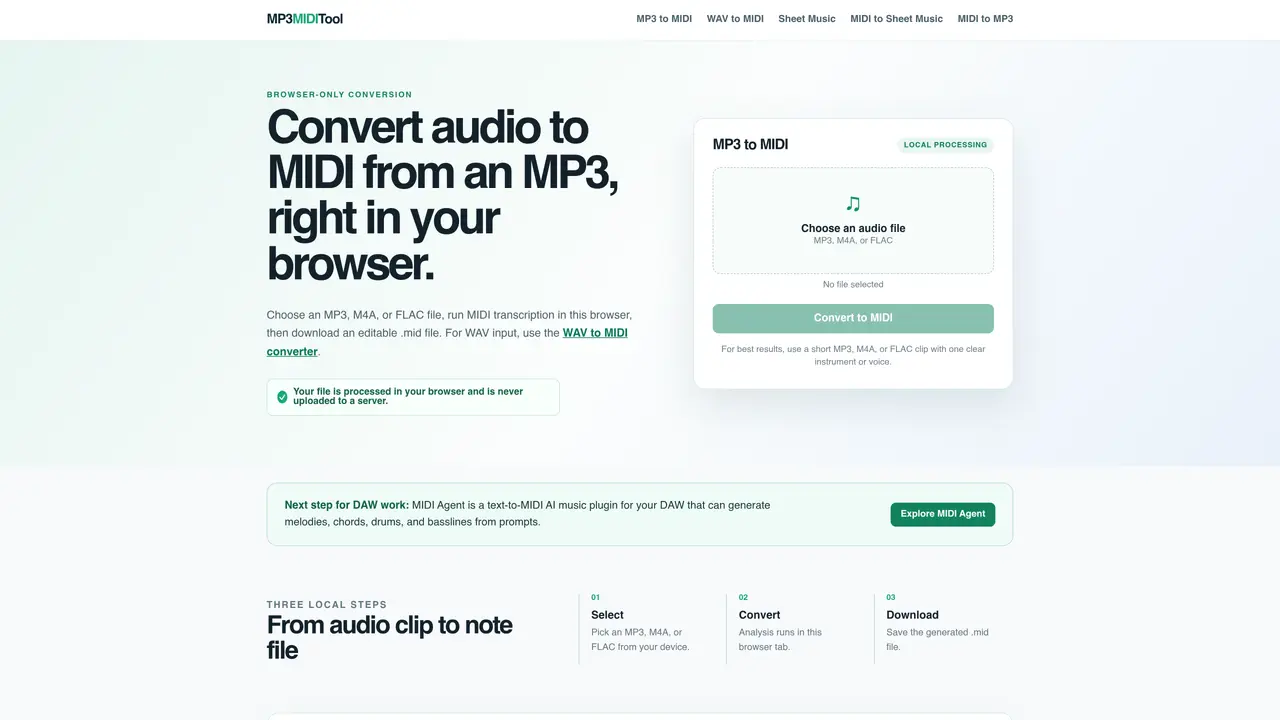
MP3 MIDI Tool performs local audio-to-MIDI transcription entirely within the user’s browser. It accepts MP3, M4A, or FLAC files and outputs a downloadable .mid file containing estimated pitch, start time, and duration events. The process does not upload the audio to a server, keeping files private. The tool is designed for short, clear clips featuring a single instrument or voice to improve transcription accuracy. After conversion, users can open the MIDI in a piano roll to repair splits, omissions, or timing issues before further editing. It does not replicate the original waveform but produces a draft of editable note events for arrangement or notation workflows. The site also links to companion tools for WAV-to-MIDI conversion, sheet music generation, and MIDI-to-audio export.
MP3 MIDI Tool converts audio files such as MP3, M4A, or FLAC into MIDI format directly in the user’s browser. The process generates an editable .mid file containing estimated pitch, start time, and duration events without uploading the audio to a server.
The tool is designed for musicians, producers, and arrangers who need to extract note data from audio recordings for further editing in digital audio workstations or notation software. It is particularly useful for short, clear clips featuring a single instrument or voice.
No, the tool processes files locally in the browser, so an internet connection is only needed to load the page and download the resulting MIDI file. No audio data is sent to a server during conversion.
The tool accepts MP3, M4A, and FLAC files for conversion to MIDI. For WAV files, users are directed to a separate WAV-to-MIDI converter on the same site.
Yes, the tool can process an MP3, M4A, or FLAC recording of humming or singing. It does not record directly from a microphone but applies the same local transcription workflow to the uploaded file.
The tool provides a draft of editable note events, which may include splits, omissions, or timing issues. Users are advised to review and repair the MIDI file in a piano roll editor to improve accuracy before further use.
We use essential cookies to run aitoolnavio™, and optional cookies to analyze traffic and measure our marketing. You choose what we use — optional cookies stay off unless you turn them on. See our Privacy Policy.
One short email a week: fresh tools worth trying, honest takes and the updates that actually matter. No spam, unsubscribe any time.
Generate full songs with vocals, lyrics, and instrumentals from text prompts in minutes.
Create instrumental versions, enhance clarity, and boost music quality effortlessly.
Generate original songs, lyrics, and studio-quality soundtracks from text prompts in minutes using AI.
Create funny videos with unique voices, modify pitch and speed for custom sound, and apply sound effects.
Remove vocals, extract audio stems, and refine audio for optimal sound quality.
Convert audio and video into text, sync transcripts with media, and edit easily.
Generates AI videos, images and audio from text prompts, photos or audio
Create podcasts, audiobooks, and voiceovers, customize voice style, and generate natural speech from text.
Create studio-ready vocals, choirs, and instruments from MIDI.
An AI music platform that generates royalty-free songs, instrumentals, and lyrics from text prompts, with stem splitting, vocal removal, and mastering tools.
Use this online audio cleaner to remove background noise from recordings and enhance sound quality.
Enhance audio quality, remove background noises, create professional recordings with any format.
Matched on what this tool does — grouped by the job you would be replacing.
matches Local audio-to-MIDI transcription · MP3, M4A, and FLAC file support · Downloadable .mid output
AI vocal remover and stem splitter for separating vocals and instruments from songs.
Converts local audio files to editable MIDI without uploading