

Generate full songs with vocals, lyrics, and instrumentals from text prompts in minutes.
75M visits/mo+3.8%#1 Audio & Voice
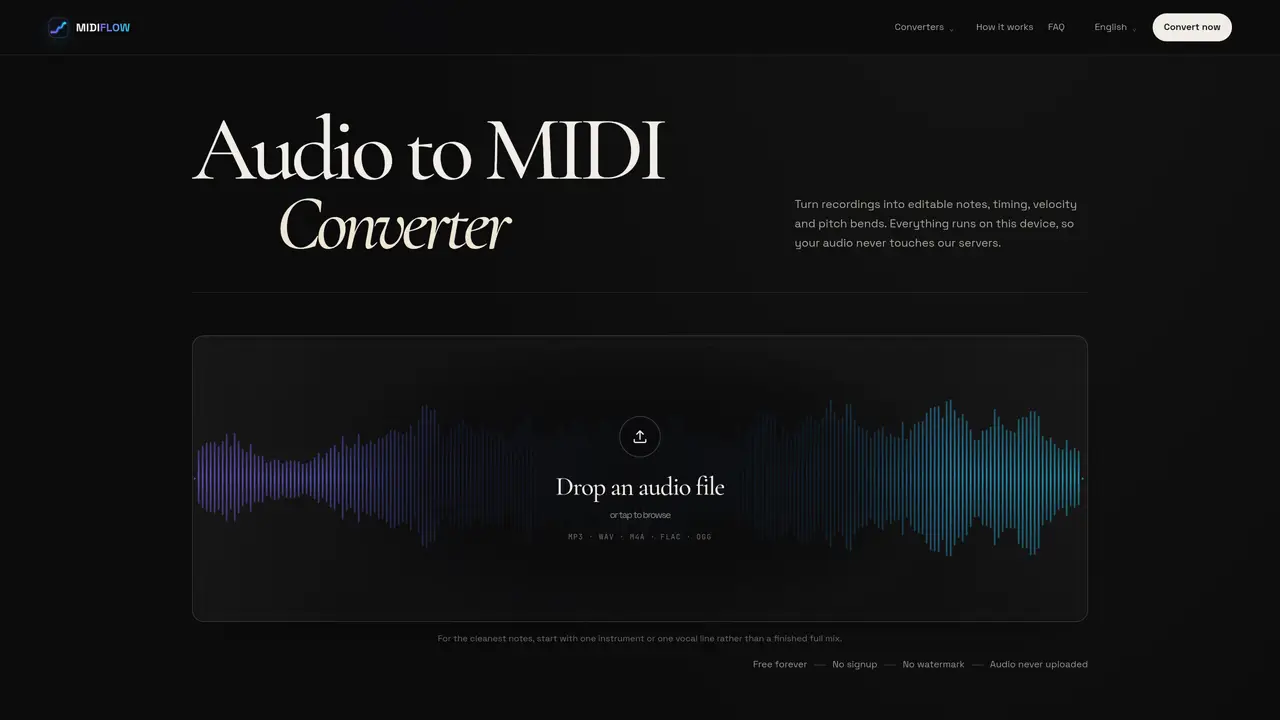
Converts audio recordings into editable MIDI data including note timing, velocity, and pitch bends. The tool processes files entirely on the user’s device without sending audio to external servers. Supported formats include MP3, WAV, M4A, FLAC, and OGG. It uses Spotify’s Basic Pitch model for transcription, which estimates note onsets, pitches, and contours locally in the browser. The output is a standard .mid file compatible with digital audio workstations like Ableton Live, Logic Pro, and FL Studio. Sensitivity controls allow adjustment to balance missed quiet notes against false positives. The tool is designed for musicians and producers who need to extract MIDI data from audio for editing or arrangement purposes.
No. The recording is decoded and transcribed entirely within the user's browser. MIDIFLOW only downloads the transcription model and does not send the audio file to any external servers.
The tool accepts MP3, WAV, M4A, FLAC, and OGG files. Browser codec support may vary, so standard formats like MP3 or WAV are recommended for reliability.
Yes, the tool supports polyphonic transcription. Clean piano or guitar chords can work, but dense arrangements are less reliable than a single melodic line.
Strong harmonics, reverb tails, or overlapping instruments can be misinterpreted as separate pitches by the model. Adjusting sensitivity or using a cleaner solo track can help.
The MIDI file includes detected note pitches, start times, durations, velocity, and pitch bends where they can be safely written without affecting overlapping notes.
Yes. There is no requirement to sign up, pay, or provide personal information. Processing is done locally on the user's device without watermarks.
We use essential cookies to run aitoolnavio™, and optional cookies to analyze traffic and measure our marketing. You choose what we use — optional cookies stay off unless you turn them on. See our Privacy Policy.
One short email a week: fresh tools worth trying, honest takes and the updates that actually matter. No spam, unsubscribe any time.
Generate full songs with vocals, lyrics, and instrumentals from text prompts in minutes.
Create instrumental versions, enhance clarity, and boost music quality effortlessly.
Generate original songs, lyrics, and studio-quality soundtracks from text prompts in minutes using AI.
Create funny videos with unique voices, modify pitch and speed for custom sound, and apply sound effects.
Remove vocals, extract audio stems, and refine audio for optimal sound quality.
Convert audio and video into text, sync transcripts with media, and edit easily.
Generates AI videos, images and audio from text prompts, photos or audio
Create podcasts, audiobooks, and voiceovers, customize voice style, and generate natural speech from text.
Create studio-ready vocals, choirs, and instruments from MIDI.
An AI music platform that generates royalty-free songs, instrumentals, and lyrics from text prompts, with stem splitting, vocal removal, and mastering tools.
Use this online audio cleaner to remove background noise from recordings and enhance sound quality.
Enhance audio quality, remove background noises, create professional recordings with any format.
Matched on what this tool does — grouped by the job you would be replacing.
matches Local audio-to-MIDI conversion · Supports MP3, WAV, M4A, FLAC, OGG formats · Adjustable sensitivity for note detection
Convert audio files into accurate sheet music or guitar tabs with AI-powered transcription and drag-and-drop editing.
AI-powered vocal remover and stem splitter for producers and DJs