
Generate full songs with vocals, lyrics, and instrumentals from text prompts in minutes.
75M visits/mo+3.8%#1 Audio & Voice

Create vocal-free remixes, enhance tracks with audio editing tools, and remove vocals from audio files effortlessly.
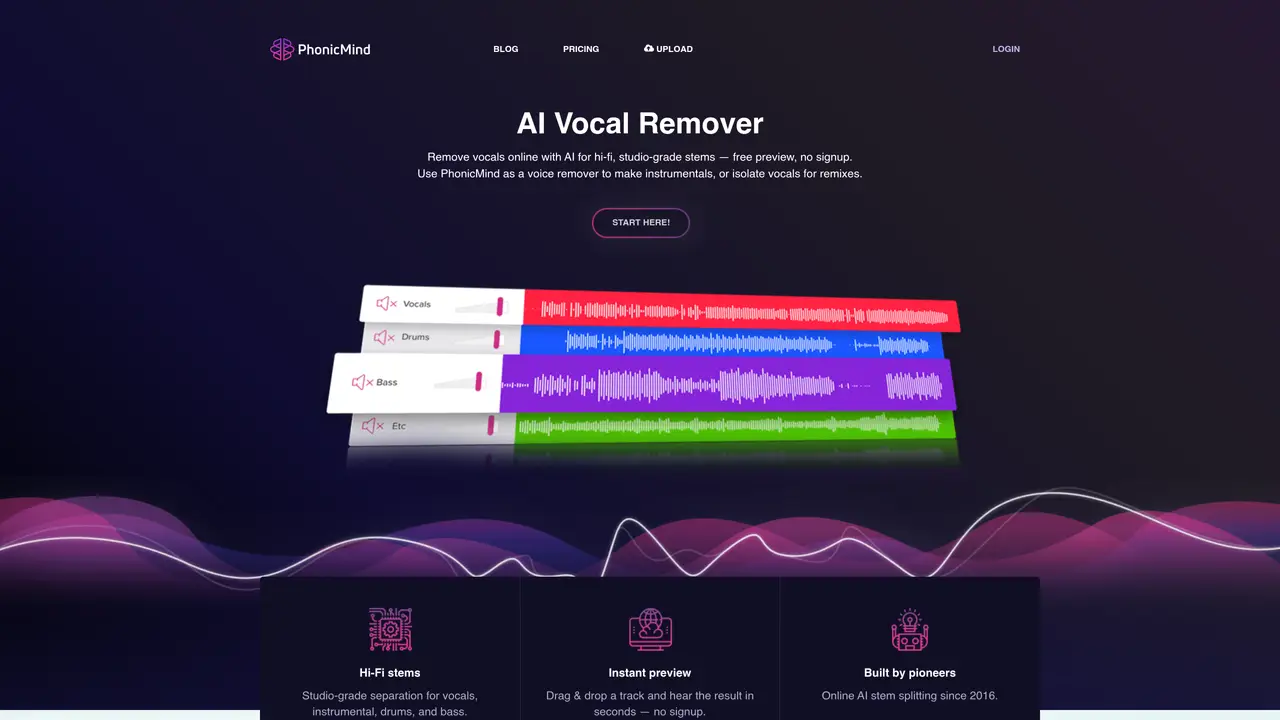
PhonicMind is a powerful cloud-based vocal remover, editor, and enhancer. It provides an intuitive platform for music producers and sound engineers to quickly and easily create professional-grade vocal-free tracks. With its simple drag-and-drop interface, users can effortlessly remove vocals from any type of audio file without any technical knowledge. PhonicMind also provides a range of advanced audio editing tools, including pitch correction, noise reduction, and EQ, to help users get the best sound possible. With these features, users can transform their vocal tracks into powerful, impactful instrumentals or enhance existing tracks with clarity and finesse. Whether you are a beginner or a professional, PhonicMind is the perfect tool to help you create stunning vocal-free music.
PhonicMind analyzes the full song first, recognizes the musical parts present, and separates the track in one complete AI pass rather than isolating instruments one by one.
No. PhonicMind V.2.0 automatically detects vocal layers and instrument groups before generating the stems, eliminating the need for manual selection.
The stems are produced as a coherent full-song result that reconstructs the original mix, rather than relying on vague leftovers, making them more usable for remixing and editing.
Yes, PhonicMind V.2.0 separates lead vocals, backing vocals, and multiple instrument groups with exceptional precision, allowing independent control over each layer.
Yes, it is designed for creators, musicians, DJs, and producers who require high-quality, usable stems for remixing, practice, or instrumental creation.
No, it operates entirely online with a simple drag-and-drop interface, requiring no software setup or technical expertise to use.
phonicmind.com · third-party estimates from Similarweb
Last 4 months · grows by one month every month
Share of visits · estimated visits
Other countries: 74.3%
Audio & Voice · Sep 2026
Traffic figures are third-party estimates, good for scale and trends; they can differ from a company's own numbers. Updated monthly.
We use essential cookies to run aitoolnavio™, and optional cookies to analyze traffic and measure our marketing. You choose what we use — optional cookies stay off unless you turn them on. See our Privacy Policy.
One short email a week: fresh tools worth trying, honest takes and the updates that actually matter. No spam, unsubscribe any time.
Generate full songs with vocals, lyrics, and instrumentals from text prompts in minutes.
Create instrumental versions, enhance clarity, and boost music quality effortlessly.
Generate original songs, lyrics, and studio-quality soundtracks from text prompts in minutes using AI.
Create funny videos with unique voices, modify pitch and speed for custom sound, and apply sound effects.
Remove vocals, extract audio stems, and refine audio for optimal sound quality.
Convert audio and video into text, sync transcripts with media, and edit easily.
Generates AI videos, images and audio from text prompts, photos or audio
Create podcasts, audiobooks, and voiceovers, customize voice style, and generate natural speech from text.
Create studio-ready vocals, choirs, and instruments from MIDI.
An AI music platform that generates royalty-free songs, instrumentals, and lyrics from text prompts, with stem splitting, vocal removal, and mastering tools.
Use this online audio cleaner to remove background noise from recordings and enhance sound quality.
Enhance audio quality, remove background noises, create professional recordings with any format.
Matched on what this tool does — grouped by the job you would be replacing.
matches Cloud-based vocal remover · Vocal removal from any type of audio file · AI-powered vocal and instrument separation
AI vocal remover and stem splitter for separating vocals and instruments from songs.
Easily remove vocals, enhance your audio, and create karaoke tracks online.
Online AI tool to separate vocals and instruments from audio or video files
Browser-based AI vocal remover and stem splitter for karaoke, music production, and content creation.
matches Advanced audio editing tools · Pitch correction · Noise reduction
AI vocal transformation and music production web app for musicians to convert, clone, isolate stems, and create harmonies.
AirMusic is an easy-to-use AI music generator that helps you create realistic, original music online.
AI assistant inside Ableton Live that generates and edits MIDI using natural language and voice commands.
AI audio editing software for creators, DJs, and musicians to cut, extend, remix, and export songs to exact durations while preserving melody and vocals.