
Generate speech with customizable voices in any language, and create captivating stories using natural-sounding voices.
34M visits/mo-7.6%#2 Audio & Voice

Transform text into audio, forward emails, and listen to audio in any podcast app.
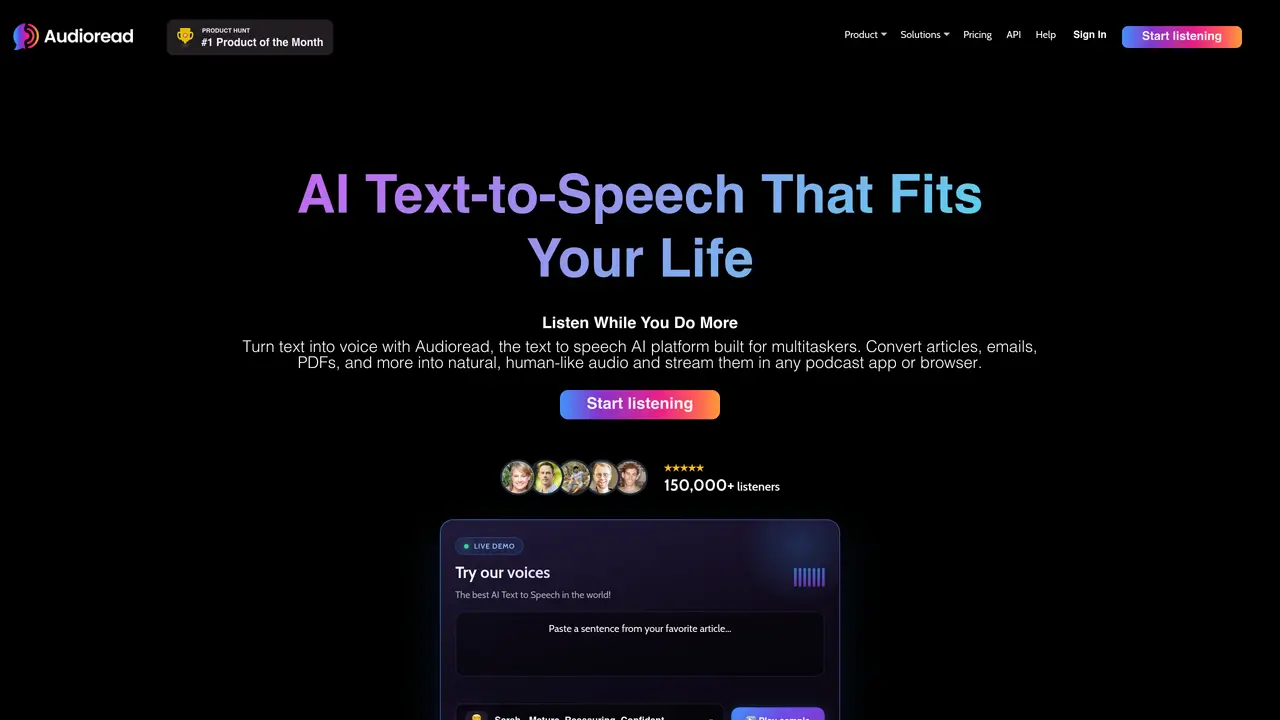
Audioread turns your reads into podcasts. You can listen to any article, PDF, email, etc. in your podcast app or browser. You can also forward emails, upload PDFs, and copy and paste the text. Listen in any podcast app or listen in the browser (no installation). When you feel like you don’t have enough time to read, just listen while you do other things. This text-to-speech app has a chrome extension, an iPhone/iPad app, as well as an Android app. You can try the app for free for the first 14 days of usage. It is rated a #1 Product of the month in Product Hunt.
Audioread is an AI text-to-speech platform that converts articles, PDFs, emails, and RSS feeds into natural-sounding audio. Users can listen in the Audioread web app or sync the audio to podcast players like Apple Podcasts or Spotify.
Users add content by pasting a link, uploading a file, forwarding an email, or subscribing to an RSS feed. Audioread processes the text, generates AI speech, and adds the audio to a private playlist or podcast feed for listening.
Audioread supports web articles, PDFs, Word documents, plain text, email forwards, and RSS or Atom feeds. The free tier previews up to 1,000 characters per conversion, while paid plans handle larger documents.
Audioread supports more than 150 languages with nearly 1,000 natural-sounding AI voices, including English, Spanish, French, German, Japanese, Arabic, Hindi, and Portuguese.
Yes. Audioread offers a free tier with a 1,000-character preview per conversion. Pro and Max plans unlock higher limits, premium voices, and podcast sync options.
Audioread is built by founders Eric and Kyle, who previously worked on NLP products and engineering at companies including Cruise.
audioread.com · third-party estimates from Similarweb
Last 4 months · grows by one month every month
Share of visits · estimated visits
Other countries: 5.4%
Audio & Voice · Sep 2026
Traffic figures are third-party estimates, good for scale and trends; they can differ from a company's own numbers. Updated monthly.
We use essential cookies to run aitoolnavio™, and optional cookies to analyze traffic and measure our marketing. You choose what we use — optional cookies stay off unless you turn them on. See our Privacy Policy.
One short email a week: fresh tools worth trying, honest takes and the updates that actually matter. No spam, unsubscribe any time.
Generate speech with customizable voices in any language, and create captivating stories using natural-sounding voices.
Generate audio content for podcasts, e-learning, or video production with natural-sounding voices on any device.
Create audio versions of documents, listen to text in multiple languages, and customize voice, pitch, and volume.
Cloud communications platform that lets developers embed SMS, voice, WhatsApp, email, video, verification, and conversational AI via APIs.
Create podcasts, audiobooks, and voiceovers, customize voice style, and generate natural speech from text.
Create transcripts of meetings, voice-overs for videos, and transcribe and review customer feedback efficiently.
Create engaging educational, marketing, and training videos using pre-built assets and an AI-driven text-to-speech engine.
AI-powered translation tool that detects and converts text between 15+ languages instantly with a single click.
Cartesia delivers real-time AI voice and TTS models with low-latency streaming, voice cloning, and transcription for interactive applications.
Create natural audio for podcasts, automate customer service responses, and generate audio for online courses.
Web-based AI toolkit for creators to generate AI videos, images, and natural voiceovers with credit-based plans.
Generate professional voiceovers, enhance language learning, and add synthesized speech to applications effortlessly.
Matched on what this tool does — grouped by the job you would be replacing.
matches Turn text from articles, blogs, and PDFs into audio · Forward emails, and copy and paste text to the app to easily listen · Listen to audio in any podcast app
Create audio versions of documents, listen to text in multiple languages, and customize voice, pitch, and volume.
Turn web articles and e-books into audiobooks with natural text-to-speech voices.
AI text-to-speech web app that converts PDFs, documents, and web articles into audiobooks and AI podcasts for students and busy professionals.
Generate audio content in 90+ languages, create voiceovers for tutorials and presentations, add life to static content.
matches Forward emails, and copy and paste text to the app to easily listen · Listen to audio in any podcast app
Turn text into podcasts with AI co-hosts in under 5 minutes.
Create, automate, and monitor podcast performance with analytics tools.
An AI web app that converts webpages, PDFs, images, and research papers into multi-speaker podcast episodes.
An AI podcast creation platform that generates scripts, clones voices, and publishes episodes to major platforms via RSS.