

Revolutionize transcription with unmatched accuracy, speed, and language support.
27M visits/mo+0.9%#4 Audio & Voice
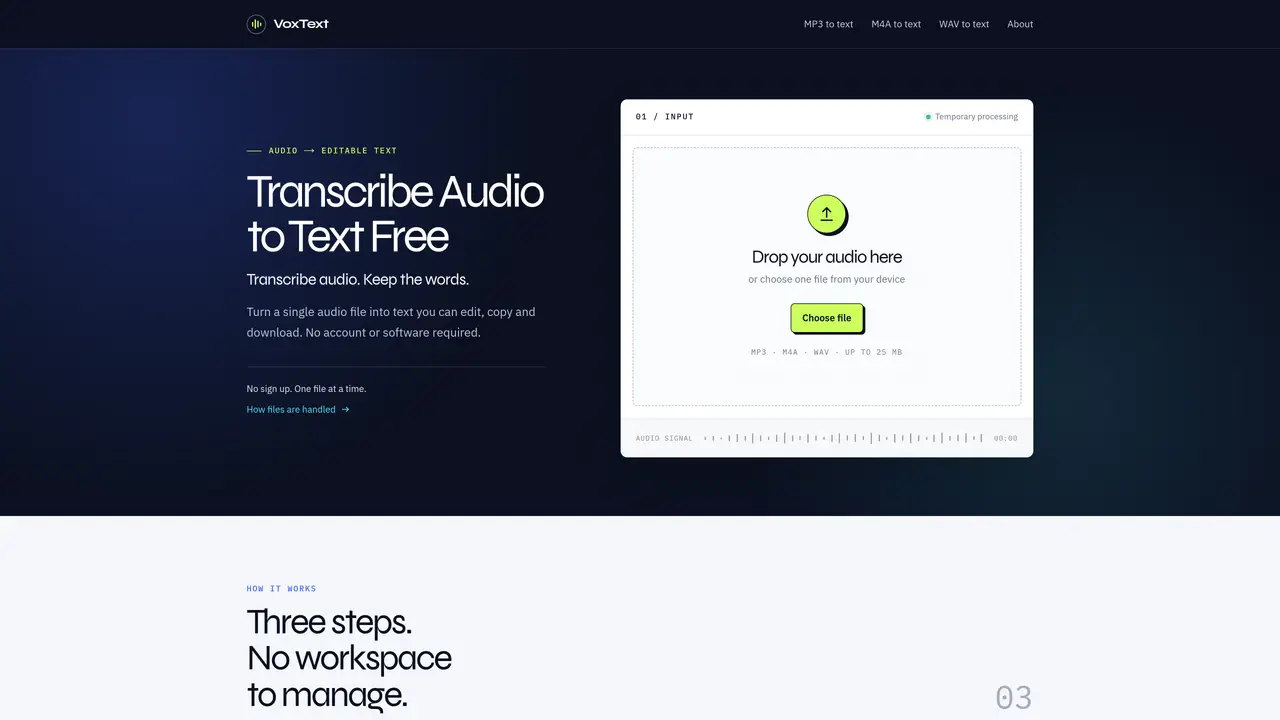
VoxText processes audio files into editable text through a simple three-step workflow. Users upload a single MP3, M4A or WAV file up to 25 MB, after which the service transcribes the audio into text. The resulting transcript can be edited directly in the browser, copied or downloaded as a UTF-8 TXT file. The tool handles each file as a temporary, private upload without requiring an account or storing any history. Processing occurs via Vercel Blob storage and RelayRouter, with attempts made to delete temporary files after transcription. The interface is designed to be minimal, focusing on the transcription task without additional workspace features. Supported formats include MP3 for common sharing, M4A for voice memos and WAV for uncompressed audio quality.
Yes. The current version of VoxText is free to use and does not require payment. It processes one audio file at a time.
VoxText currently supports MP3, M4A and WAV audio files.
The maximum file size is 25 MB per audio file.
No account is required for the current version. VoxText does not provide saved projects or transcript history.
Yes. You can edit the transcript directly in the page, then copy the updated text or download it as a UTF-8 TXT file.
Your browser uploads the audio to private, temporary Vercel Blob storage. The VoxText server sends it to RelayRouter for transcription and attempts to delete the temporary file after processing; VoxText does not create an audio library or transcript history.
We use essential cookies to run aitoolnavio™, and optional cookies to analyze traffic and measure our marketing. You choose what we use — optional cookies stay off unless you turn them on. See our Privacy Policy.
One short email a week: fresh tools worth trying, honest takes and the updates that actually matter. No spam, unsubscribe any time.
Revolutionize transcription with unmatched accuracy, speed, and language support.
Hardware device that records conversations and converts them into searchable transcripts, summaries, and notes.
Automate transcription, generate summaries, identify speakers, and timestamps for video-conferencing conversations.
NoteGPT – Convert Speech to Text and Text to Speech with AI
Automatically record, transcribe, take notes, and create summaries with key insights during meetings.
Transforms audio/video to summarized text, instantly, across platforms.
Transcribe and summarize audio or video recordings with AI-powered speech recognition and summarization.
Automatically transcribe meetings, create summaries, and securely store audio files in a searchable format.
Convert audio and video into text, sync transcripts with media, and edit easily.
Streamline healthcare admin tasks, and enhance patient focus with Heidi AI.
Create transcripts of meetings, voice-overs for videos, and transcribe and review customer feedback efficiently.
Wearable AI device that captures conversations and meetings, then auto-generates transcripts, summaries, action items, mind maps, and searchable notes.
Matched on what this tool does — grouped by the job you would be replacing.
matches Single-file transcription · MP3, M4A and WAV support · Temporary private upload processing
Web app that converts audio and video files into searchable text with timestamps and subtitles
Browser-based transcription of audio and video files with local processing
Free online audio and video transcription with timestamps
Free audio transcription, YouTube captions and subtitle conversion with AI summarization