Revolutionize transcription with unmatched accuracy, speed, and language support.
27M visits/mo+0.9%#4 Audio & Voice

A free Chrome extension that extracts YouTube video transcripts in minutes for creators, researchers, and viewers.
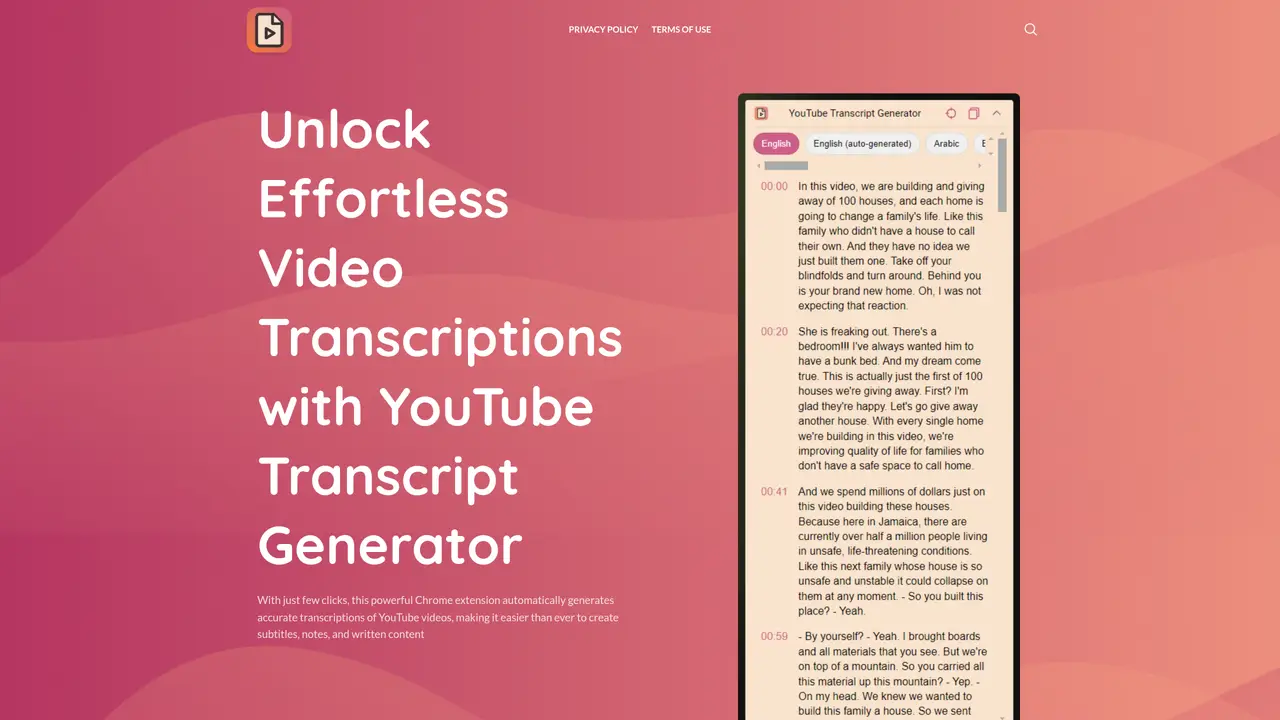
YouTube Transcript Generator is a Chrome browser extension designed for content creators, researchers, and viewers who need to convert YouTube videos into text for captions, notes, and written content. The tool operates entirely within the browser, allowing users to generate transcripts with a single click by clicking the extension icon while watching a video. Once generated, transcripts can be copied to the clipboard for quick pasting into documents or note-taking apps, or downloaded as a text file for later use. This eliminates the need to rely on third-party transcript download sites, which are often cluttered with ads or difficult to navigate. The extension streamlines the process of extracting and saving transcripts directly from YouTube, making it ideal for those who frequently need written versions of video content for analysis, repurposing, or accessibility purposes. It supports a straightforward workflow without requiring additional software or complex setups.
YouTube Transcript Generator is a Chrome browser extension that automatically generates accurate transcripts of YouTube videos with just a few clicks. It allows users to save transcripts as text files or copy them to the clipboard for later use.
The tool is designed for content creators, researchers, and viewers who need written versions of YouTube videos for captions, notes, analysis, repurposing, or accessibility purposes. It benefits those who want to avoid manual transcription or unreliable third-party sites.
Install the extension from the Chrome Web Store, navigate to a YouTube video, and click the extension icon to generate the transcript automatically. Once generated, save the transcript as a text file or copy it to your clipboard.
The extension primarily supports English, as indicated by user reviews. It may not support other languages, though this limitation is not explicitly confirmed by the provider.
Yes, the tool operates entirely within the Chrome browser and does not require any additional software or complex setups. It integrates seamlessly with YouTube for quick transcript generation.
The extension provides high-quality and precise transcripts that closely match the spoken content in YouTube videos, according to its promotional materials and user feedback.
We use essential cookies to run aitoolnavio™, and optional cookies to analyze traffic and measure our marketing. You choose what we use — optional cookies stay off unless you turn them on. See our Privacy Policy.
One short email a week: fresh tools worth trying, honest takes and the updates that actually matter. No spam, unsubscribe any time.
Revolutionize transcription with unmatched accuracy, speed, and language support.
Hardware device that records conversations and converts them into searchable transcripts, summaries, and notes.
Automate transcription, generate summaries, identify speakers, and timestamps for video-conferencing conversations.
NoteGPT – Convert Speech to Text and Text to Speech with AI
Automatically record, transcribe, take notes, and create summaries with key insights during meetings.
Transforms audio/video to summarized text, instantly, across platforms.
Transcribe and summarize audio or video recordings with AI-powered speech recognition and summarization.
Automatically transcribe meetings, create summaries, and securely store audio files in a searchable format.
Convert audio and video into text, sync transcripts with media, and edit easily.
Streamline healthcare admin tasks, and enhance patient focus with Heidi AI.
Create transcripts of meetings, voice-overs for videos, and transcribe and review customer feedback efficiently.
Wearable AI device that captures conversations and meetings, then auto-generates transcripts, summaries, action items, mind maps, and searchable notes.
Matched on what this tool does — grouped by the job you would be replacing.
matches One-click transcript generation from any YouTube video · Copy transcripts to clipboard for quick pasting · Download transcripts as text files for offline use
Bulk downloader for YouTube transcripts in multiple formats
Instantly convert any YouTube video into accurate, readable transcripts using this free AI-powered tool.
Summarize long videos in minutes, compile notes and key points, and enhance your viewing experience.
Maximize YouTube efficiency: summaries, key insights, and timestamps instantly.