

xAI builds Grok frontier AI models for reasoning, coding, voice, images, video, enterprise workflows, and developer APIs.
34M visits/mo+16.2%#7 Coding & Development
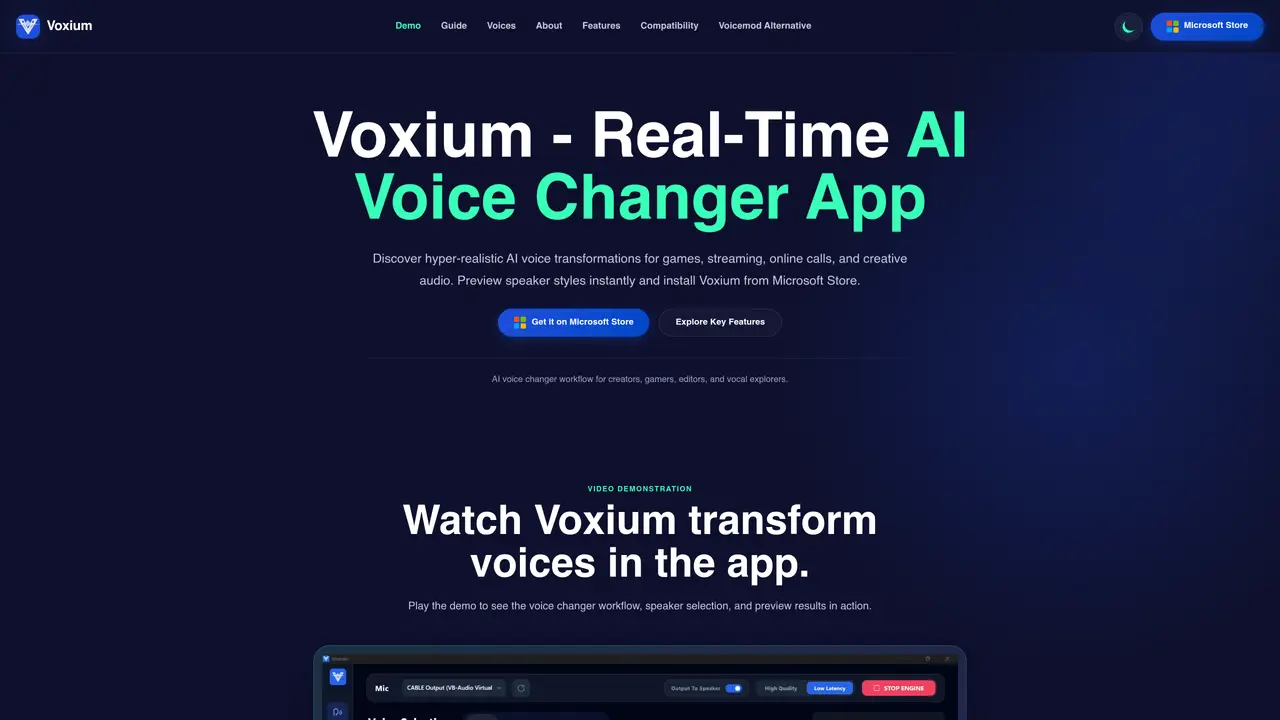
Voxium is a Windows application that applies AI-driven voice transformations in real time. It targets creators, gamers, editors, and streamers who need to modify their voice during calls, gameplay, or live broadcasts. The tool functions as a virtual microphone layer, routing audio through its engine so that any app accepting standard microphone input can use its effects. Users can preview over fifty speaker styles—spanning adult, youth, game, and cartoon voices—before selecting one. A built-in soundboard adds ambient effects, reactions, and custom clips to enhance expressive moments. Setup involves launching the app, choosing a microphone, starting the engine, and selecting a target application such as Discord, Zoom, or OBS. The workflow emphasizes speed and clarity, with instant previews and straightforward speaker selection.
Voxium is a Windows application that provides real-time AI voice transformations for gaming, streaming, online calls, and creative audio workflows. It functions as a virtual microphone layer, allowing users to apply voice effects to any app that accepts standard microphone input.
Voxium is designed for creators, gamers, editors, streamers, and anyone needing to modify their voice during calls, gameplay, or live broadcasts. It suits users who want to enhance expressive moments with AI voice effects and soundboard features.
To set up Voxium, launch the app, select your microphone, start the engine, and configure your target application such as Discord, Zoom, or OBS. The workflow emphasizes speed with instant previews and straightforward speaker selection.
Yes, Voxium is compatible with apps that accept standard microphone input, including Discord, Zoom, Google Meet, WhatsApp, Twitch, Microsoft Teams, and OBS. It integrates as a virtual microphone layer for seamless use.
Yes, Voxium allows users to preview over 50 speaker styles instantly, including adult, youth, game, and cartoon voices. The voice library lets you compare input samples with generated voice output before making a selection.
Voxium includes a rich soundboard with ambient effects, reactions, and custom audio clips to enhance streams, calls, and creative sessions. It also supports real-time voice changing and a diverse voice library for different voice effects.
We use essential cookies to run aitoolnavio™, and optional cookies to analyze traffic and measure our marketing. You choose what we use — optional cookies stay off unless you turn them on. See our Privacy Policy.
One short email a week: fresh tools worth trying, honest takes and the updates that actually matter. No spam, unsubscribe any time.
xAI builds Grok frontier AI models for reasoning, coding, voice, images, video, enterprise workflows, and developer APIs.
Generate speech with customizable voices in any language, and create captivating stories using natural-sounding voices.
Create funny videos with unique voices, modify pitch and speed for custom sound, and apply sound effects.
Create podcasts, audiobooks, and voiceovers, customize voice style, and generate natural speech from text.
Create transcripts of meetings, voice-overs for videos, and transcribe and review customer feedback efficiently.
Cartesia delivers real-time AI voice and TTS models with low-latency streaming, voice cloning, and transcription for interactive applications.
Generate professional voiceovers, enhance language learning, and add synthesized speech to applications effortlessly.
Generate lifelike voice clones, emotional text-to-speech, multilingual dubbing, and scalable audio APIs for creators and teams.
Revolutionize music creation with AI-powered voice generation and vocal removal.
Secure platform for high-quality audio/video communication, file sharing, message customization, and conversation storage.
Create customizable, natural-sounding voiceovers for podcasts using AI-generated voices with real people's tones and inflections.
AI-powered voice cloning, text-to-speech and audio separation in over 100 languages
Matched on what this tool does — grouped by the job you would be replacing.
matches Real-time AI voice changing · Instant voice effect previews · Built-in soundboard
Fineshare is an online all-in-one AI voice generator for everyone.
VoiceTrans is an AI voice changer & Soundboard tool that offers more fun to everyone who uses online communication with its enormous audio resources and unique features of AI voices.
Real-time voice transformation tool for gaming, streaming, and audio clip creation with pitch, tempo, and sound effects.
matches Real-time AI voice translation · Virtual microphone integration with meeting platforms
AI accent conversion and live translation tool that enhances speech clarity in real-time meetings and streams with low-latency processing.
Breaks language barriers with real-time video call translation.
Real-time AI voice translation for video calls via virtual microphone