Generate captions, optimize content, and enhance with custom images for maximum engagement.
46M visits/mo-10%#3 Image & Design

Collaborative macOS app where multiple AI agents work side by side on an infinite canvas
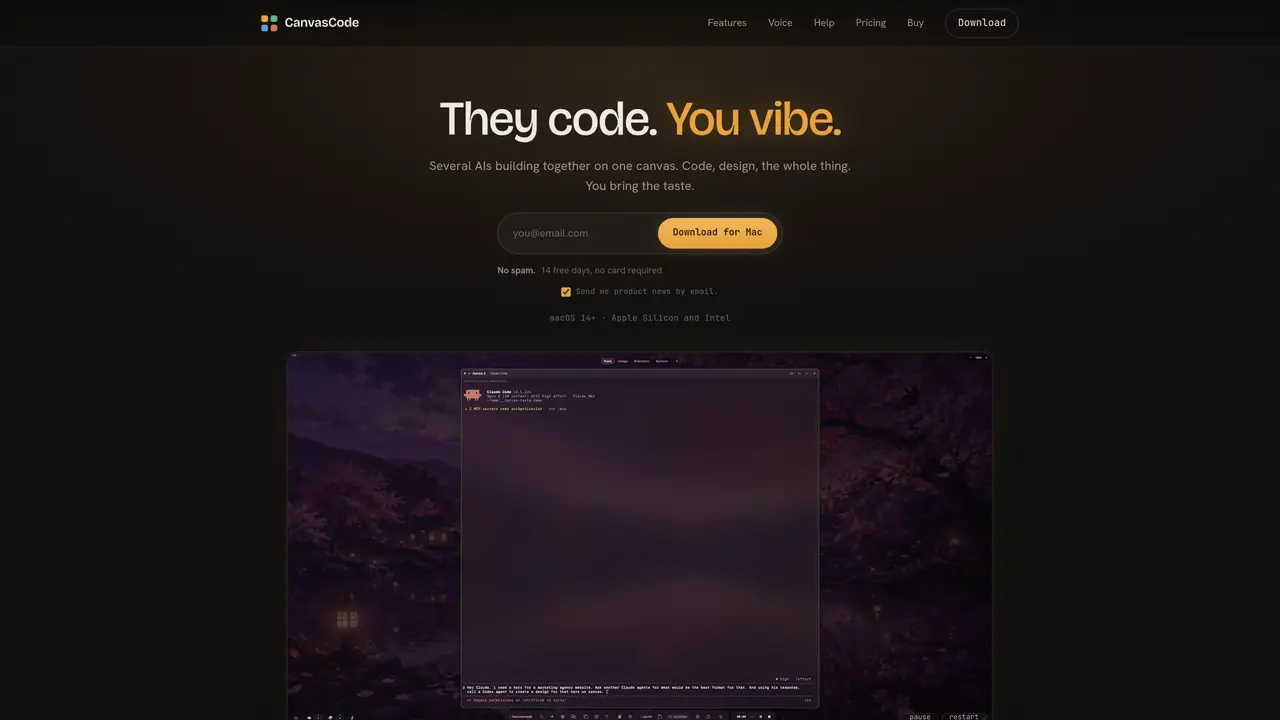
CanvasCode is a native macOS application that provides an infinite canvas where multiple AI agents can work simultaneously. Each agent operates in its own panel with a real terminal, allowing all processes to remain visible at once. Users can open as many agents as needed, each running different models such as Codex, Claude, or Grok. The canvas organizes itself, with agents coordinating tasks, splitting workstreams, and installing required skills or MCP tools without leaving the interface. A built-in browser within each agent panel shows the results of their work, including screenshots and console output, eliminating the need to switch applications. Voice control via the Nina assistant allows users to manage agents, generate images, or query project status without using the keyboard. Projects maintain their own themes, tools, and history, with memory summaries tracking each agent’s progress and contributions.
CanvasCode is a native macOS application that provides an infinite canvas where multiple AI agents can work simultaneously. Each agent operates in its own panel with a real terminal, allowing all processes to remain visible at once. Users can open as many agents as needed, each running different models such as Codex, Claude, or Grok.
CanvasCode is designed for users who need to manage multiple AI agents simultaneously, such as developers, designers, or teams working on complex projects that require coordination between different AI models and tools.
CanvasCode includes a voice assistant called Nina that allows users to manage agents, generate images, or query project status without using the keyboard. Users can speak commands to open agents, split tasks, install skills, or organize the canvas.
Yes, CanvasCode supports MCP tools and skills from a public registry, which can be installed and enabled per project. Agents can also install these tools directly from within the app, allowing for seamless integration with external systems.
Agents in CanvasCode coordinate themselves by splitting workstreams, communicating with each other, and opening additional agents when needed. The canvas organizes itself, and a built-in memory system tracks each agent’s progress and contributions.
Each agent panel in CanvasCode includes a built-in browser that displays the results of their work, such as screenshots and console output. This eliminates the need to switch applications and keeps all outputs visible within the canvas.
canvascode.app · third-party estimates from Similarweb
Last 2 months · grows by one month every month
Share of visits · estimated visits
Automation & Agents · Sep 2026
Traffic figures are third-party estimates, good for scale and trends; they can differ from a company's own numbers. Updated monthly.
We use essential cookies to run aitoolnavio™, and optional cookies to analyze traffic and measure our marketing. You choose what we use — optional cookies stay off unless you turn them on. See our Privacy Policy.
One short email a week: fresh tools worth trying, honest takes and the updates that actually matter. No spam, unsubscribe any time.
Generate captions, optimize content, and enhance with custom images for maximum engagement.
Build conversational forms, capture rich responses, and automate follow-ups with AI-powered surveys and workflows.
Automate code, research, and documents using agents.
AI-powered IDE for autonomous coding tasks and agentic development workflows
Source, match, and manage talent with predictive analytics for effortless recruiting.
Automate workflow, optimize operations, and detect potential issues with this efficient AI-driven solution.
Transforms thoughts into actions, enhancing productivity and efficiency.
AI Recruitment engine to hire top global talent
All-in-one team productivity platform combining chat, docs, video meetings, workflows, and AI tools in one place.
Personal assistant that coordinates tasks across apps and devices via text or call
AI automation and agent-building platform with 3,000+ app integrations
AI job search copilot that matches roles to skills, optimizes resumes for ATS, generates cover letters, and autofills applications with real-time insights.
Matched on what this tool does — grouped by the job you would be replacing.
matches Infinite canvas with zoom and drag · Real terminal panels for each agent · Model selection per agent
Buda AI, a cloud-native workspace where AI agents collaborate to execute tasks and run companies 24/7.
Spatial IDE for orchestrating multiple AI coding agents on a shared canvas
Native macOS workspace combining AI conversations, files and voice control
matches Image generation and gallery
Intelligent canvas for AI creative studios to generate, compare, edit, and connect image, video, audio, and 3D models in one collaborative workspace.
Cloud platform for programmatic image generation and design automation
AI visual agent platform for specialized image creation in-browser