Generate captions, optimize content, and enhance with custom images for maximum engagement.
46M visits/mo-10%#3 Image & Design

Adds human-like social behavior to Hermes Agent bots across messaging platforms with turn-taking, persona generation, and social learning.
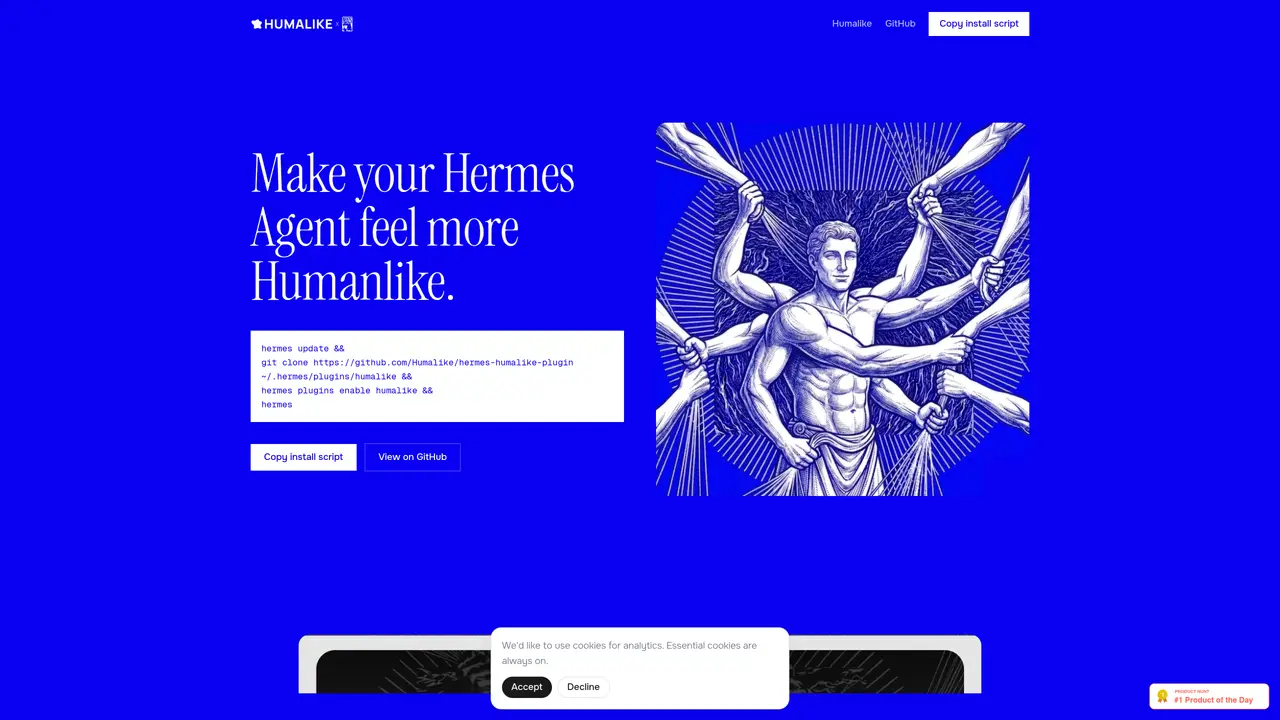
Hermes Plugin by Humalike is an open-source plugin designed to give Hermes Agent bots human-like social behavior across popular messaging platforms. It enables bots to participate in conversations naturally by incorporating turn-taking, so they know when to speak or remain silent. The plugin also supports persona generation, allowing users to create fully-voiced characters with distinct personalities. With theory of mind capabilities, the bot can anticipate how messages will be received and adjust its responses accordingly. Additionally, social learning lets the bot adapt to a group’s tone, slang, and conversational norms over time. It integrates seamlessly with Telegram, Slack, WhatsApp, and Discord through a single install command, making it easy to deploy across multiple platforms without complex setup. This tool is particularly useful for developers and teams building conversational AI agents that require realistic, context-aware interactions in social or collaborative environments.
The Hermes Plugin by Humalike is an open-source plugin designed to make AI agents behave more human-like in social interactions. It enables turn-taking, persona generation, theory of mind, and social learning to create realistic conversational experiences.
The plugin is suitable for developers and teams building conversational AI agents that require realistic, context-aware interactions in social or collaborative environments, such as AI gaming characters, coworkers, therapy agents, or community facilitators.
The plugin integrates seamlessly with Telegram, Slack, WhatsApp, and Discord through a single install command, allowing deployment across multiple platforms without complex setup.
Yes, the plugin includes social memory capabilities, allowing agents to remember people, their identities, and relevant details about them for more personalized interactions.
Humalike offers a simple, transparent pricing model where users pay only for the behavioral processing they use, with options for hobbyists, production applications, and large-scale deployments.
To get started, users can install the plugin via a provided script, clone the repository into the Hermes plugins directory, and enable the plugin using a single command. Documentation and community support are available for assistance.
We use essential cookies to run aitoolnavio™, and optional cookies to analyze traffic and measure our marketing. You choose what we use — optional cookies stay off unless you turn them on. See our Privacy Policy.
One short email a week: fresh tools worth trying, honest takes and the updates that actually matter. No spam, unsubscribe any time.
Generate captions, optimize content, and enhance with custom images for maximum engagement.
Build conversational forms, capture rich responses, and automate follow-ups with AI-powered surveys and workflows.
Automate code, research, and documents using agents.
AI-powered IDE for autonomous coding tasks and agentic development workflows
Source, match, and manage talent with predictive analytics for effortless recruiting.
Automate workflow, optimize operations, and detect potential issues with this efficient AI-driven solution.
Transforms thoughts into actions, enhancing productivity and efficiency.
AI Recruitment engine to hire top global talent
All-in-one team productivity platform combining chat, docs, video meetings, workflows, and AI tools in one place.
Personal assistant that coordinates tasks across apps and devices via text or call
AI automation and agent-building platform with 3,000+ app integrations
AI job search copilot that matches roles to skills, optimizes resumes for ATS, generates cover letters, and autofills applications with real-time insights.
Matched on what this tool does — grouped by the job you would be replacing.
matches Turn-taking for natural conversation flow · Persona generation for fully-voiced characters · Theory of mind to anticipate message reception
An AI chat platform for roleplaying, storytelling, and learning by chatting with millions of user-created AI characters.
Create custom AI chatbots for immersive roleplay, generate images or videos, and craft flexible story scenarios.
AI companion that lets users role-play conversations with lifelike virtual characters.
Instant answers, personalized recommendations, and persona switching.
matches Single-install integration with Telegram, Slack, WhatsApp, and Discord
No-code platform to build and deploy custom chatbots for Discord, Telegram, and Cici without coding skills.
Automate customer support and sales across webchat, WhatsApp, Messenger, Telegram, Slack and Discord with a single AI agent grounded in your content.
Automate personalized customer conversations, create engaging templates, and generate natural-sounding responses.