Generate captions, optimize content, and enhance with custom images for maximum engagement.
46M visits/mo-10%#3 Image & Design

Automates browser interactions for AI agents using vision-first detection and typed tool contracts.
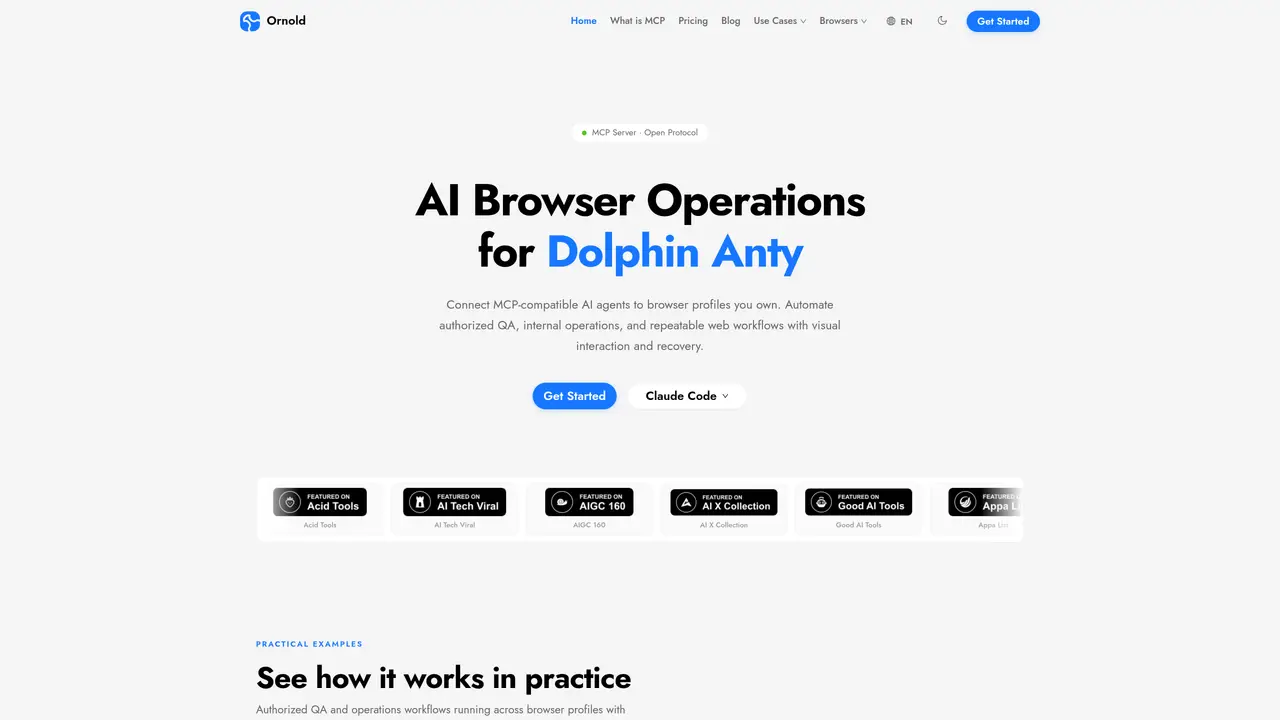
Ornold MCP is an MCP-compatible server that enables AI agents such as Claude Code, Codex, and Cursor to automate browser workflows across profiles owned or authorized by an organization. It exposes over 30 typed tool contracts for tasks like taking screenshots, analyzing page layouts with CLIP, detecting interactive elements via pixel-precise coordinates, and solving CAPTCHAs automatically. The tool emphasizes vision-based interaction, allowing AI agents to navigate dynamic web environments without brittle selectors by capturing screenshots and identifying UI elements through AI analysis. Ornold MCP supports parallel execution across multiple browser profiles, making it suitable for authorized QA, internal operations, and repeatable web workflows that demand high accuracy and adaptability. By integrating with the MCP ecosystem, it can combine browser automation with other tools like Slack, Google Sheets, or databases within a single agent-driven workflow. The server connects through supported APIs or Chrome DevTools Protocol (CDP) and restricts operations to approved profiles, ensuring compliance with organizational policies and security requirements. This approach simplifies complex browser automation by reducing the need for manual scripting while maintaining reliability in dynamic web environments.
Ornold MCP connects MCP-compatible AI agents to browser profiles owned or authorized by an organization, enabling automated, vision-based interactions for tasks like QA testing, data sync, and workflow automation without relying on fragile selectors.
It is designed for teams and organizations that need to automate browser workflows in authorized environments, such as QA teams, internal operations, and developers integrating AI agents with web interfaces.
Ornold MCP exposes structured tool contracts via the Model Context Protocol (MCP), allowing AI agents like Claude Code or Cursor to discover and use its browser automation tools without requiring custom plugins or integrations.
It supports browser profiles from platforms like Dolphin Anty, Octo Browser, and Linken Sphere, and can connect through Chrome DevTools Protocol (CDP) or supported APIs, operating only on profiles owned or authorized by the user.
Yes, Ornold MCP can be combined with other MCP servers in a single agent workflow, enabling browser automation alongside tools for messaging, spreadsheets, databases, and more within one orchestrated process.
To get started, connect Ornold MCP to an MCP-compatible AI agent, configure it to access your authorized browser profiles, and use the exposed tools to automate approved workflows such as QA testing or data synchronization.
We use essential cookies to run aitoolnavio™, and optional cookies to analyze traffic and measure our marketing. You choose what we use — optional cookies stay off unless you turn them on. See our Privacy Policy.
One short email a week: fresh tools worth trying, honest takes and the updates that actually matter. No spam, unsubscribe any time.
Generate captions, optimize content, and enhance with custom images for maximum engagement.
Build conversational forms, capture rich responses, and automate follow-ups with AI-powered surveys and workflows.
Automate code, research, and documents using agents.
AI-powered IDE for autonomous coding tasks and agentic development workflows
Source, match, and manage talent with predictive analytics for effortless recruiting.
Automate workflow, optimize operations, and detect potential issues with this efficient AI-driven solution.
Transforms thoughts into actions, enhancing productivity and efficiency.
AI Recruitment engine to hire top global talent
All-in-one team productivity platform combining chat, docs, video meetings, workflows, and AI tools in one place.
Personal assistant that coordinates tasks across apps and devices via text or call
AI automation and agent-building platform with 3,000+ app integrations
AI job search copilot that matches roles to skills, optimizes resumes for ATS, generates cover letters, and autofills applications with real-time insights.
Matched on what this tool does — grouped by the job you would be replacing.
matches MCP-compatible server for AI agent integration · Vision-first AI for screenshots and layout analysis · Pixel-precise detection of interactive elements
Browse sites, pull data, and finish workflows with TinyFish AI.
BrowserBase automates web workflows with secure, scalable browser instances for tasks like scraping and testing.
Nextbrowser is an AI-powered browser agent that automates web tasks like clicking, typing, and data extraction using plain-language instructions.
MCP server that connects Browserbase to Cursor, Claude Desktop, and Windsurf for web automation and scraping.