Generate captions, optimize content, and enhance with custom images for maximum engagement.
46M visits/mo-10%#3 Image & Design

AI assistant integration for live return tracking and automated actions in product returns management
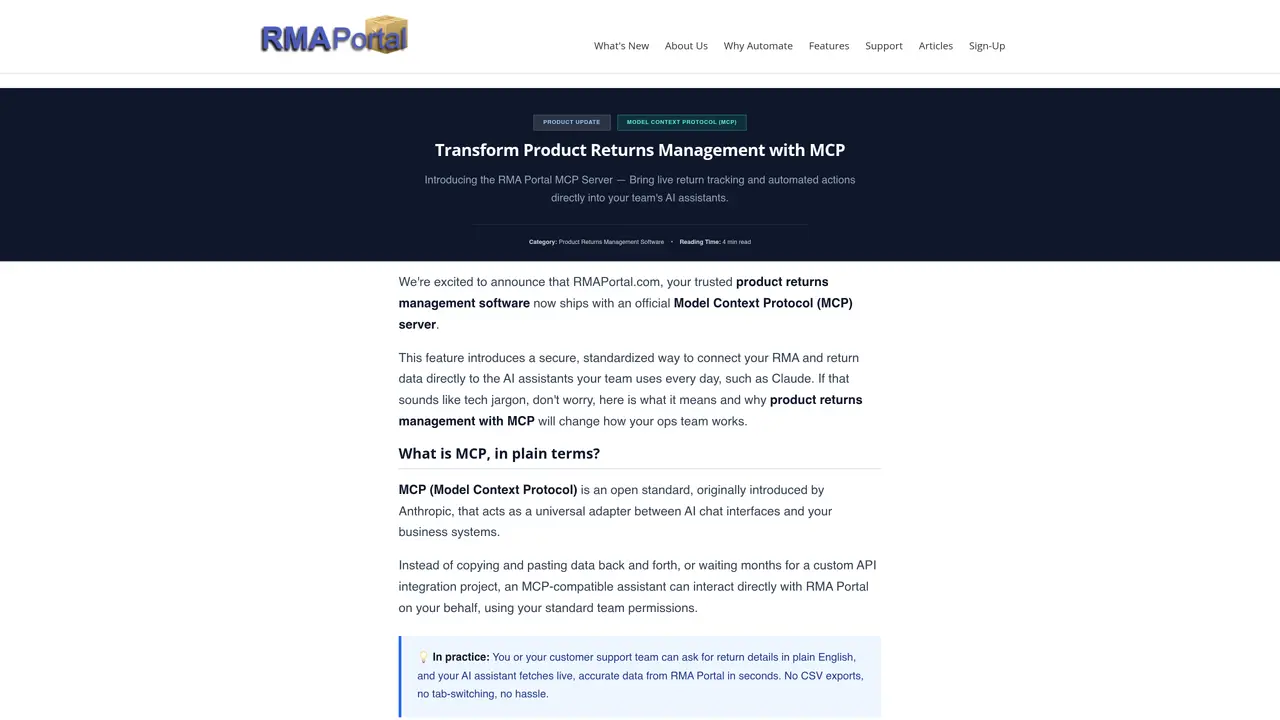
RMA Portal MCP Server connects product returns management software to AI assistants using the Model Context Protocol (MCP). It enables secure, standardized access to RMA and return data directly within AI chat interfaces such as Claude, ChatGPT, or Gemini. The tool is designed as a complementary feature to the existing RMA Portal dashboard, enhancing workflows by reducing manual lookups and context switching. It supports natural language queries for retrieving return details, approving requests, or pulling customer records without navigating admin menus. The MCP server operates under enterprise-grade security with OAuth authentication and scoped permissions. It is intended for operations teams, customer support, and managers handling high-volume returns, repairs, or warranty management. The integration eliminates the need for custom API development or brittle automation chains like Zapier.
MCP is an open standard introduced by Anthropic that acts as a universal adapter between AI chat interfaces and business systems like RMA Portal. It enables secure, standardized access to RMA and return data directly within AI assistants such as Claude, ChatGPT, or Gemini without requiring custom API development.
The MCP Server is designed for operations teams, customer support representatives, and managers who handle high-volume returns, repairs, or warranty management. It streamlines workflows by reducing manual lookups and context switching.
No, the MCP Server is a complementary tool that enhances the existing RMA Portal dashboard. It does not replace the web interface but instead brings live RMA data directly into AI chat interfaces for faster, more natural interactions.
The MCP Server operates under enterprise-grade security with OAuth authentication and scoped permissions. All access is fully authenticated and logged, ensuring secure interactions with RMA and return data.
Yes, the MCP Server is designed as an open standard, meaning it is not locked to a single vendor. It currently works with Claude and is expected to integrate seamlessly with ChatGPT and Gemini as broader MCP support rolls out.
To get started, add your RMA Portal MCP endpoint under the Settings > Connectors section in your AI assistant (e.g., Claude). Log in with your admin credentials to begin querying RMA data directly within your AI chat interface.
We use essential cookies to run aitoolnavio™, and optional cookies to analyze traffic and measure our marketing. You choose what we use — optional cookies stay off unless you turn them on. See our Privacy Policy.
One short email a week: fresh tools worth trying, honest takes and the updates that actually matter. No spam, unsubscribe any time.
Generate captions, optimize content, and enhance with custom images for maximum engagement.
Build conversational forms, capture rich responses, and automate follow-ups with AI-powered surveys and workflows.
Automate code, research, and documents using agents.
AI-powered IDE for autonomous coding tasks and agentic development workflows
Source, match, and manage talent with predictive analytics for effortless recruiting.
Automate workflow, optimize operations, and detect potential issues with this efficient AI-driven solution.
Transforms thoughts into actions, enhancing productivity and efficiency.
AI Recruitment engine to hire top global talent
All-in-one team productivity platform combining chat, docs, video meetings, workflows, and AI tools in one place.
Personal assistant that coordinates tasks across apps and devices via text or call
AI automation and agent-building platform with 3,000+ app integrations
AI job search copilot that matches roles to skills, optimizes resumes for ATS, generates cover letters, and autofills applications with real-time insights.
Matched on what this tool does — grouped by the job you would be replacing.
matches Live return tracking within AI chat interfaces · Natural language query support for RMAs · Automated return approvals and assignments
AI-powered customer service automation for quick responses, resource savings, and valuable customer insights.
AI voice agents and MCP platform for customer conversations and app integrations
Enterprise conversational AI platform automating workflows across systems
Automate customer service, create custom NLP-enabled bots, and integrate with existing systems for improved customer support.
matches Agentic workflow automation for support teams · No-code/low-code integrations with helpdesk and ticketing systems · Multi-platform deployment (Claude, ChatGPT, Gemini)
Automate security, IT runbooks into governed, AI workflows.
An AI agent that connects to company tools and data to automate workflows, answer business questions, and build internal apps directly in Slack.
Low-code platform to build and manage data pipelines for AI applications, connecting multiple sources and models.