
AI-powered tool for creating professional product descriptions, designing 3D avatars, and generating engaging product videos.
4.6M visits/mo+179.4%#23 Image & Design

Loyalty program builder for Shopify with points, referrals and VIP tiers
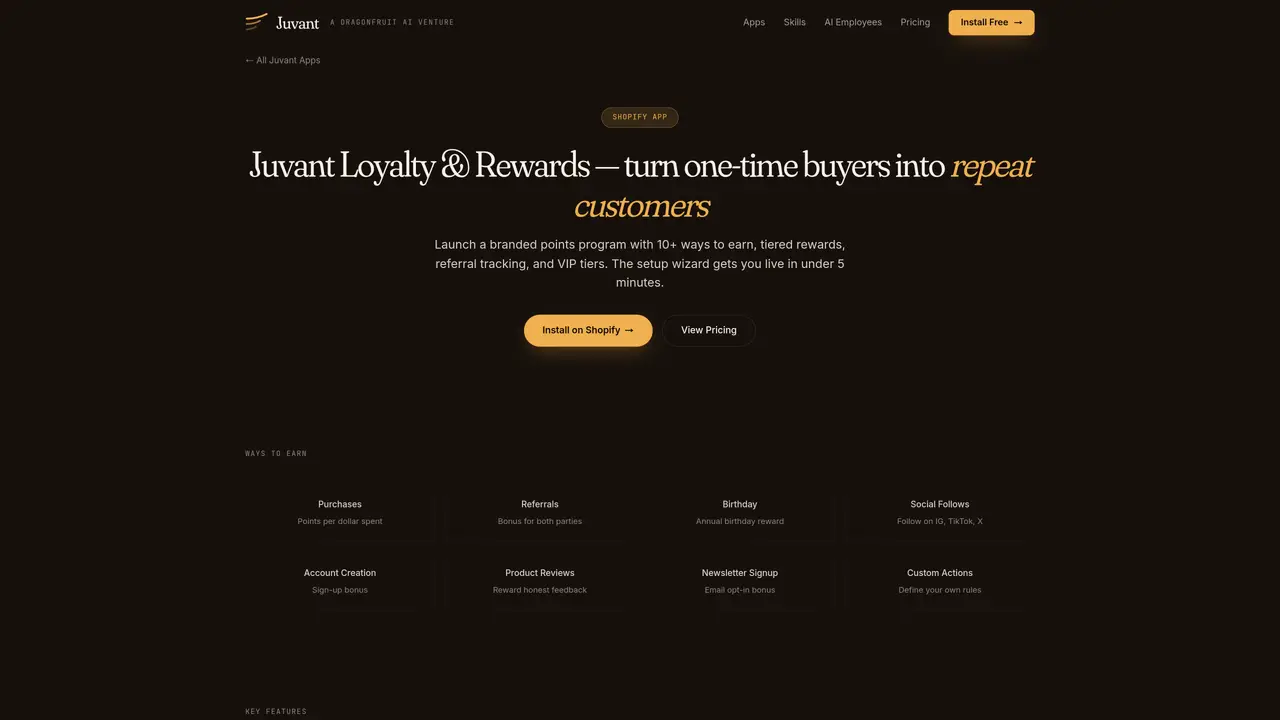
A Shopify app that enables merchants to launch branded loyalty programs with points, referrals, and VIP tiers. The tool provides over ten ways for customers to earn points, including purchases, referrals, birthdays, social follows, product reviews, and custom actions. Programs can be configured with tiered membership levels that offer point multipliers, with progression based on spend or points earned over defined periods. A setup wizard guides users through naming the program, setting earn rates, defining first rewards, and configuring tiers in five steps, allowing the program to go live once activated. The app includes a customizable on-site widget that matches store design, automated emails for welcome messages, expiry warnings, birthday rewards, and tier updates, and direct checkout redemption without coupon codes. Points can be adjusted manually with full audit trails, and existing customer data can be migrated from prior loyalty apps.
Use the Setup Wizard from the Program page to configure your program name, earn rate, first reward, and optional VIP tiers in five guided steps. Your program remains inactive until you activate it, allowing you to finalize settings before customers see it.
Check three things: (1) your program is set to Active on the Program page, (2) the Launcher widget is enabled under On-site Content > Widgets, and (3) the current page isn't excluded by your visibility rules. Use Auto-detect theme to match your store's design if styling appears off.
It depends on your Participants setting. Auto-enroll adds customers on their first purchase after activation, while explicit sign-up requires them to join through the widget. This setting can be changed anytime in Settings > Participants.
Yes. The support team will migrate your existing points balances and member data upon request. Contact them to handle the entire migration process.
Customers can redeem points through the widget's Ways to Redeem section, at checkout via the embedded redeem block, or from their customer account hub. Redemption generates a discount code applied to their order.
Yes. Open the member's Rewards tab and cancel the active redemption. The discount code is voided, and points are immediately returned to their balance.
We use essential cookies to run aitoolnavio™, and optional cookies to analyze traffic and measure our marketing. You choose what we use — optional cookies stay off unless you turn them on. See our Privacy Policy.
One short email a week: fresh tools worth trying, honest takes and the updates that actually matter. No spam, unsubscribe any time.
AI-powered tool for creating professional product descriptions, designing 3D avatars, and generating engaging product videos.
Generate high-quality images at fractional costs with WeShop AI's Creative AI Studio.
All-in-one suite for Amazon and Walmart sellers, offering product research, keyword optimization, and AI-powered advertising tools.
Creatify AI utilizes AI to extract product information and media from URLs, generating short video ads for streamlined advertising.
AI-powered platform for optimizing delivery routes, tracking shipments in real time, and managing driver operations to streamline last-mile logistics.
An AI video generation tool based on the soar2 large model, tailored for cross-border e-commerce practitioners.
AI-powered platform for Amazon sellers to research products, optimize listings, and automate growth workflows using real-time data and insights.
Wirestock automates stock photo distribution and metadata generation across multiple platforms.
Transform your eCommerce store with AI Fashion Models and AI Product Images.
AI-powered onsite engagement platform for marketers and e-commerce teams to build targeted popups, widgets, and nudges with no-code setup and analytics.
Enterprise headless commerce platform unifying products, pricing, and checkout with governed AI orchestration for B2C, B2B, and B2X operations.
AI platform that turns product photos into studio-quality images, lifestyle scenes, and video ads in seconds.
Matched on what this tool does — grouped by the job you would be replacing.
matches Loyalty program builder for Shopify with points, referrals and VIP tiers · 10+ ways to earn points · Tiered VIP membership levels
Builds store from chat, keeps testing.
AI-powered platform to automate loyalty programs, craft personalized rewards, and analyze customer behavior for businesses.
AI-designed Shopify upsell popups that match brand and lift revenue
AI product finder and conversational search for Shopify stores